




Teclast N30 Pro: budget the USB4 expansion before chasing an eGPU
Teclast N30 Pro pairs Core 3 304 with 12GB memory and USB4. Its expansion connection is useful, but an external graphics plan needs a complete cost and compatibility check.
Read moreASUS PA329CDV combines a 4K 120Hz QD-OLED panel with USB-C charging and Auto KVM. Compare colour work, laptop power and desk connections before treating overseas availability as an SA offer.
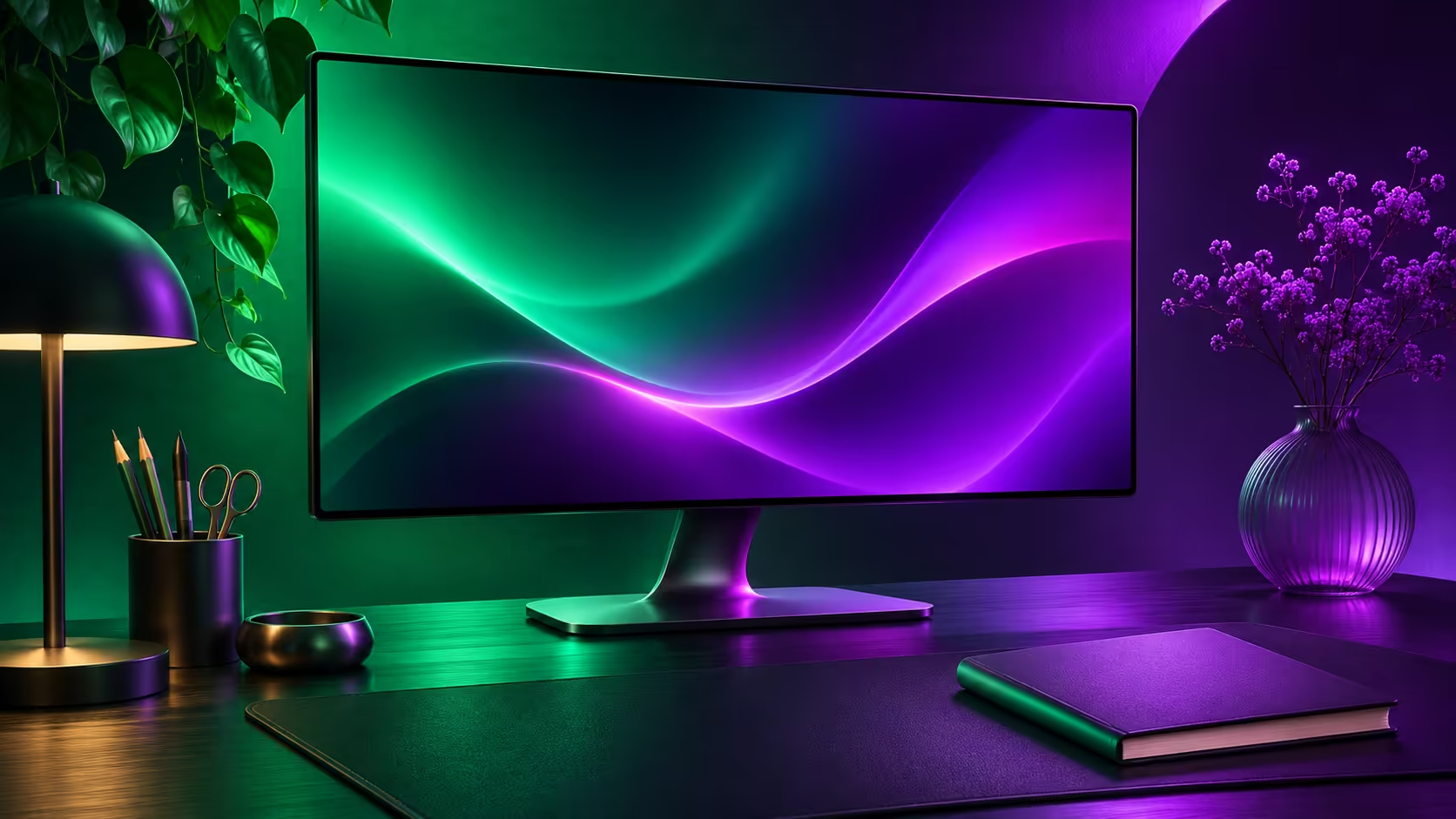
The ASUS PA329CDV moves from announcement interest to a practical buying question with fresh overseas availability coverage. Its appeal is a combination of colour-oriented OLED, smoother desktop motion and fewer desk cables. None of those features makes a monitor automatically right for every South African setup, especially when the laptop and two-computer arrangement remain undecided.
The PA329CDV is a 31.5-inch 4K 120Hz QD-OLED monitor with up to 96W USB-C power and Auto KVM. Start with an R0 audit of your video outputs and laptop charging requirement. November availability reporting is an overseas milestone after a June announcement, not a confirmed South African offer or price.
ASUS lists 99% DCI-P3 coverage and factory calibration with Delta E below 1.5. These are manufacturer specifications, not measurements of your individual unit in your room. Decide which colour space your work needs and how you will manage it in your applications before selecting a display mode.
The 1000-nit HDR headline has an important qualifier: ASUS specifies a small 3% screen area for that peak. A large bright document is a different image. Do not plan an entire office workflow around a peak measured under conditions which do not resemble it.
Take a familiar photo, spreadsheet and web page when assessing a screen. Compare readability, reflections and comfortable brightness at your usual viewing distance. A colour-focused monitor should earn its place in the tasks you perform, not only in a striking demonstration clip.
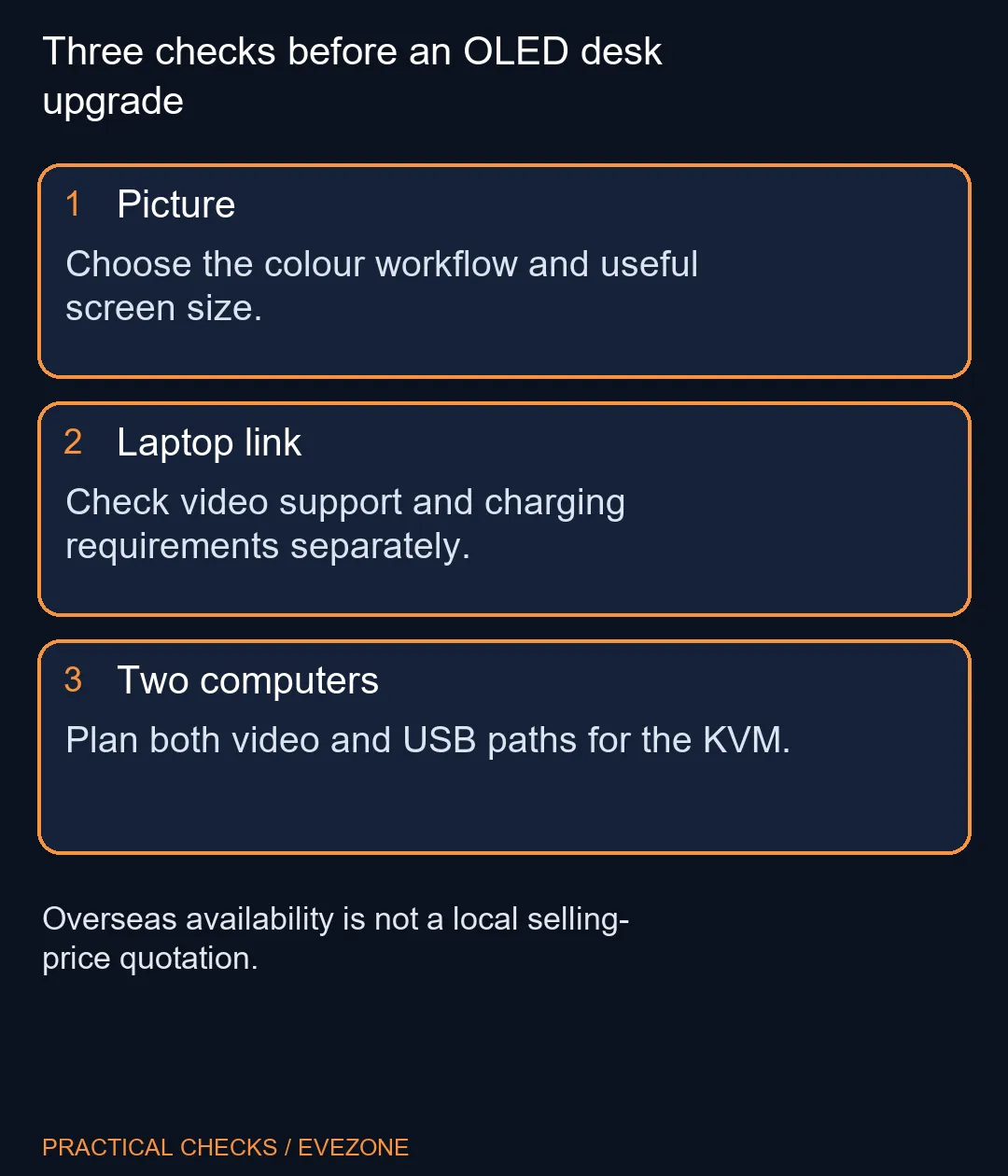
USB-C can combine display signal, USB data and charging, but the connected laptop must support the required functions. Write down its supported display output and power requirement. Up to 96W on the monitor does not establish that every high-performance laptop will replace its original charger under load.
For two computers, Auto KVM is a useful convenience only once both connection paths are planned. Decide which keyboard and mouse attach to the monitor, which computer uses each video input and how USB reaches each host. This removes the surprise of a working picture with a keyboard still controlling the other machine.
Use oled monitors to compare the OLED choices by connection and panel role. Keep cables and any required adapters in the total rather than comparing only the screen price. A simpler setup which already matches the computer can be more convenient than a feature-rich monitor requiring several extra parts.
A 4K 120Hz panel combines detail and motion, but the computer still has to provide the intended mode. Check the exact output, cable and operating-system setting. For games, frame rate depends on the system and workload; it is not established by the monitor's refresh specification.
Compare office monitors as well when the main job is static documents and browser windows. The decision should reflect the features you value: contrast, colour work, refresh rate, USB hub or two-machine switching. You do not need every feature to make a good purchase.
If your current display is already comfortable, wait for an exact local quotation and a clear connection plan. If it is limiting your work today, compare available models against the same checklist. The overseas availability story helps create that shortlist; it should not become an invented arrival promise or a Rand conversion presented as a retail price.
No. November 2 reporting concerns retail availability after a June announcement. Treat that as an availability milestone rather than a first reveal.
ASUS lists a 31.5-inch 3840x2160 QD-OLED panel at 120Hz. The 32-inch description is the marketed size class.
ASUS specifies up to 96W Power Delivery. Match your laptop charging and video requirements; the port shape alone cannot settle either question.
It lets a keyboard and mouse control two connected computers. Plan the required video and USB connections rather than expecting video alone to carry every peripheral.
No. ASUS qualifies its 1000-nit peak at a small 3% area. Do not read that peak as a promise for an entire white document.
It does not. Obtain a current local quotation for the exact model and compare the connection features you will actually use.
Choosing a screen for a mixed work desk? Compare Evetech OLED and office monitors by your computer outputs, charging needs and everyday screen use.
No. November 2 reporting concerns retail availability after a June announcement. Treat that as an availability milestone rather than a first reveal.
ASUS lists a 31.5-inch 3840x2160 QD-OLED panel at 120Hz. The 32-inch description is the marketed size class.
ASUS specifies up to 96W Power Delivery. Match your laptop charging and video requirements; the port shape alone cannot settle either question.
It lets a keyboard and mouse control two connected computers. Plan the required video and USB connections rather than expecting video alone to carry every peripheral.
No. ASUS qualifies its 1000-nit peak at a small 3% area. Do not read that peak as a promise for an entire white document.
It does not. Obtain a current local quotation for the exact model and compare the connection features you will actually use.
Teclast N30 Pro pairs Core 3 304 with 12GB memory and USB4. Its expansion connection is useful, but an external graphics plan needs a complete cost and compatibility check.
Read more
Zotac CI451 nano is a fanless barebone, so memory and storage belong in the budget. Check expansion, desk ventilation and your software before choosing a quiet mini PC.
Read more
Lenovo Xiaoxin Pro 27 adds a QHD screen to its China-market all-in-one configuration. Check the exact memory, storage and display role before comparing it with a modular desk.
Read more
BIOSTAR MS-U320 is a fanless industrial mini PC announced on October 29. Its Core 5 320, serial connections and expansion slots serve a different purpose from a conventional gaming desktop or ready-configured home PC.
Read more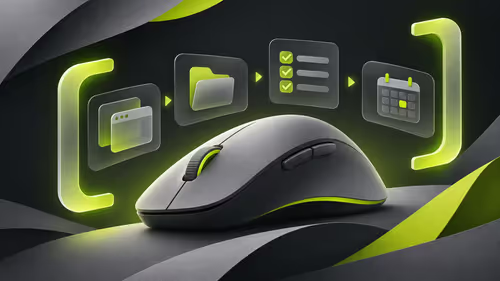
MX Master 4 Developer Edition changes the styling of the familiar mouse. New China coverage includes a regional software promotion, so separate the physical mouse, configurable shortcuts and locally confirmed services before buying.
Read more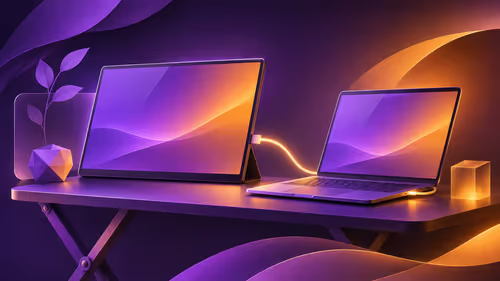
Teclast V16Q is a 16-inch 2560x1600 portable monitor. Its official table lists up to 144Hz through Type-C and up to 130Hz through HDMI, making the laptop output and cable part of the buying decision.
Read more
Firefox private browsing separates a temporary session from normal browsing history. It does not make you anonymous online, and files or bookmarks you deliberately save can remain after the last private window closes.
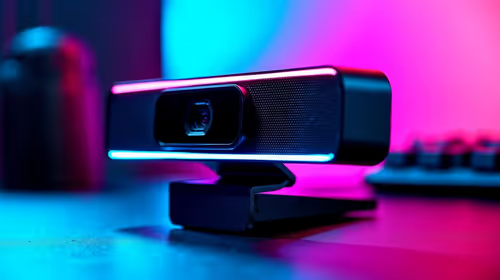
Where bryanston gamers buy a webcam that's needs careful context before choosing parts. Use this guide to compare options, trade-offs, platform fit, and upgrade timing for a South African gaming PC without relying on live stock, price, or benchmark promises.

RTX 5080 build low FPS after a GPU driver update needs a careful rollback path. Check drivers, firmware, cables, USB ports, overlays, and recent settings before replacing hardware in an SA gaming setup.

Cheapest 180Hz 1440p build for cinematic story games in SA helps SA readers plan hardware, settings, compatibility, and upgrade trade-offs. Check GPU, CPU, RAM, storage, monitor, and stability needs without risky performance claims.

Firefox can clear temporary page files without clearing cookies. Select the cached-files option carefully, then reload the affected page before changing unrelated browser settings.

Firefox PDF viewer opens documents in the browser and provides annotation and form tools. Check the PDF action, work on a saved copy and reopen the final file to confirm the information you entered survived before submitting an application or assignment.

Learn how to share WiFi password on iPhone using nearby Apple devices. Keep Wi-Fi and Bluetooth on, check contacts and the connected phone, then use Share Password; separate this process from sharing a mobile-data hotspot or changing a router password.

Firefox screenshot offers a selected region, visible-page capture and full-page capture. Choose the smallest useful area, copy or download the result, and inspect the saved image before sharing account details or assuming every part of a page was captured.

8000Hz and 1000Hz polling differ in competitive esports through input timing, CPU load, and consistency. SA players should test whether the higher rate improves aim feel without hurting frame pacing.
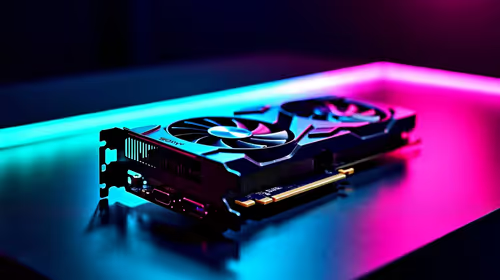
Better value alternatives to the RTX 4080 help SA esports buyers focus spend on frames, latency, and system balance. Weigh GPU tiers against your monitor, CPU, case cooling, and upgrade path before paying for unused power.

Hollow Knight R40,000 PC build planning starts with balanced parts. For SA gamers, compare CPU and GPU fit, RAM needs, SSD space, PSU headroom and cooling before buying.
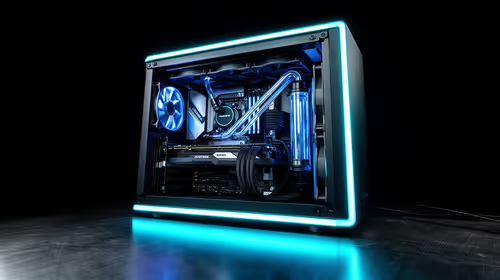
iRacing R80,000 builds should target smooth sim racing, not vanity specs. This recommended build for iRacing at R80 000 SA buyer's guide should weigh CPU strength, GPU headroom, triples or VR plans, cooling, and reliable peripherals.