Quick Answer
For competitive esports, 8000Hz polling offers a fractional input-timing edge only worthwhile on a high-end CPU and a 360Hz monitor; otherwise 1000Hz is the proven standard most pros use. The latency gap is under a millisecond. An 8000Hz competitive mouse at Evetech starts near R1,500, while top 1000Hz esports mice begin around R600.
Input Timing at 8000Hz vs 1000Hz
In esports, input timing is sacred, and 8000Hz polling does deliver smoother, more frequent position reports, every 0.125ms versus 1ms. The catch is that the real latency improvement is fractional and only perceptible to some players on the fastest displays. More importantly, 8000Hz polling taxes your CPU eight times harder, and in a CPU-bound shooter that can cost frames, which hurts more than the polling gain helps. Many top professionals still compete at 1000Hz because it is consistent, low-overhead, and effectively indistinguishable in outcomes.
Esports Setup That Actually Helps
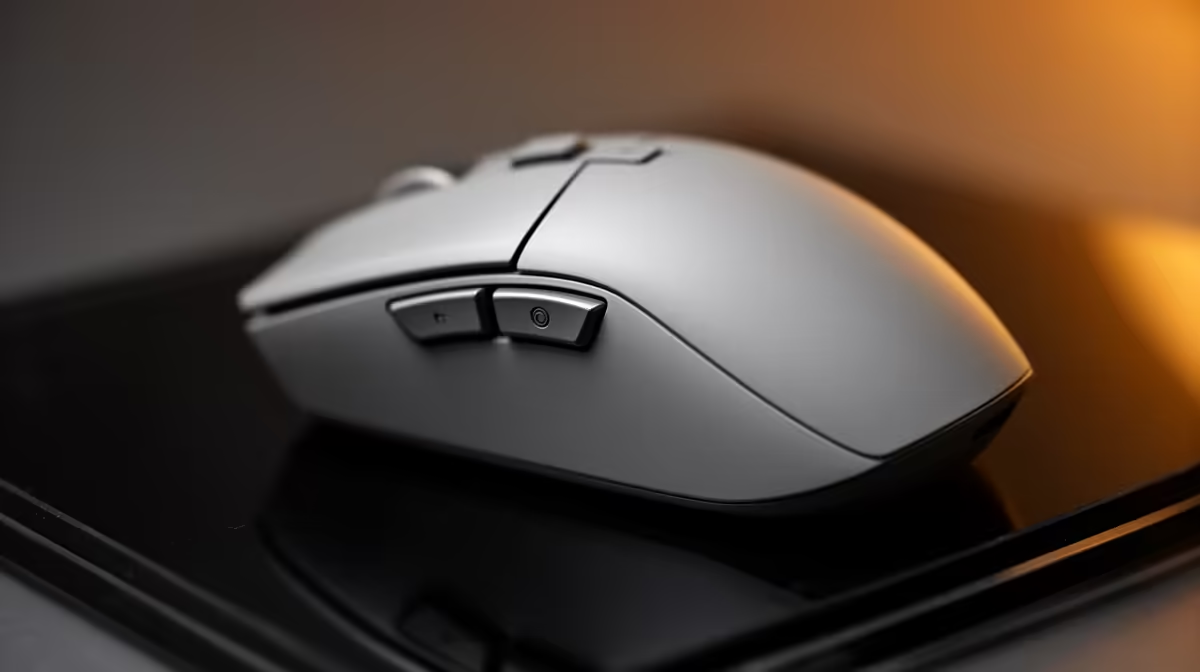
Prioritise a 240Hz or 360Hz monitor and a strong CPU before chasing polling rate, since refresh and stable frame times define your reaction window. If you run a high-end build with CPU headroom and a 360Hz panel, 8000Hz can be a refined finishing touch. On a mid-range esports rig, set 1000Hz and keep your frames high and stable instead. Use a wired or premium low-latency wireless mouse, a quality mousepad, and a consistent sensitivity. The polling number is a small detail in a much larger competitive chain.
What SA Competitors Should Run
If you grind ranked on a top-tier build with a 360Hz display and a Ryzen 7 9800X3D-class CPU, try 8000Hz and keep it only if your frame rate stays high. If you are on a more typical esports setup, 1000Hz is the smart, no-compromise choice that the majority of pros trust. Spend your upgrade budget on a faster monitor or better CPU, both of which move the needle far more than polling rate.
FAQ
Do pro esports players use 8000Hz polling?
Some do on high-end rigs, but many still compete at 1000Hz because it is consistent and adds no CPU overhead. The competitive consensus is that polling rate is a minor factor next to refresh rate and skill.
Can 8000Hz polling lower my fps in shooters?
Yes, in CPU-bound competitive shooters the eight-times-higher report rate adds CPU load that can cost frames. On a strong CPU the impact is small; on a mid-range one, 1000Hz protects your frame rate.
What matters more than polling for esports?
Monitor refresh and stable frame times, by far. Moving to a 240Hz or 360Hz panel and keeping high 1% lows widens your reaction window far more than any polling-rate change between 1000Hz and 8000Hz.
Pro Tip
Lock in a 360Hz monitor and high frame rate first; only enable 8000Hz polling if your CPU keeps frames stable, otherwise 1000Hz is the safer competitive pick.