Quick Answer
Bryanston gamers buy webcams from Evetech with Northern Suburbs delivery in 1–2 business days. A 1080p/30fps USB webcam starts from R850; 1080p/60fps streaming-grade models with autofocus run R1,500–R2,500.
What Webcam Tier Suits Bryanston Gaming Setups
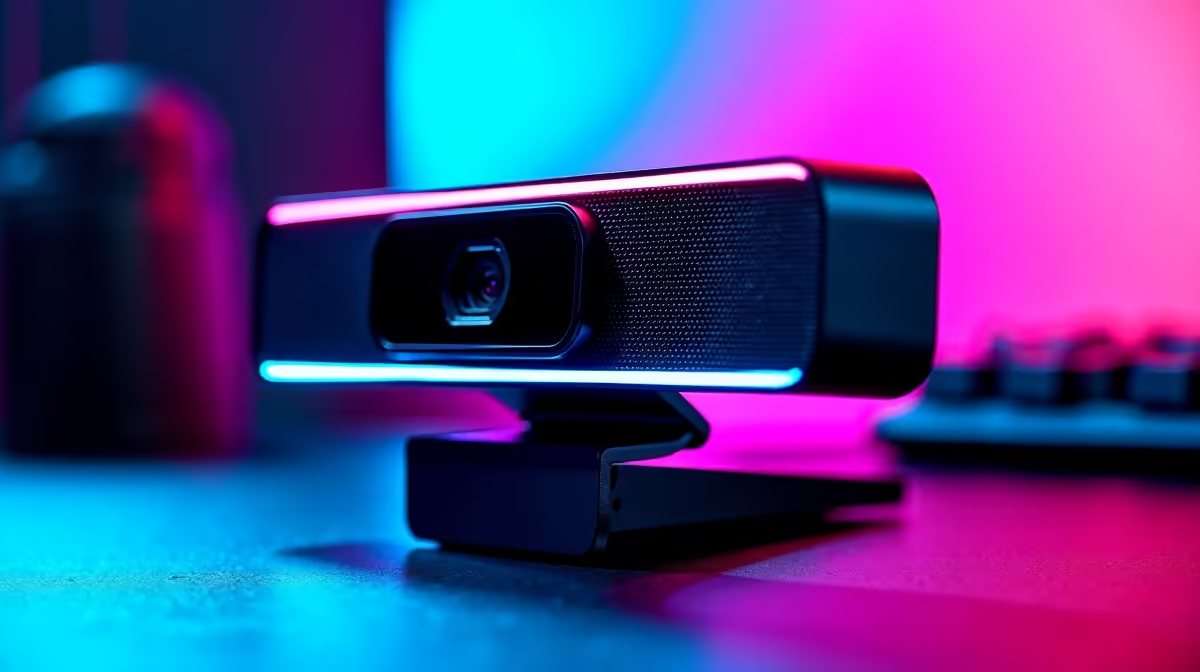
For video calls (Teams, Google Meet, Zoom): a fixed-focus 1080p model at R850–R1,200 is more than sufficient for professional remote work from a Bryanston home office. For game streaming and content creation: a 1080p/60fps autofocus webcam at R1,500–R2,000 is the practical minimum — the 60fps face-cam is noticeably smoother than 30fps during fast gameplay. For professional studio-quality streaming: 4K webcams at R3,200–R4,000 deliver zoom-and-crop flexibility and sharp detail on larger screens.
Autofocus vs. Fixed Focus
Fixed-focus webcams are sharper at a set distance (typically 50–80 cm) — ideal if you sit at a consistent distance from the camera. They're cheaper and work well for static desk setups. Autofocus webcams continuously adjust for face tracking — useful if you lean back during streams, stand occasionally, or use the camera in different positions. For streaming setups where movement is involved, autofocus is worth the R300–R500 premium.
Lighting Is the Bigger Variable
Bryanston homes with north-facing offices get good natural light in winter — position your desk facing the window and a basic R200 ring light handles evening sessions. South-facing or basement gaming rooms need dedicated lighting regardless of webcam quality. A budget ring light improves any R900 webcam's output more than upgrading to a R2,500 webcam without adding light.
FAQ
What webcam is best for streaming from Bryanston?
A 1080p/60fps autofocus USB webcam at R1,500–R2,000 is the optimal streaming buy for most Bryanston setups — smooth face-cam, good low-light handling, and plug-and-play OBS compatibility. 4K is only justified if you stream at 4K resolution or crop frequently.
Does webcam quality affect how I look on Microsoft Teams calls?
Yes — Teams and Zoom compress video, but starting with a 1080p input produces noticeably clearer output than 720p. The difference is most visible in well-lit rooms where Teams can decode the higher resolution without artefacts. A R900–R1,200 1080p webcam is a clear upgrade from most laptop built-ins.
Will my webcam work with both OBS and Windows Hello?
Most standard USB webcams work as OBS video capture sources immediately. Windows Hello facial recognition requires an IR (infrared) camera — separate from a standard RGB webcam. Webcams marketed for Windows Hello include an IR sensor; standard streaming webcams do not support Hello facial recognition.
Webcam Tip
Mount your webcam at eye level, not above the monitor — looking slightly up at a camera is the most flattering and natural angle for video calls and streaming. A small monitor stand or box under the webcam achieves this without buying a dedicated arm.