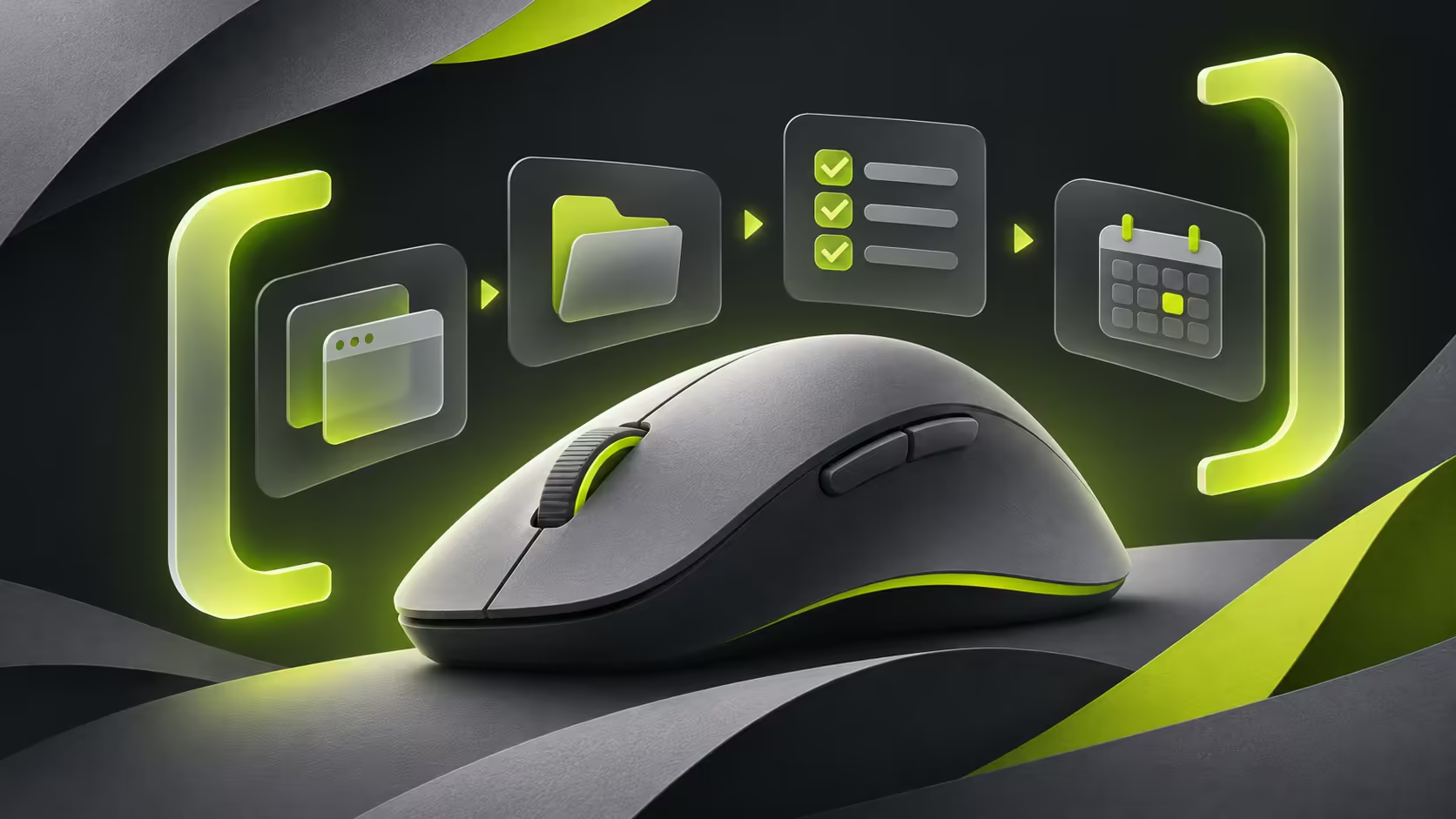
A mouse decorated with programming references is still something your hand must use all day. MX Master 4 Developer Edition keeps the established mouse features while changing the visual treatment. The new China coverage adds another complication: a software promotion described for one market should not become an assumed benefit for a South African purchase.
Quick Answer
Choose this edition for its physical design and verified MX Master 4 features. Logitech's global blog dates from October 27; November 1 reporting follows the October 30-31 China event. Checking software compatibility and regional terms costs R0. No South African price or local WorkBuddy entitlement has been verified for this guide.
🖱 Identify what is actually different
The special edition uses developer-inspired markings and a contrasting finish. Logitech's announcement describes the familiar haptic feedback, Actions Ring shortcuts and MagSpeed scrolling rather than an entirely new sensor or hardware generation. Treat the appearance as the distinguishing feature unless a precise specification establishes another change.
That matters if you already own the ordinary MX Master 4. A fresh colour scheme is not evidence that your current mouse has become slower or less capable. Decide whether the new appearance is worth paying for on its own merits instead of interpreting a regional relaunch as a required performance upgrade.
There is also no reason to turn the design's developer references into a profession-only recommendation. The practical questions are whether you like the shape, use the extra controls and need the supported workflow functions. Those apply to creators, gamers doing everyday work and anyone who spends time navigating long pages.
🧠 Put the software claim through a local check
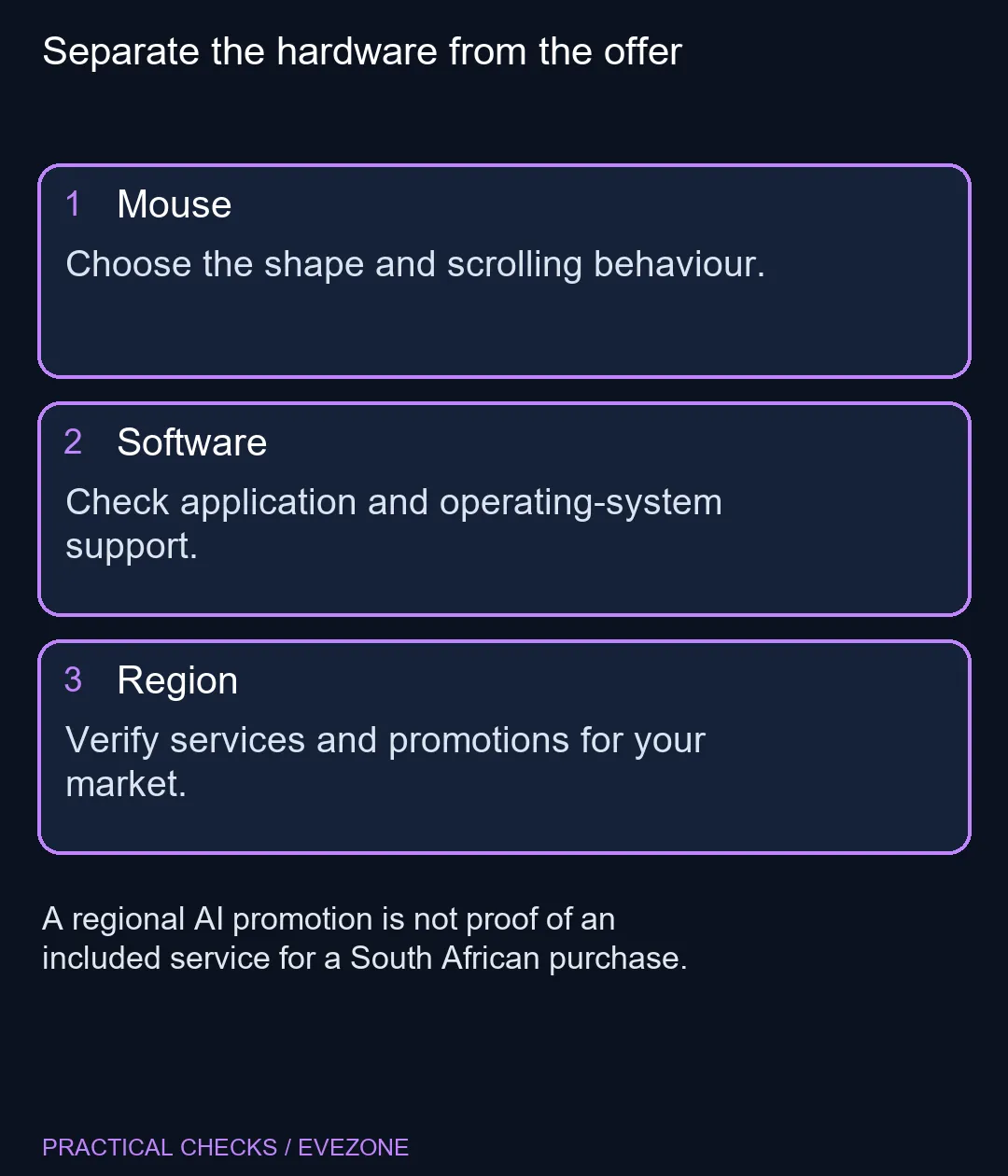
The China report describes WorkBuddy integration through a Logi Options+ plugin, with promotional points. It explicitly leaves availability in other markets unconfirmed. Do not assign a Rand value to that offer when comparing a South African purchase.
Check the operating system, supported applications and exact shortcut actions you plan to use. A configurable button can be valuable even when a promoted service is irrelevant, but the service and the physical button are different items. Make the decision on functions you can actually access.
🤲 Choose comfort before a shortcut catalogue
Reach to the thumb controls, the desk surface and your preferred grip should guide the physical choice. A long feature list does not establish comfort for a particular hand. If you are moving from a smaller or differently shaped mouse, consider that adjustment separately from the software setup.
Likewise, haptic feedback is a feature to assess rather than a promise of improved productivity. Start with one useful action, such as a task you repeat often, instead of assigning many unfamiliar macros at once. Keep ordinary navigation predictable while learning the extra controls.
💵 Compare the exact model and included offer
At Evetech on November 2, the mouse category included a Marvo MS003 BK wired mouse at R59, shown in stock when captured. It is a basic, different product. The figure gives a local category reference and must not be presented as the price of the premium wireless edition.
Review all mouse for the full selection and wireless mouse when wireless operation is a requirement. Compare the exact model name, connection arrangements and supported controls. Keep any promotional software separate until the seller confirms it for the region and configuration you are buying.
If the ordinary mouse already solves your workflow, there is no need to hurry because another market received a special listing. If the styling is the attraction, wait for a clear local quote. A considered purchase can value appearance honestly without inventing an included AI service or a new hardware advantage.
Frequently Asked Questions
Is Developer Edition a new hardware generation?
The introduction retains the existing MX Master 4 features with developer-themed styling. It should not be treated as a new generation.
When was it first announced globally?
The Logitech blog is dated October 27. November 1 reporting concerns the later China event and listing.
Does the China promotion apply in South Africa?
That has not been established. The coverage does not confirm the WorkBuddy promotion in other markets.
What does Actions Ring do?
Logitech describes configurable shortcuts and macros. Check the supported software and the actions you need on your own computer.
Does a haptic panel prove a better grip?
No. Haptic feedback and physical comfort are different concerns. Judge the shape, reach and desk use separately.
Can I use the local R59 mouse figure as its price?
No. That is a separate wired category example, not the Developer Edition or a feature-equivalent alternative.
Looking for a daily-use mouse?
Compare the grip, connection and supported controls across Evetech mouse listings, then decide whether a special finish adds value for you.