A keyboard appearing in a browser control panel is an encouraging first step, but it is not the same as a setting being read and applied correctly. OpenMouse keyboard support is growing beyond the project's mouse roots. For a South African gamer, the practical question is whether the exact board and firmware have a useful, tested path through this beta.
Quick Answer
Check the keyboard-protocol support entry for your model and separate implemented features from physical-device verification. Keep your existing working profile while testing. These checks cost R0; the beta's existence is not a reason to buy a different keyboard or assume a paid replacement is necessary.
⌨ Understand what the beta actually adds
October 30 coverage describes the keyboard expansion, including advanced controls on supported devices. The primary protocol documentation is more precise than a broad compatibility headline: exported protocol code does not claim that every keyboard from a brand works. It also distinguishes known hardware captures from features implemented using public or vendor protocol information.
That distinction matters when comparing all keyboards. Normal typing uses one path; changing actuation, lighting or onboard profiles can use another. A keyboard may be a perfectly good input device while an experimental configuration tool cannot map all its controls. Avoid turning an incomplete software integration into a diagnosis that the hardware is defective.
🔎 Match the board before touching a slider
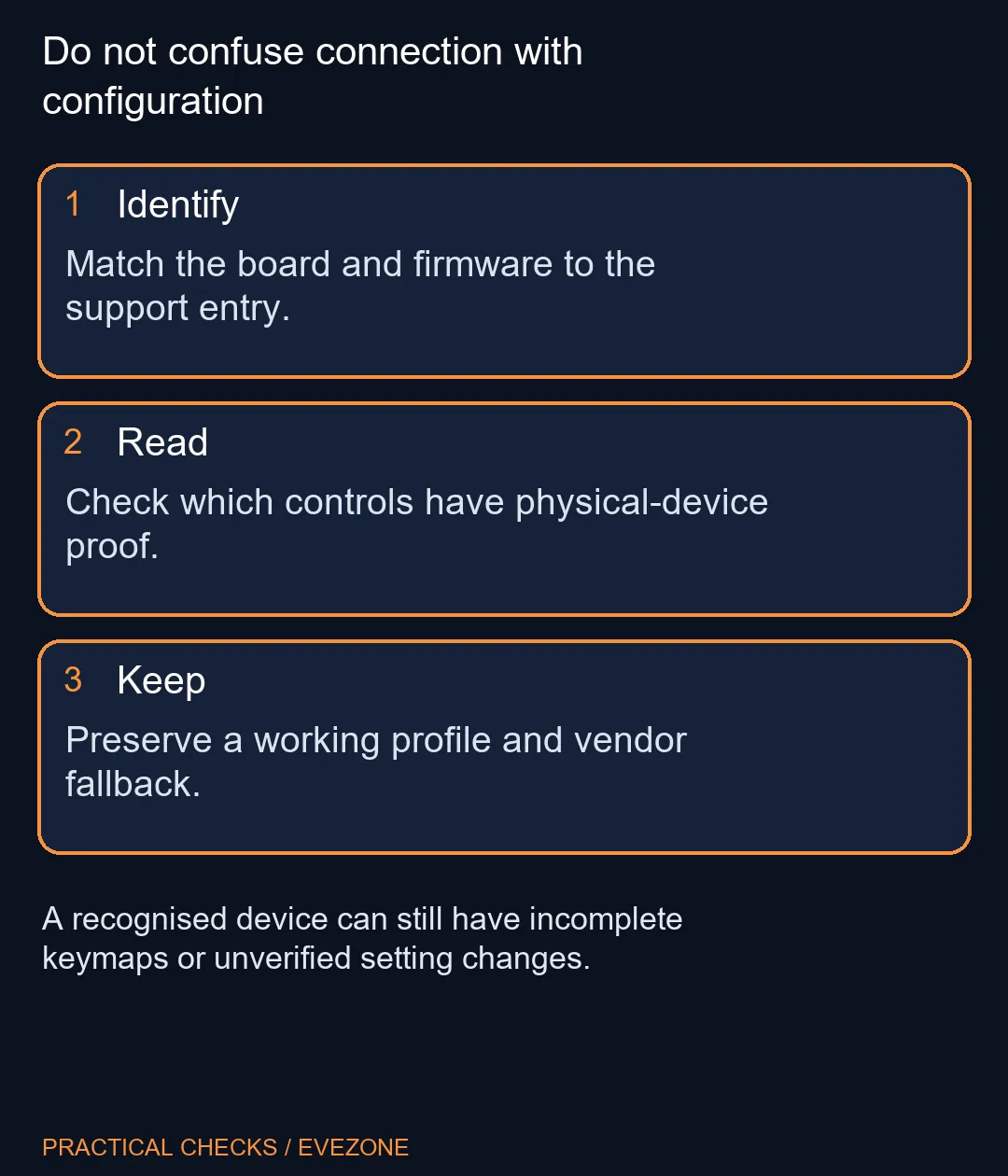
Find the exact model and firmware version. Then inspect the relevant support entry, including the limitations and tested functions. The current primary README says the Razer, Logitech and SteelSeries implementations were not exercised on physical hardware through this package, and their catalogue entries remain unverified. That is a material boundary, not a cosmetic label.
Other families have different evidence. The documented BABAO60 HE tests establish specific controls on a specific firmware, while the Wooting section separates previous captures from remaining validation. Do not transfer success from one board to another merely because both have magnetic switches. A change that is safe and understood on your device is more useful than a long feature list for a different one.
🛠 Keep an easy route back to a working setup
Before experimenting, note the settings you rely on and preserve any profile using the method supported by your existing tool. Start with reading identity and settings rather than attempting a broad rewrite. If a keymap is missing or the wrong layout appears, stop applying changes. Connection alone cannot tell you that a write will target the intended control.
Use a nonessential test period instead of making the first experiment immediately before a match or assessment. Check ordinary typing, the Windows key and any essential shortcuts after a change. Keep the software comparison focused: changing firmware, browser, connection mode and actuation together makes it much harder to tell what caused an unexpected result.
🎮 Buy for the keyboard, not a future integration
Rapid Trigger and adjustable actuation depend on appropriate hardware. A third-party application does not give a conventional switch a magnetic sensor, nor does it guarantee that every advertised feature can be configured without the manufacturer's software. Read the requirements of the feature you actually need before attaching value to it.
The useful promise of a common interface is less configuration clutter. The beta still has to earn that convenience on each device. Compare keyboard best sellers on layout, connection and supported controls today, then treat broader software integration as an evolving benefit. Keeping a dependable keyboard while the support matures can be a better decision than replacing hardware to chase an unfinished settings screen.
Frequently Asked Questions
Does a listed brand mean every keyboard works?
No. An implemented protocol is not proof that every model or firmware version has been physically tested.
What does verified false mean?
The entry lacks physical-device validation through the package. Treat it as experimental support, not a complete compatibility promise.
Should I uninstall the working vendor tool first?
Keep a working configuration and recovery route while checking experimental support. Do not change several configuration systems at once.
Are ordinary typing and configuration the same?
No. A keyboard can type normally while its configuration interface, keymap or setting controls are unsupported.
Does Rapid Trigger support add magnetic switches?
No. Software cannot add a sensing mechanism that the keyboard hardware lacks.
Is buying another keyboard the first troubleshooting step?
No. Start with R0 identification and support checks. A missing configuration control alone does not establish failed switches.
Ready to choose a dependable keyboard setup?
Compare Evetech keyboards by layout, switches and the configuration features that work on your chosen model.