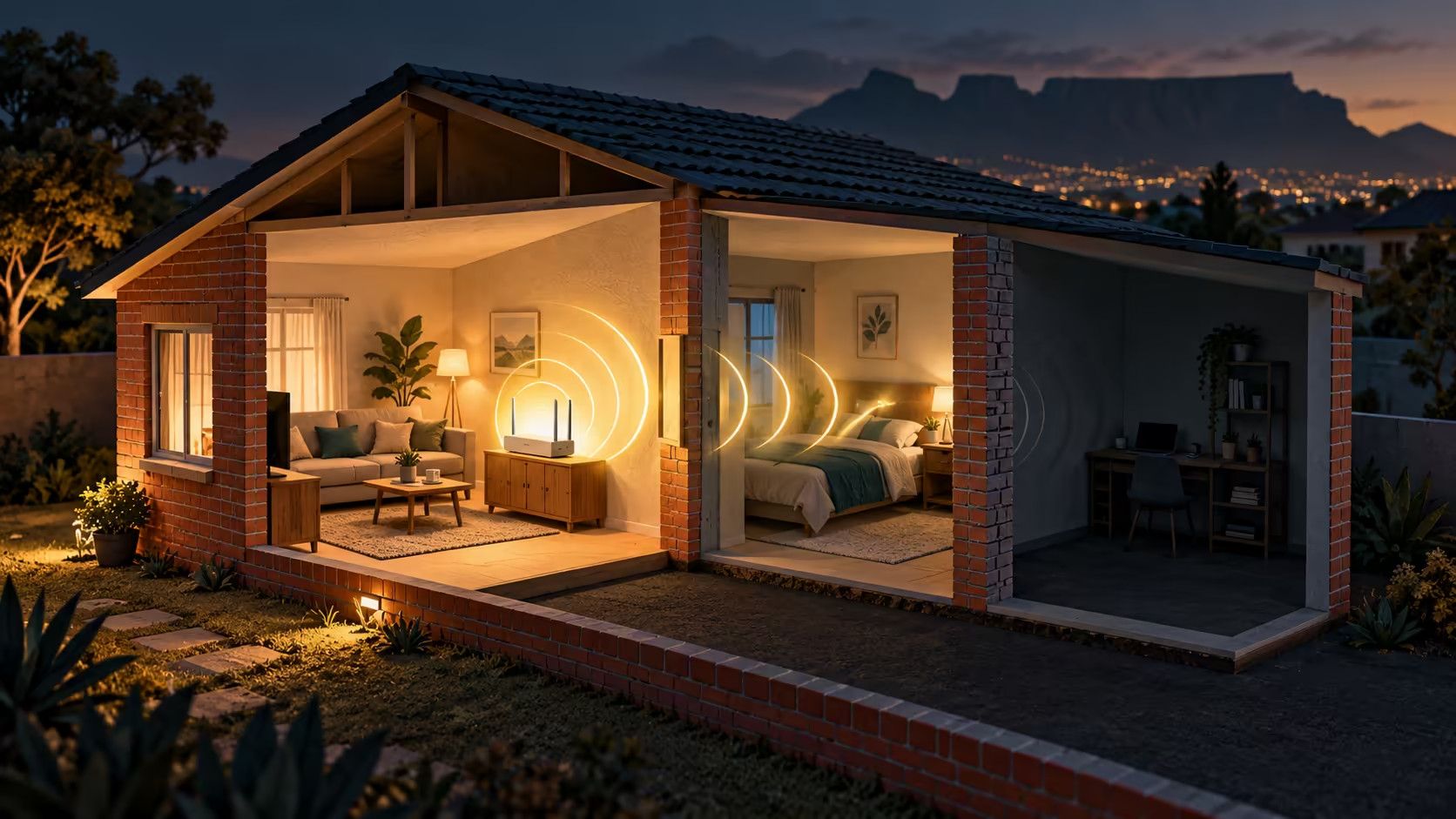
A reliable connection in the back room is more useful than a large speed figure measured beside a router. WavKong V2700 is back in the news with an October 30 manufacturer update focused on signal quality. The sensible buying response is to examine that claim alongside the setup guide, your walls and the network role you actually need.
Quick Answer
Test your present connection near the router and in the difficult room before choosing V2700 or another replacement. Its coverage claims need real-home confirmation, and the setup guide still describes Mesh as under development. Begin with R0 placement and comparison tests; no verified South African V2700 price is established here.
📡 Read the update as a claim to test
V2700 was introduced before this week. The fresh October 30 release puts its signal-first approach back in focus rather than establishing a brand-new hardware launch. The company describes Radio Processing Unit technology intended to improve useful wireless performance across rooms. That is the manufacturer's position, not a measured result for your house.
For a household comparing networking, the question is where the current connection fails. A laptop that works well beside the router but struggles beyond two walls suggests a different investigation from every device being slow beside the router. Do not spend against a coverage claim until you have separated those situations.
🏠 Build a small room-by-room baseline
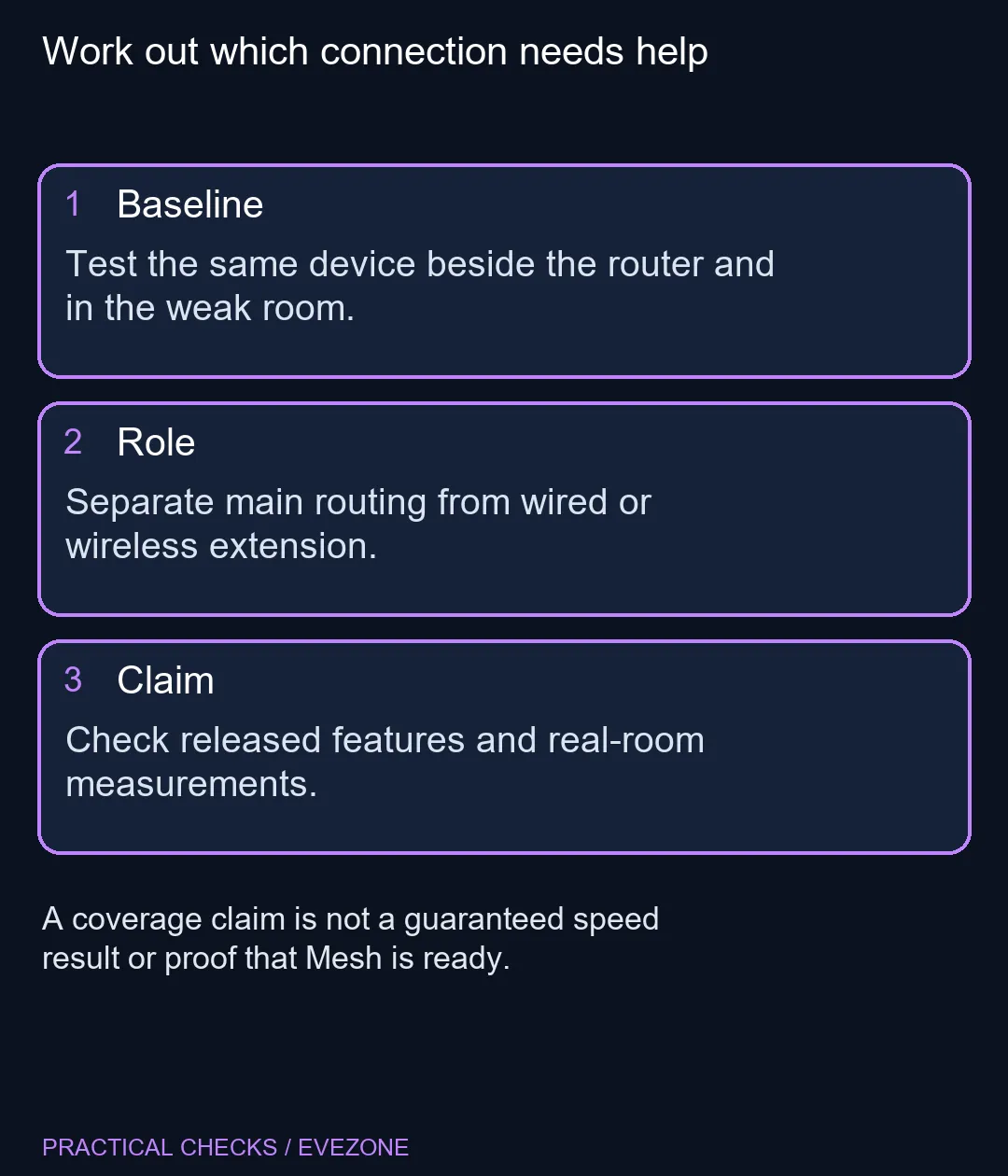
Use the same device, the same application and similar conditions for the comparison. Note the room, approximate distance and whether the device is on the expected wireless band. Repeat the task near the router and in the usual weak spot. A consistent pattern is more useful than one unusually good or bad speed test.
Try a more open router position when practical, without stretching or damaging cables. Heavy walls, metal obstructions and crowded placement can change the wireless path. These checks do not guarantee that existing equipment will cover the whole home; they help you identify what a replacement would need to improve. Keep a record so the eventual purchase can be judged against something concrete.
🔗 Choose routing or extension deliberately
The current guide lists several operating roles. Router mode handles routing and Wi-Fi as the main device. Wired Bridge and wireless AP+Client extension serve a different purpose when a primary router already exists. The guide notes that wireless backhaul can use resources that would otherwise serve connected clients. An extra box is therefore not automatically an extra full-speed link.
Mesh requires particular care. The guide explicitly says networking between V2700 units is under development, while another answer discusses the intended same-model scope. Read those together conservatively: an intended capability should not be treated as a released and verified feature. Choose from functions available for the configuration you can actually buy and use.
🧭 Compare the complete home network
A router cannot increase the contracted speed of the internet service. Wireless coverage, the upstream connection and the device's own radio all contribute to the experience. If one application alone is slow, compare another task before attributing the problem to the router. If a wired device has the same trouble, the wireless link may not be the main constraint.
When browsing wireless routers, include the likely location, Ethernet options and devices that need a dependable connection. A wired path to a second access point may suit one home; a different layout may need another approach. The valuable purchase is the one that addresses your measured weak point with released features, rather than the one with the boldest room-count illustration.
Frequently Asked Questions
Is this a newly invented router announced on October 30?
No. V2700 was introduced earlier. October 30 brought a signal-first manufacturer update, not its first unveiling.
Does one router guarantee every room will be fast?
No. Walls, placement, clients and interference affect the result. Compare the same device in the rooms that matter.
Is Mesh confirmed ready in the setup guide?
No. The guide says Mesh between V2700 units is under development. Do not buy against that future feature alone.
Are Bridge and wireless extension identical?
No. The guide distinguishes wired Bridge from AP+Client wireless extension, where backhaul can consume wireless resources.
Is a stronger wireless link a faster fibre package?
No. Local wireless performance and the internet service are separate parts of the connection.
Can I begin without buying a router?
Yes. A R0 near-router and weak-room comparison helps identify whether Wi-Fi placement or another part of the connection needs work.
Ready to improve the room that struggles?
Explore Evetech networking options with your baseline tests and connection plan beside you.