A compact desktop should remove clutter without creating a new list of adapters and software workarounds. TUXEDO Nano Pro Gen15 puts that trade-off in focus: an Intel-based mini PC with Linux support, upgradeable capacity and several useful ports. Its October 30 introduction deserves a configuration check, especially if your current machine already performs the essential jobs.
Quick Answer
Choose Nano Pro Gen15 around the software you run, the memory actually fitted and the ports your desk needs. Its stated 128GB maximum is not every configuration. The R0 first step is an application and connection checklist; no verified South African Nano Pro quotation is supplied here.
🧩 Start with the operating system
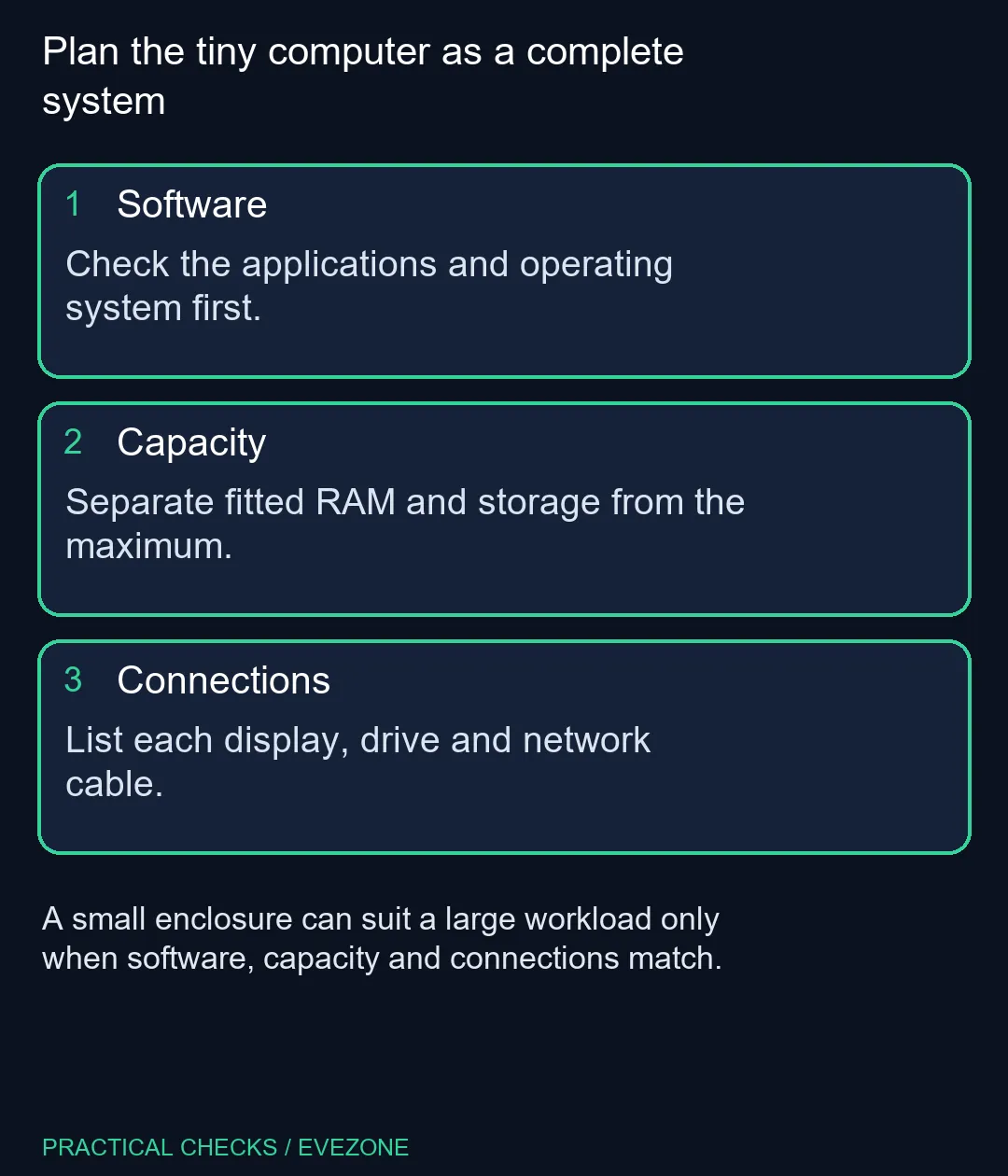
The manufacturer offers its own Linux distribution or Ubuntu, and lists Windows as an option. That choice affects more than the desktop appearance. Check the programs you use for study, creative work and games, including any required plug-ins, peripherals or anti-cheat components. A powerful processor does not make unsupported software compatible by itself.
Write down the tasks that must work on day one. Separate a native application from a browser service and from a tool that would require a workaround. If a specialist program is indispensable, verify its operating-system requirements before deciding on the box. Compare the wider mini pcs category around those requirements rather than assuming all small PCs offer the same software experience.
🧠 Read fitted capacity separately from limits
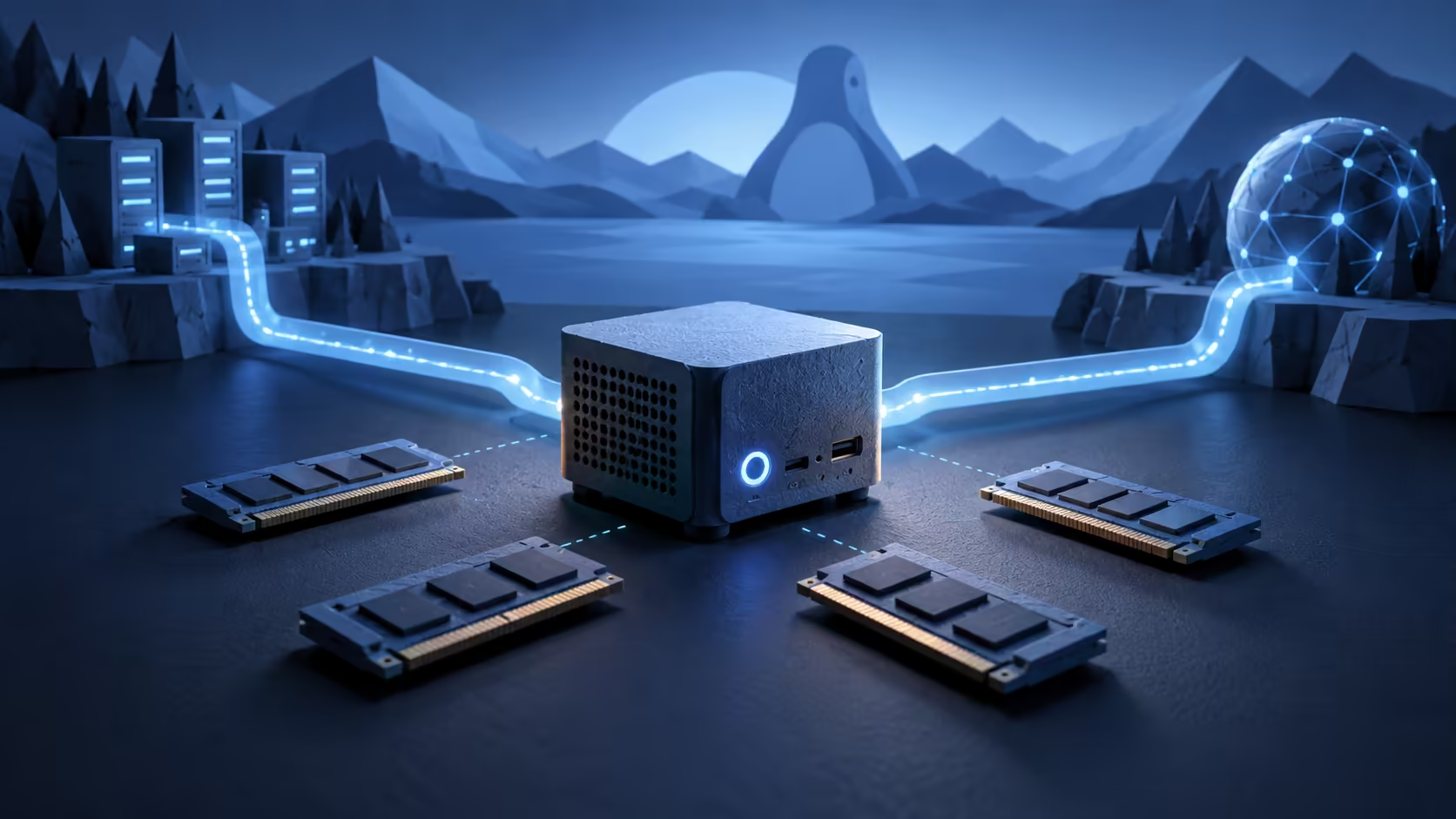
The official platform lists an Intel Core Ultra X7 358H and integrated Arc graphics, plus two memory and two storage positions. It supports up to 128GB RAM. Those are useful planning facts, but a maximum is a boundary, not a promise about the unit being purchased. Record the installed RAM, drive capacity and operating system in the final configuration.
For a workload involving local AI models, the model's memory needs and supported software path matter as much as a headline capacity. Shared system memory should not be described as identical to dedicated graphics-card memory. Nor does a large possible RAM total establish a particular model's response speed. Decide what you need to run and how long you can reasonably wait for it.
🔗 Draw the cable plan before clearing the desk
The manufacturer lists two 2.5Gbit/s network ports and support for multiple displays. Work backwards from your equipment: monitor inputs, external drives, headset, keyboard and any capture hardware. Count which connections are needed at the same time. A spare port on paper is less useful if it faces the wrong direction for the planned mounting position.
Two network interfaces can suit a home lab, but they do not automatically double internet speed. The router, switch, other device and task all influence the result. Keep the ordinary desktop role separate from a more experimental network role. That avoids buying an attractive feature without a clear plan for using it.
📐 Compare compactness with daily flexibility
The appeal here is a small computer that can still be maintained and configured. The compromise is that integrated graphics and a compact enclosure serve a different role from a spacious gaming tower. Think about future add-in cards, sustained heavy work and the physical space around the unit. Do not hide those decisions behind the general word workstation.
If you also need a machine away from the desk, compare all laptops on special before committing to a fixed setup. A laptop, mini PC and tower solve different practical problems. Keep the monitor, input devices and storage you already own in the calculation, then compare complete working systems. A smaller chassis earns its place when the full setup becomes simpler and still supports the tasks that matter.
Frequently Asked Questions
Is 128GB installed in every Gen15?
No. It is the stated maximum. The purchased configuration determines the actual memory fitted.
Does the Nano Pro use a desktop graphics card?
The listed platform uses integrated Intel Arc graphics. Do not compare it with a desktop solely by processor core count.
Can I assume all Windows games work on Linux?
No. Check each game, anti-cheat system and launcher against the operating system you intend to use.
Does it have two network ports?
The manufacturer lists two 2.5Gbit/s LAN ports. Their usefulness depends on the rest of your network and workload.
Is a foreign configuration price a local quotation?
No. A South African price for this exact configured system has not been verified here.
Should a working desktop be replaced just to save space?
Measure the desk and list the required expansion first. A smaller box is useful only if it still handles your software and connections.
Ready to plan a smaller desktop?
Browse Evetech compact systems and compare their fitted parts with your software and connection list.