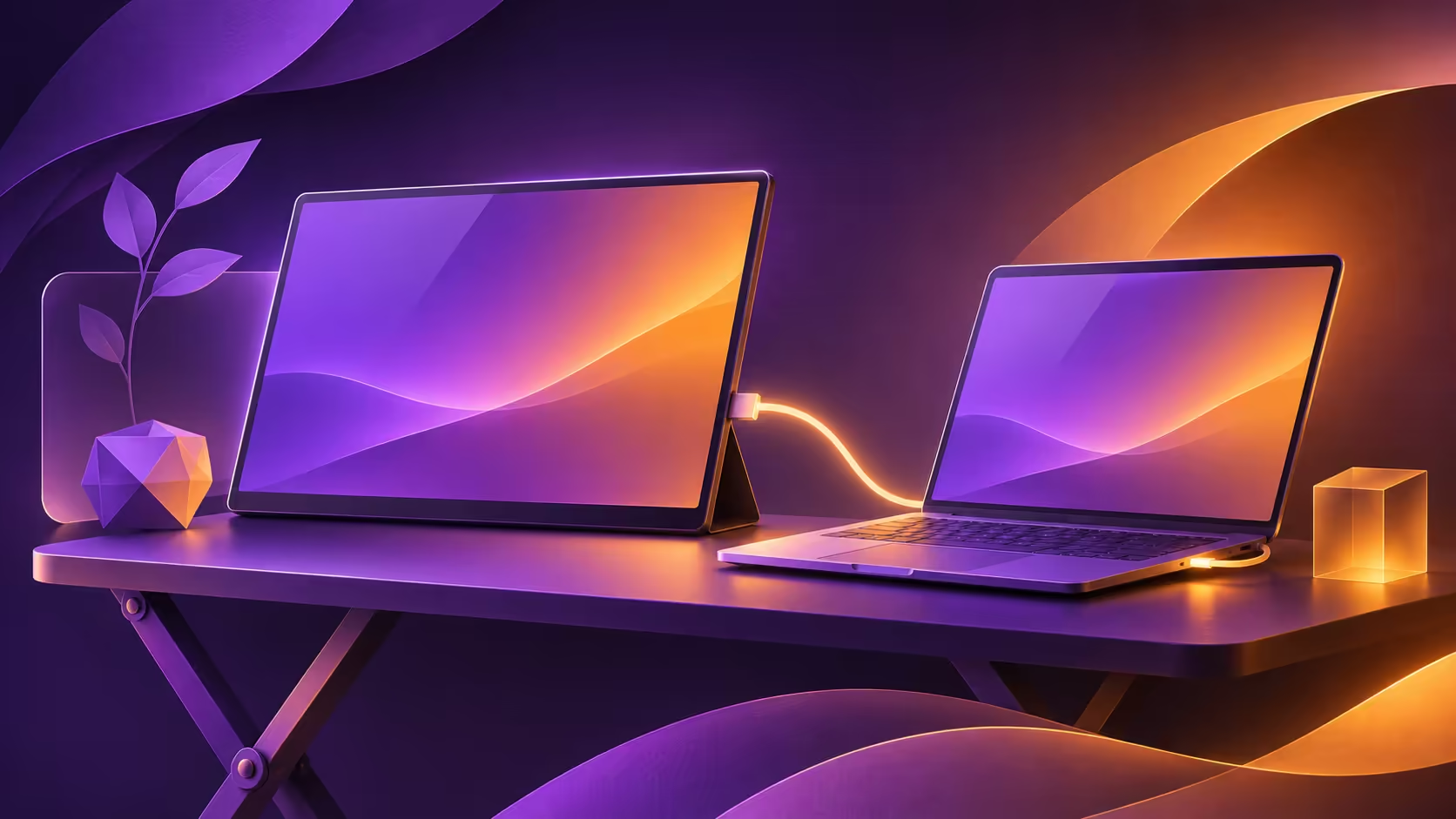
A portable screen is only convenient when it works with the laptop already in your bag. Teclast V16Q combines a 16-inch 16:10 panel with a high-refresh claim, but the connection table is more useful than the biggest number on the headline. Its two input routes do not carry the same stated ceiling.
Quick Answer
Check your laptop output before choosing the V16Q for 144Hz. Teclast lists 2560x1600, up to 144Hz over Type-C and up to 130Hz over HDMI. The port-and-cable check costs R0; this article has no verified South African price for the V16Q itself.
🖥 Separate panel capability from input mode
Teclast describes an IPS screen with a 16:10 aspect ratio. That shape can suit documents and browsing alongside a laptop, while the refresh option may appeal to someone who also plays games. Neither benefit changes the need to check the complete resolution and refresh combination.
The official specification table makes a distinction that short launch coverage can hide: the Type-C maximum is 144Hz, while HDMI is listed at up to 130Hz. Read that table before assuming an HDMI adapter can reproduce the Type-C result. An input working at one mode does not prove that every advertised mode is available through it.
Choose the mode for the task. A second screen used mainly for reference material has different priorities from the display used to play a fast game. Paying for the headline refresh without checking whether your chosen connection can use it is an avoidable mistake.
🔌 Inspect the laptop and cable together
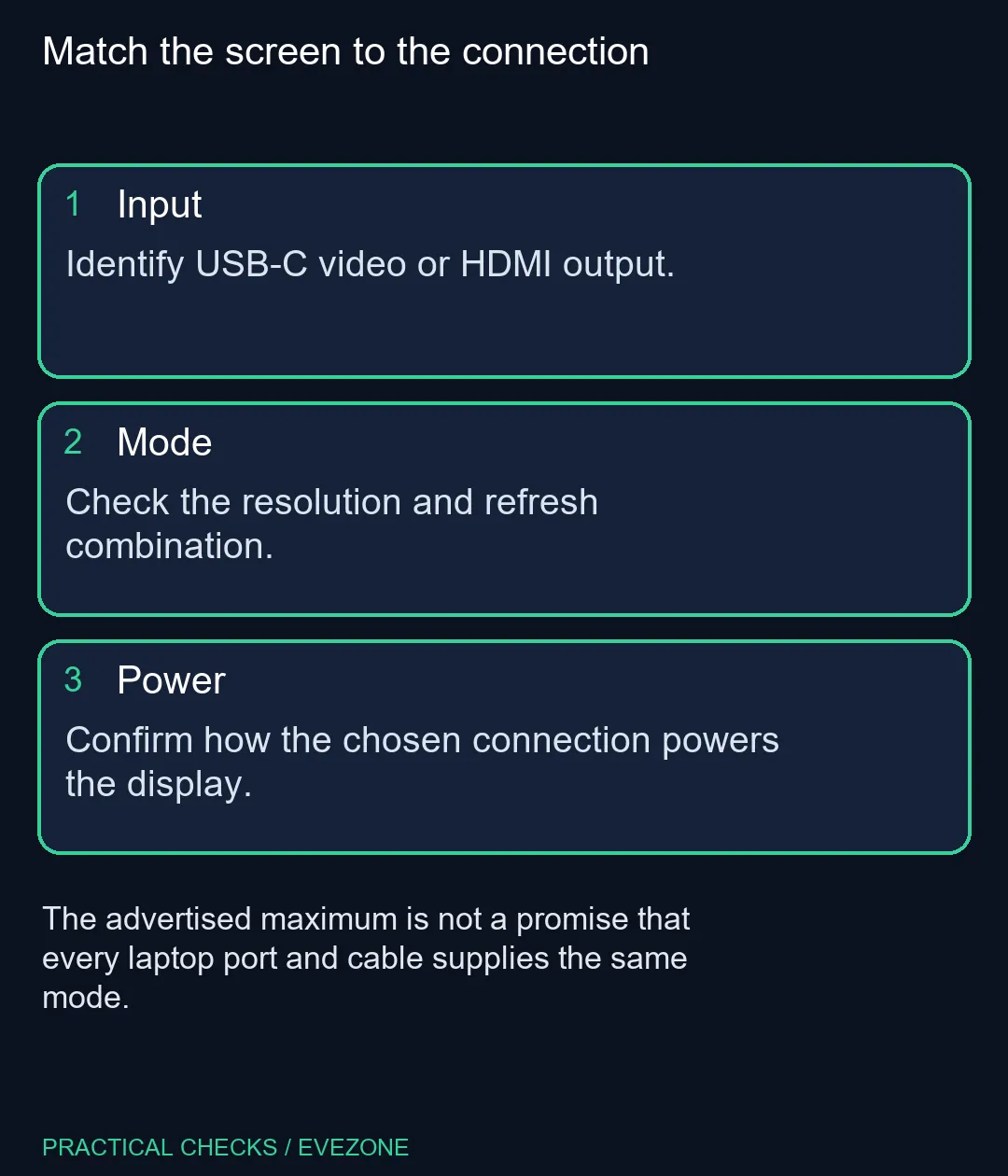
The monitor offers two full-featured USB-C connections and Mini HDMI. Teclast says compatible USB-C devices can use one cable for video and power. That word compatible matters: the shape of a laptop socket alone does not establish that it carries the required display signal.
Look up the laptop's output description, then match the cable and monitor input. A charging-only cable or an unsuitable adapter can leave you troubleshooting a screen that is not actually faulty. For HDMI, check the power arrangement independently instead of assuming the video connection also supplies everything the monitor needs.
🎒 Judge the travelling setup as a whole
The product includes a stand, speakers and a headphone connection. Consider how these fit on the surface where you will use it, together with the laptop, power supply and cables. A screen that fits inside a bag may still need more desk width than the place where you plan to work.
Teclast's current page gives conflicting weight figures in its descriptive and specification sections. A precise carrying-weight claim is therefore omitted here. Ask for the exact unit documentation if mass is a deciding factor, especially when comparing a complete travel kit rather than the screen alone.
🧮 Compare a local option without mixing products
Evetech listed the UPERFECT UBegin J314 14-inch monitor at R1,799, shown in stock at capture. It is a different size and model. That figure is a real category reference, not a V16Q price or a promise of equivalent display modes.
Use portable monitors to compare the actual models and monitor accessories to check supporting equipment. Write down your required input, comfortable size and preferred refresh mode before comparing prices. This makes a modest reference screen and a high-refresh screen easier to judge on their intended roles.
Wait for an exact local quote if the V16Q is the model you specifically want. If you need a second display immediately, compare available listings against the laptop's verified output. A launch article cannot establish local stock, and converting a foreign price would leave too many purchasing details unanswered.
Frequently Asked Questions
Is 144Hz listed for both inputs?
No. The official table lists up to 144Hz through Type-C and up to 130Hz through HDMI.
What is the panel resolution?
Teclast specifies 2560x1600 on a 16-inch IPS panel. That is a 16:10 shape.
Can any USB-C socket drive it?
Do not assume so. Teclast limits one-cable use to compatible USB-C devices; check your laptop video-output specification.
Does an HDMI picture prove power is solved?
No. Video and power need separate checks for the chosen setup. Confirm the monitor instructions and supplied accessories.
Which published weight should I use?
The official page shows conflicting weight figures. This guide omits a definitive weight; confirm the exact unit documentation.
Is there a verified local V16Q price here?
No exact-model South African quote was verified. The local category example in this article is a different portable monitor.
Need a portable second display?
Compare the input specification of your laptop with the portable monitors and supporting accessories listed at Evetech.