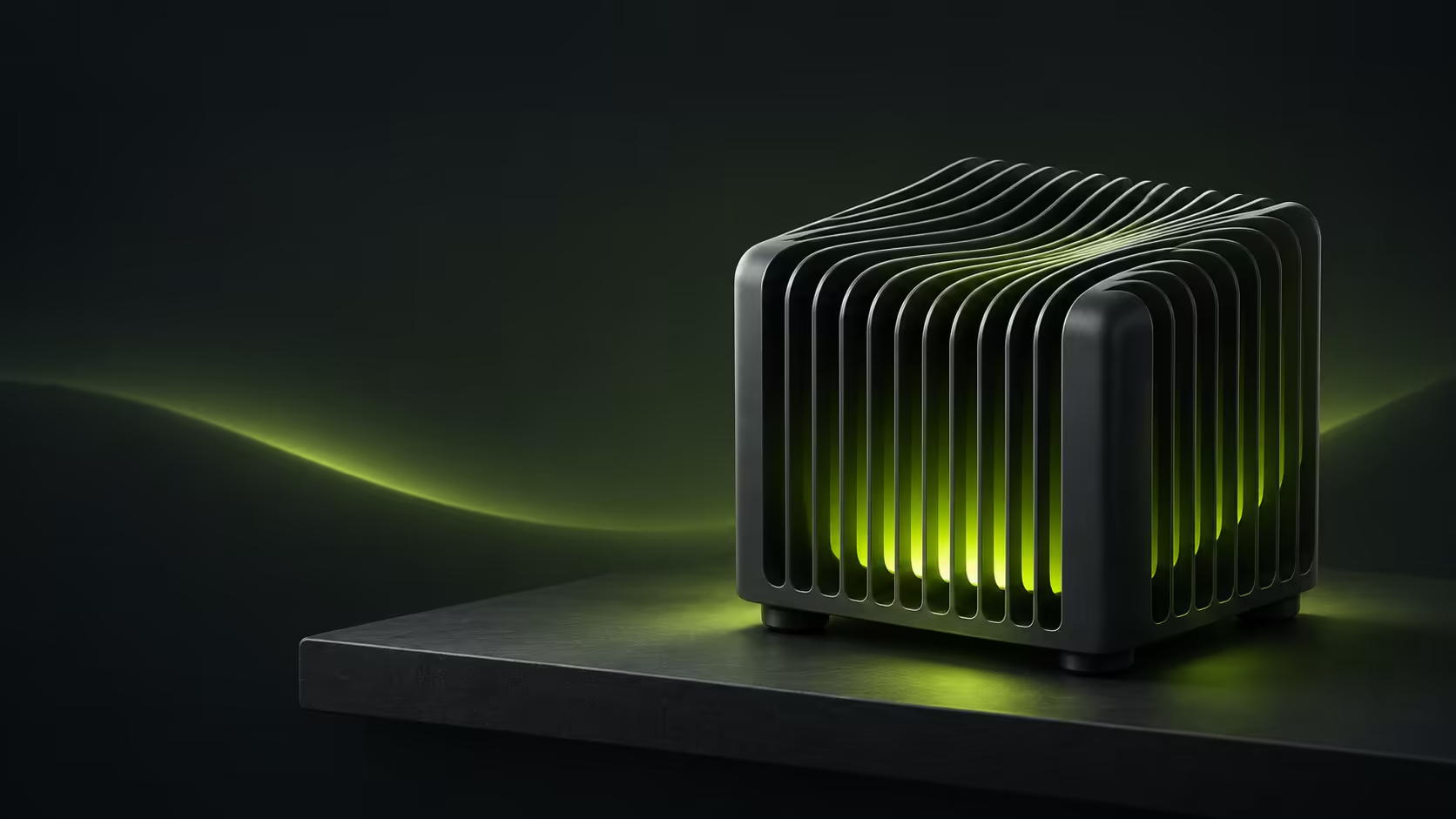
The Zotac CI451 nano puts a quiet desk ahead of visible fans. November 2 launch coverage details a new fanless ZBOX family, but the important purchase question is what remains to be added. A barebone and a ready-to-use mini PC can occupy similar shelf space while requiring quite different budgets and setup work.
Quick Answer
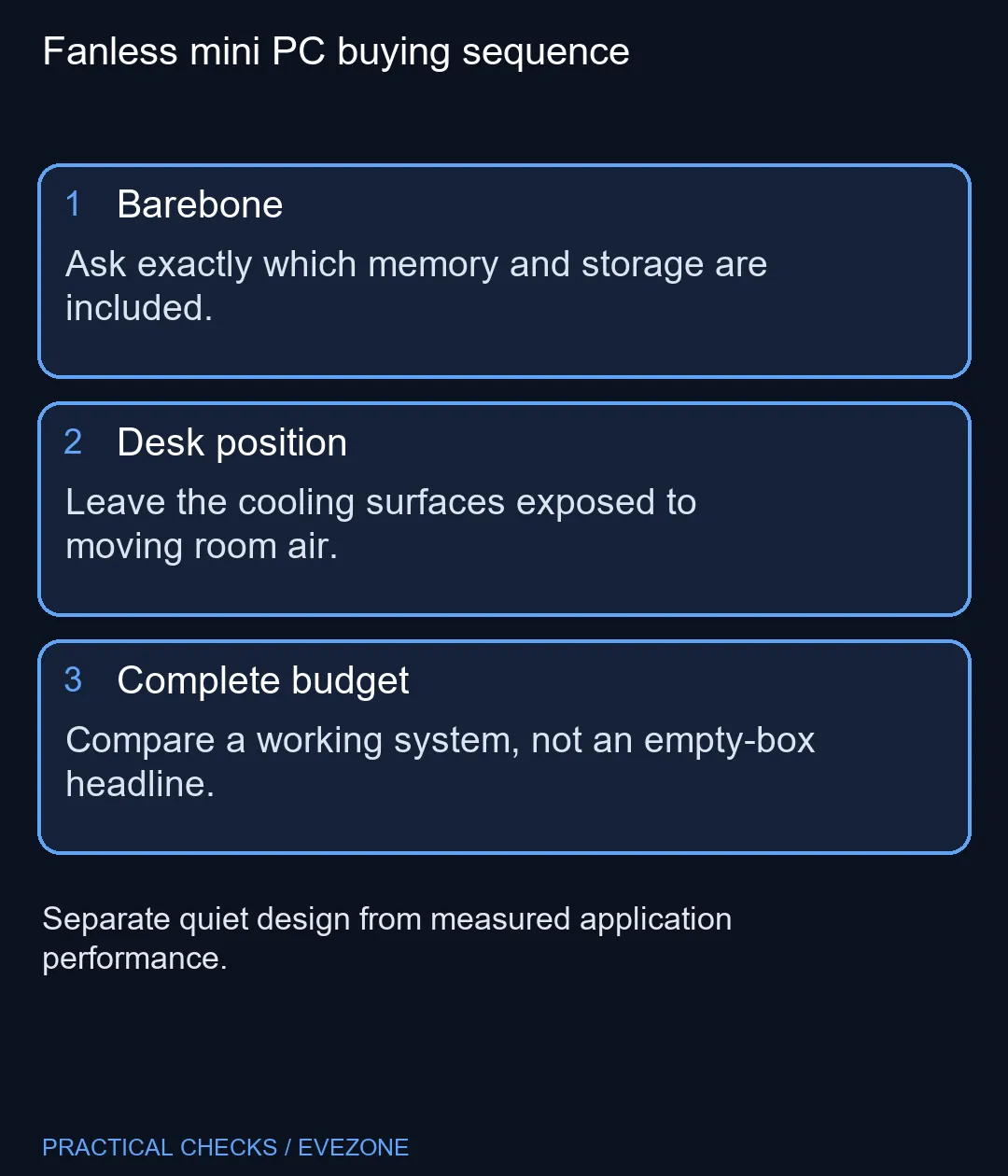
Choose the CI451 for a planned fanless desktop, after confirming the supplied configuration. Budget R0 for the initial compatibility checklist; memory, storage and software may add real costs. A separate local reference is the Ninkear M7 V2 at R6,999 in Evetech's November 3 catalogue, not a price for this Zotac.
🧩 Read the whole model code
The family contains CI431, CI451 and CI471 versions. The middle model uses Intel's Core 5 320, while the neighbouring names refer to different processors. Do not accept a quotation which says only ZBOX nano: it leaves the actual configuration unresolved.
Reported support extends to 64GB of memory, with one SO-DIMM slot and an M.2 PCIe 4.0 storage connection. A single memory slot changes the upgrade plan. If you later need more capacity, the existing module may need replacement rather than a matching partner. Ask for the installed module size before paying for a nominal upgrade path.
Make a list of the applications you use, the files they open and the peripherals they need. A quiet enclosure does not establish editing speed, game performance or compatibility with specialist software. Treat those as separate requirements, with their own evidence.
🌬️ Give passive cooling room
A fanless machine still releases heat. Its desk position is part of the design decision: a neat enclosed cubby can be the wrong place for a system relying on exposed cooling surfaces. Leave the enclosure unobstructed and keep the chosen position accessible for cleaning and cable changes.
Two Thunderbolt 4 ports and wired networking are attractive on a compact desktop, but count the connections in your actual setup. Include the webcam, keyboard receiver, external drive and display leads. It is easier to spot an awkward cable arrangement on paper than after the computer is mounted behind a screen.
Compare mini pcs by the configuration you can actually use. The R6,999 Ninkear reference includes 16GB RAM and 512GB storage according to its catalogue name. That gives a complete-system comparison point; it does not prove equivalent cooling, processor speed or ports.
🧮 Compare the finished desk
Write two totals: the computer itself and the additional items needed to start work. If you already own a suitable monitor and input devices, a mini PC can reuse them. If you need everything, a laptop from all laptops on special may be a more useful comparison because it includes a screen and keyboard.
Keep the operating-system question explicit. A barebone description must not be read as a promise of a ready-to-sign-in installation. Ask who supplies the drive, installs the software and confirms the working configuration. Those practical steps affect the value of the quotation even when the outer case looks identical.
Buy now only when the complete specification and total solve your desk problem. Wait when the attraction is simply the absence of a fan and the rest of the build remains undecided. The strongest reason to choose this format is a clear everyday use case, not the smallest advertised box.
Frequently Asked Questions
Is the CI451 nano a complete computer?
The reported configuration is a barebone. Establish the included memory, storage and operating system before comparing a quotation with a ready-to-use PC.
Which processor does this version use?
The CI451 nano is the Core 5 320 version. The CI431 and CI471 names identify different processors, so retain the complete model code.
Does fanless mean it can sit in a closed drawer?
No. Passive cooling still needs space around its heat-dissipating surfaces. Choose the location before finalising a small desk layout.
How many memory slots should I expect?
Current launch coverage lists one SO-DIMM slot. Confirm that exact configuration rather than planning a two-module upgrade by habit.
Is the Ninkear M7 V2 the same machine?
No. It is a different local mini-PC example, listed at R6,999 in the November 3 catalogue read. It does not establish a Zotac price.
Should I replace a working laptop for this?
Only if a stationary, quiet setup solves a real need. Compare your software, screen and complete setup costs before changing form factors.
Planning a quieter fixed desk?
Compare complete mini-PC configurations at Evetech, then list the memory, storage and screens your setup still needs.