




Chrome Energy Saver: Check what changes on battery
Check when Chrome saves power, compare a repeatable task on battery and separate browser changes from battery health and Windows settings.
Read moreIsolate browser flicker with a repeatable Chrome test. Change graphics acceleration, relaunch and check the apps and effects you use before buying hardware.
If Chrome flickers or crashes during a task, open Settings, then System, change Use graphics acceleration when available and relaunch. Repeat the same task after changing only that setting. Keep the setting that works better for your normal use and check effects you rely on, especially in video calls and web apps.
Write down which page or app triggers the problem and what you were doing at the time. Try the same clip, page scroll or call preview again. If you can only reproduce the issue on one website, test another page with a similar workload. A symptom that occurs across several programs deserves a broader check than a Chrome-only failure.
The switch lets Chrome use the device's graphics hardware for some work when available. Google's troubleshooting guidance includes turning it off when investigating certain crashes. Google Meet, by contrast, documents enabling graphics acceleration for some visual effects. The best choice depends on the application and the problem, so test both states and save your work before relaunching.
Use the same screen, video quality and other open apps for both passes. Relaunch when prompted, then return to the same page. Compare the visible symptom and ordinary responsiveness. If the problem disappears, test another workload you care about before keeping the change. If you lose an important effect, turn acceleration back on and relaunch once more. Record which combination worked. If nothing changes, compare with a different browser or a clean session and see whether the same symptom also occurs outside Chrome. That can help separate site, browser and system causes. Avoid changing graphics drivers and several browser switches in the same test. If things improve, you will have no way to tell which change made the difference.
The browser test costs R0. If only Chrome exhibits the issue, start with software checks before setting a budget. If several graphics-heavy programs show related faults, the all nvidia geforce graphics cards and all amd radeon graphics cards ranges are relevant only once you understand what the system needs. Check the case, power supply and software requirements before choosing a desktop card.
If the flicker only happens with an external monitor, note the connector and display mode you used. Retest with the same connection before changing cables or the monitor refresh rate.
Open Chrome Settings and select System.
Chrome prompts for a relaunch so the new configuration can take effect.
Keep the state that works for the tasks you tested.
Yes. Google Meet lists acceleration for some effects.
Compare other sites and programs to narrow down the cause.
The browser setting costs R0.
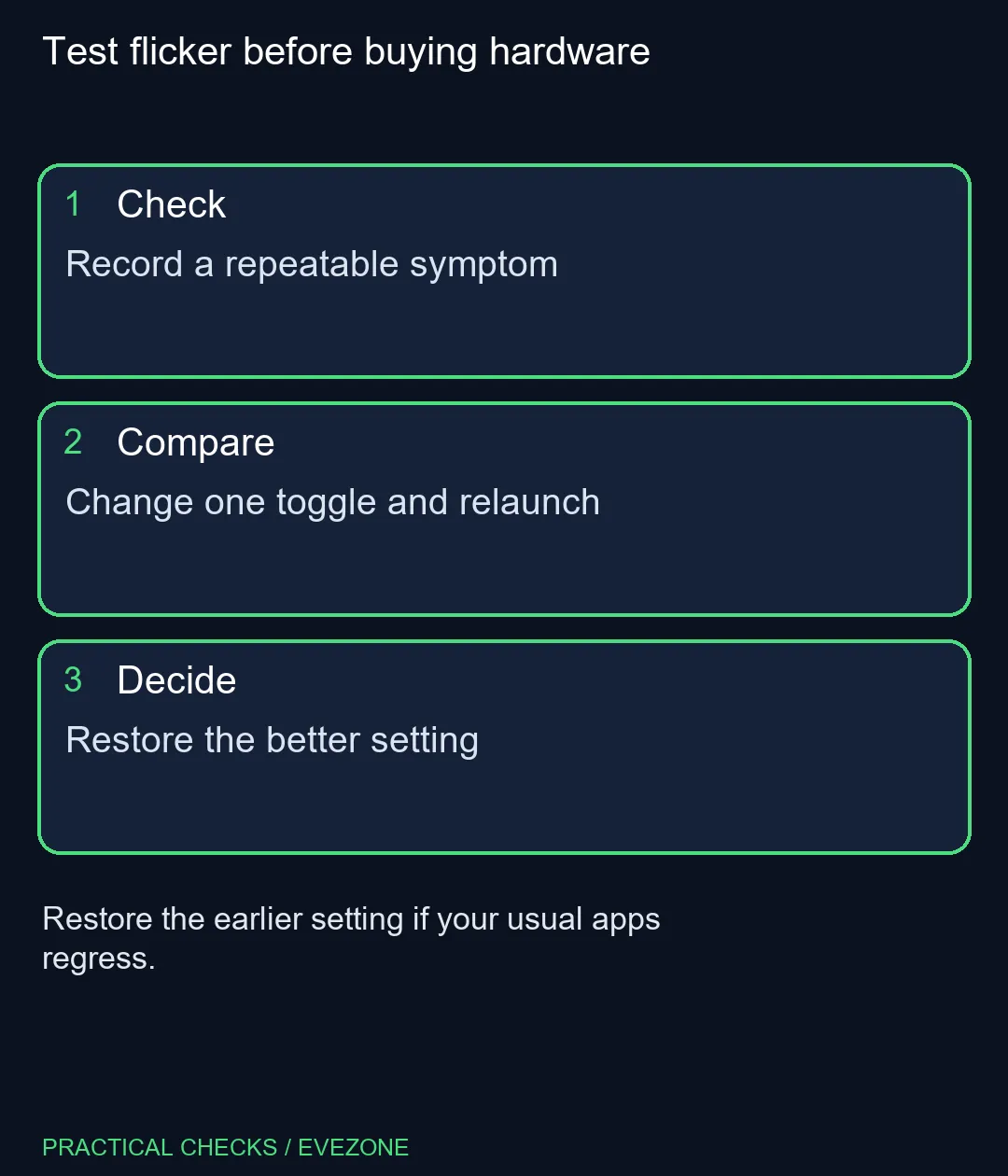
Test flicker before buying hardware Record a repeatable symptom.
Open Chrome Settings and select System.
Chrome prompts for a relaunch so the new configuration can take effect.
Keep the state that works for the tasks you tested.
Yes. Google Meet lists acceleration for some effects.
Compare other sites and programs to narrow down the cause.
The browser setting costs R0.
Check when Chrome saves power, compare a repeatable task on battery and separate browser changes from battery health and Windows settings.
Read more
Find Chrome's caption control, check language and audio and bring back the floating bubble when captions disappear during playback.
Read more
Open the simplified Chrome reader, adjust type and spacing and check whether the page supports the view before changing your display setup.
Read more
Find an open Chrome tab by title with a keyboard shortcut or the address bar, and keep important links in bookmarks for later.
Read more
Stop an important Chrome tab from reloading, choose a Memory Saver level and test whether your workload really needs a memory upgrade.
Read more
Turn on Firefox HTTPS-Only Mode and understand what to do when an old device page has no encrypted connection.
Read more
Firefox can mute one noisy tab using its speaker button or context menu. Check the tab control before changing Windows volume or replacing a working headset.

ASUS PA329CDV combines a 4K 120Hz QD-OLED panel with USB-C charging and Auto KVM. Compare colour work, laptop power and desk connections before treating overseas availability as an SA offer.

Teclast N30 Pro pairs Core 3 304 with 12GB memory and USB4. Its expansion connection is useful, but an external graphics plan needs a complete cost and compatibility check.

Firefox private browsing separates a temporary session from normal browsing history. It does not make you anonymous online, and files or bookmarks you deliberately save can remain after the last private window closes.

Set Firefox as the default browser to open normal web links from other apps in it. Use Firefox Settings or Windows Default apps, then test an outside link; opening Firefox manually does not prove the default changed.
Firefox can mute one noisy tab using its speaker button or context menu. Check the tab control before changing Windows volume or replacing a working headset.

Firefox has a startup-cache control on its Troubleshooting Information page. Use it for a focused interface test and keep it separate from clearing website data or refreshing the profile.

Firefox Primary Password protects access to locally saved logins. It is separate from a website or Mozilla account password, and forgetting it can put saved credentials at risk during reset.
Check when Chrome saves power, compare a repeatable task on battery and separate browser changes from battery health and Windows settings.
Find Chrome's caption control, check language and audio and bring back the floating bubble when captions disappear during playback.
Open the simplified Chrome reader, adjust type and spacing and check whether the page supports the view before changing your display setup.
Find an open Chrome tab by title with a keyboard shortcut or the address bar, and keep important links in bookmarks for later.