




Chrome Energy Saver: Check what changes on battery
Check when Chrome saves power, compare a repeatable task on battery and separate browser changes from battery health and Windows settings.
Read moreFind an open Chrome tab by title with a keyboard shortcut or the address bar, and keep important links in bookmarks for later.

Press Ctrl+Shift+A on Windows or Linux to open Tab Search in Chrome, then type a word from the page title. On a Mac use Command+Shift+A. If the shortcut does not open the panel, type @tabs in the address bar, press Tab or Space and search for the open page.
Choose a distinctive word from a page title rather than a word you expect to appear in every page. If you have three retailer pages open, try the model code instead of the category name. Open the matching result and check you reached the tab you intended. This is quicker than opening another copy of the same page, particularly when tab labels have shrunk to icons.
The address bar method is useful if you cannot see the tab search button or prefer to stay on the keyboard. Wait until Chrome has entered the tab search mode before typing the rest of the query. If you submit a normal web search instead, return to the address bar and confirm the mode changed before entering your words. Try the shortcut on the keyboard you normally use.
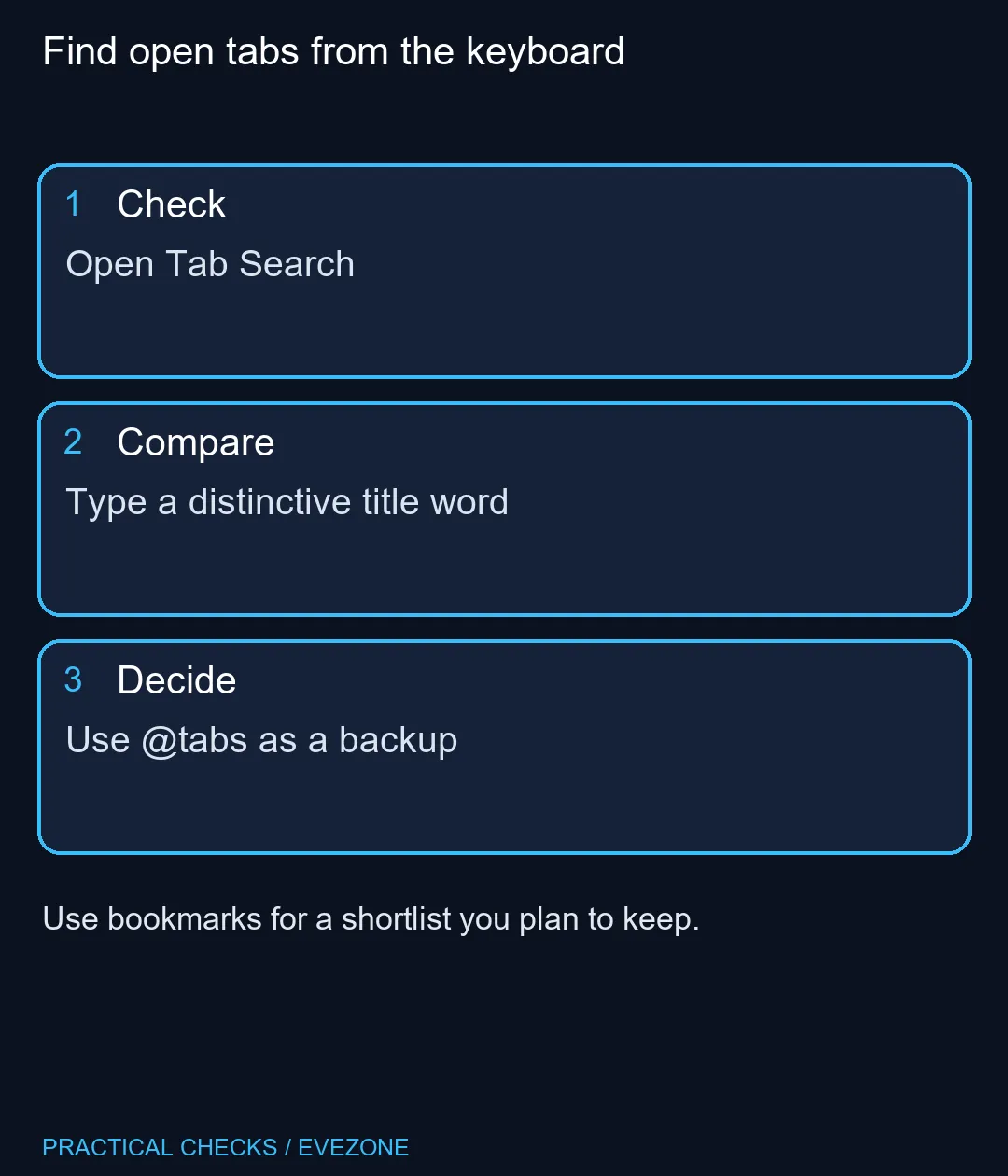
The address bar's @tabs search is for tabs that are open. A page you closed yesterday belongs in history or your bookmarks. Chrome also documents @history and @bookmarks as separate shortcuts. Use bookmarks for a shortlist you will need to revisit after closing the browser. To recover something you were reading moments ago, check whether Tab Search shows it in the recently closed section, or look in history. On a compact keyboard, check whether you can reliably press all three keys without changing layers. gaming keyboards can help when you are comparing layouts for work and play. If you browse on the move, inspect the keyboard layout in all laptops on special as part of comparing the whole machine. The browser shortcut itself costs R0.
Try a known open page with a distinctive title in your current profile. A separate browser profile is its own browsing context. If you routinely switch between work and personal profiles, check that you opened search in the same profile where you left the page. When the results contain several similar product pages, compare the title and address before jumping.
Press Ctrl+Shift+A.
Press Command+Shift+A.
Type @tabs, activate its search mode with Tab or Space, then enter keywords.
Start with a word from the title or address to find the page.
Save those pages as bookmarks.
Try the shortcut or the address bar method.
Find open tabs from the keyboard Open Tab Search.
Press Ctrl+Shift+A.
Press Command+Shift+A.
Type @tabs, activate its search mode with Tab or Space, then enter keywords.
Start with a word from the title or address to find the page.
Save those pages as bookmarks.
Try the shortcut or the address bar method.
Check when Chrome saves power, compare a repeatable task on battery and separate browser changes from battery health and Windows settings.
Read more
Find Chrome's caption control, check language and audio and bring back the floating bubble when captions disappear during playback.
Read more
Open the simplified Chrome reader, adjust type and spacing and check whether the page supports the view before changing your display setup.
Read more
Isolate browser flicker with a repeatable Chrome test. Change graphics acceleration, relaunch and check the apps and effects you use before buying hardware.
Read more
Stop an important Chrome tab from reloading, choose a Memory Saver level and test whether your workload really needs a memory upgrade.
Read more
Turn on Firefox HTTPS-Only Mode and understand what to do when an old device page has no encrypted connection.
Read more
Firefox can mute one noisy tab using its speaker button or context menu. Check the tab control before changing Windows volume or replacing a working headset.

ASUS PA329CDV combines a 4K 120Hz QD-OLED panel with USB-C charging and Auto KVM. Compare colour work, laptop power and desk connections before treating overseas availability as an SA offer.

Teclast N30 Pro pairs Core 3 304 with 12GB memory and USB4. Its expansion connection is useful, but an external graphics plan needs a complete cost and compatibility check.

Firefox private browsing separates a temporary session from normal browsing history. It does not make you anonymous online, and files or bookmarks you deliberately save can remain after the last private window closes.

Set Firefox as the default browser to open normal web links from other apps in it. Use Firefox Settings or Windows Default apps, then test an outside link; opening Firefox manually does not prove the default changed.
Firefox can mute one noisy tab using its speaker button or context menu. Check the tab control before changing Windows volume or replacing a working headset.

Firefox has a startup-cache control on its Troubleshooting Information page. Use it for a focused interface test and keep it separate from clearing website data or refreshing the profile.

Firefox Primary Password protects access to locally saved logins. It is separate from a website or Mozilla account password, and forgetting it can put saved credentials at risk during reset.

Expedition 33 at R40,000 needs a balanced SA build plan, not a fixed FPS promise. Use the budget as a planning cap, then compare CPU, GPU, RAM, storage, cooling, case fit, and upgrade room before buying.

Best place to buy a gaming PC in Durban North should be shortlisted around the job it must do. South African buyers should compare fit, performance, compatibility, and upgrade room, warranty path, and upgrade room before treating any pick as best.

Expedition 33 low FPS on RTX 5060 settings and driver checks start with frame caps, scaling, and drivers. SA gamers can compare CPU limits, overlays, and heat before cutting image quality or changing hardware.

How much depreciation on gaming hardware in SA should be shortlisted around the job it must do. South African buyers should compare fit, performance, compatibility, and upgrade room, warranty path, and upgrade room before treating any pick as best.