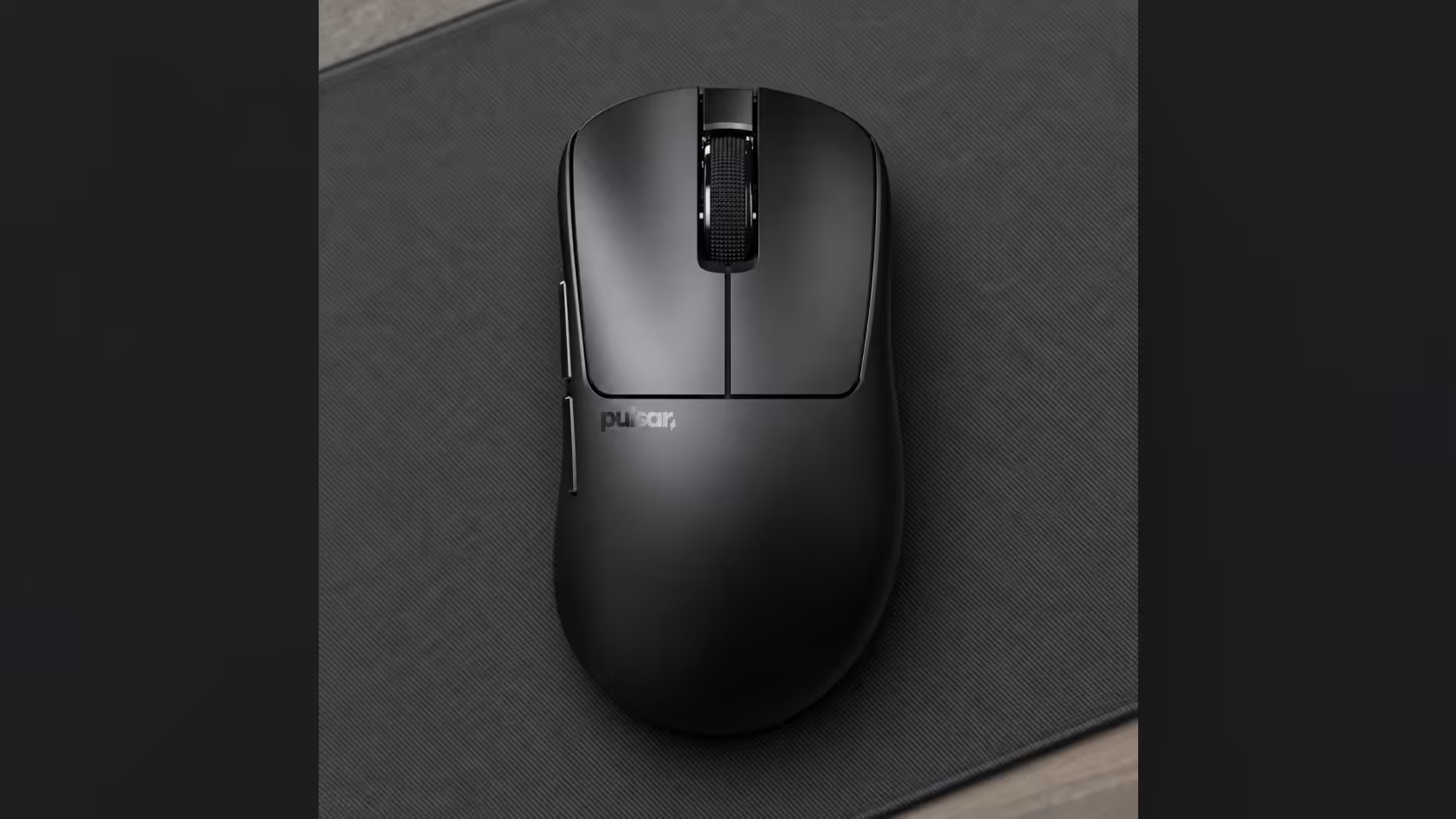
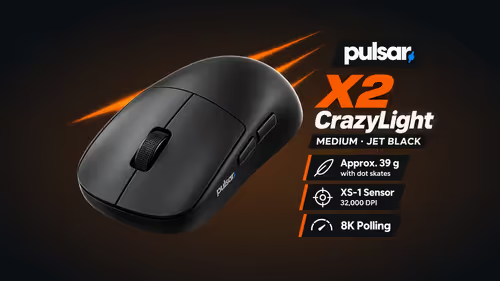
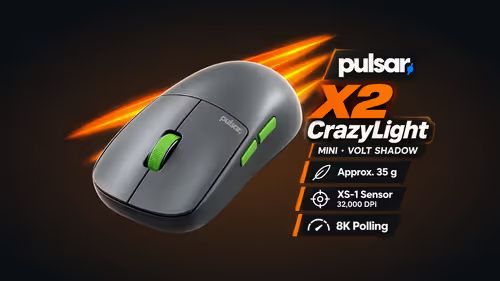
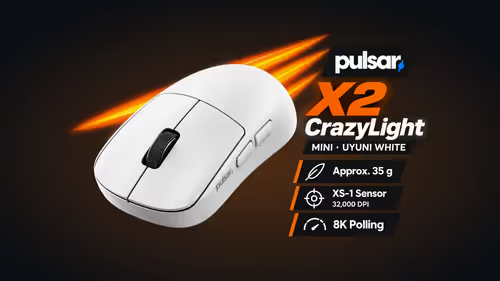
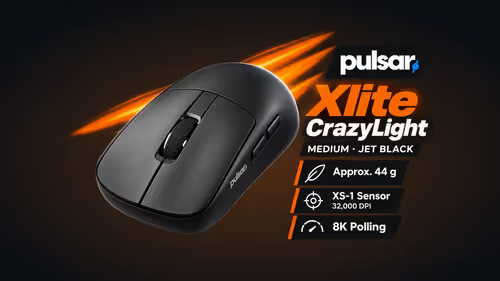
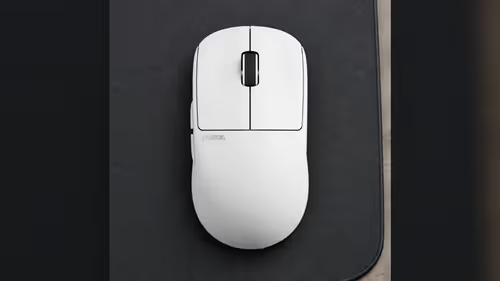
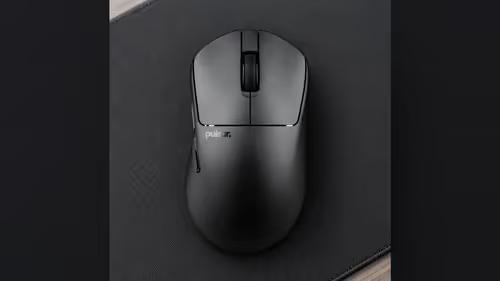
The name "Mini" suggests a mouse for children or small hands, and on the Xlite CrazyLight Mini that reading is mostly wrong. Set beside the Medium, it is 6.4mm shorter and 2.6mm narrower, which is a step down in size and not a different category of mouse. Plenty of average palm-grip hands sit right on the line between the two.
Quick Answer
No, the Xlite CrazyLight Mini is not only for small hands. The Mini comes in at 115.6 x 63.4 x 40.7mm and 41g, while the Medium is 122 x 66 x 43mm and 44g. Both are ergonomic right-hand palm-grip shells with the same sensor and switches, so the choice comes down to how far the shell reaches along your hand. Evetech sells online, so measure your palm before you decide.
📏 The two shells in millimetres
Here is what separates the sizes, using the figures on the product pages:
- Length: 115.6mm on the Mini, 122mm on the Medium, a gap of 6.4mm.
- Width: 63.4mm against 66mm, a gap of 2.6mm.
- Height: 40.7mm against 43mm, a gap of 2.3mm.
- Weight: 41g against 44g with dot skates and no cable, or 43g and 46g with regular skates.
Width is where the two are closest. At 2.6mm the grip feels much the same side to side, so the thing that actually changes is length. A palm grip rests the heel of the hand on the rear of the shell, and a longer shell asks the fingers to reach farther. If your fingers already overshoot the front buttons on a bigger mouse, the Mini suits you. If your fingers land neatly on the Medium's buttons, stay with the Medium.
What stays the same
Nothing about the Mini's insides is smaller. Both sizes track with the XS-1 sensor and click on optical switches rated for 100 million presses. Each box holds the 8K dongle, a cable for USB-C and a sheet of sixteen 6.6mm dot skates, and the Windows 7 or higher software treats the two alike. So you are not trading performance for size. The choice is the shell alone.
✋ Sizing a palm grip without holding it
A palm grip wants the shell to reach the ends of your fingers without leaving the palm in mid-air. Without a way to try one first, a ruler does the job. Lay a ruler from where the wrist bends to the end of the middle finger and compare the reading with 115.6mm and 122mm. A reading around the Mini's length points to the Mini, and one nearer the Medium's length to the Medium.
If you are between the two, think about your habits. A player who wants the smaller, lighter shell leans toward the Mini, while one who values a roomier rest for long sessions leans toward the Medium. The right-hand Xlite CrazyLight shape is the same in both. Compare the sizes with the rest of the gaming mice at Evetech.
🔌 Practical notes on the Mini
At 41g with dot skates, it is the lightest ergonomic right-hand shape Evetech lists from this brand. Connection is 2.4GHz wireless through the 8K dongle, and 8000Hz is possible when the PC offers a USB 3.0 port and a Ryzen 5 or Core i5 grade chip. Left-handed players are not served by either Xlite size, since both are right-hand shells.
The wireless mouse page at Evetech shows the rest of the wireless range. Evetech sells the Xlite CrazyLight Mini in South Africa, and its product page carries the price. Both sizes and the wider family can be browsed on the Pulsar selection if hand size is still undecided.
Frequently Asked Questions
How much smaller is the Mini than the Medium?
6.4mm shorter, 2.6mm narrower and 2.3mm lower, with the same ergonomic right-hand palm shape.
What do the 41g and 44g figures mean?
Both are taken on dot skates, cable not counted. Fitting regular skates adds 2g.
Does the Mini change the sensor or switches?
No. Sensor, clicks and dongle are identical on both sizes.
Can a left-handed player use either size?
No, both are right-hand shells. A left-handed player should look at the X3 LHD CrazyLight Mini.
What is in the box?
One mouse, its dongle, a cable and the sheet of dot skates.
Ready to pick your Xlite size?
Measure your palm, then browse the gaming mice at Evetech and choose between the Mini and the Medium.