Tiny text on one website does not automatically mean your display is too small. Chrome zoom settings can make a single page look different from every other tab, especially after an accidental shortcut. Check that small setting before lowering the resolution of the whole desktop.
Quick Answer
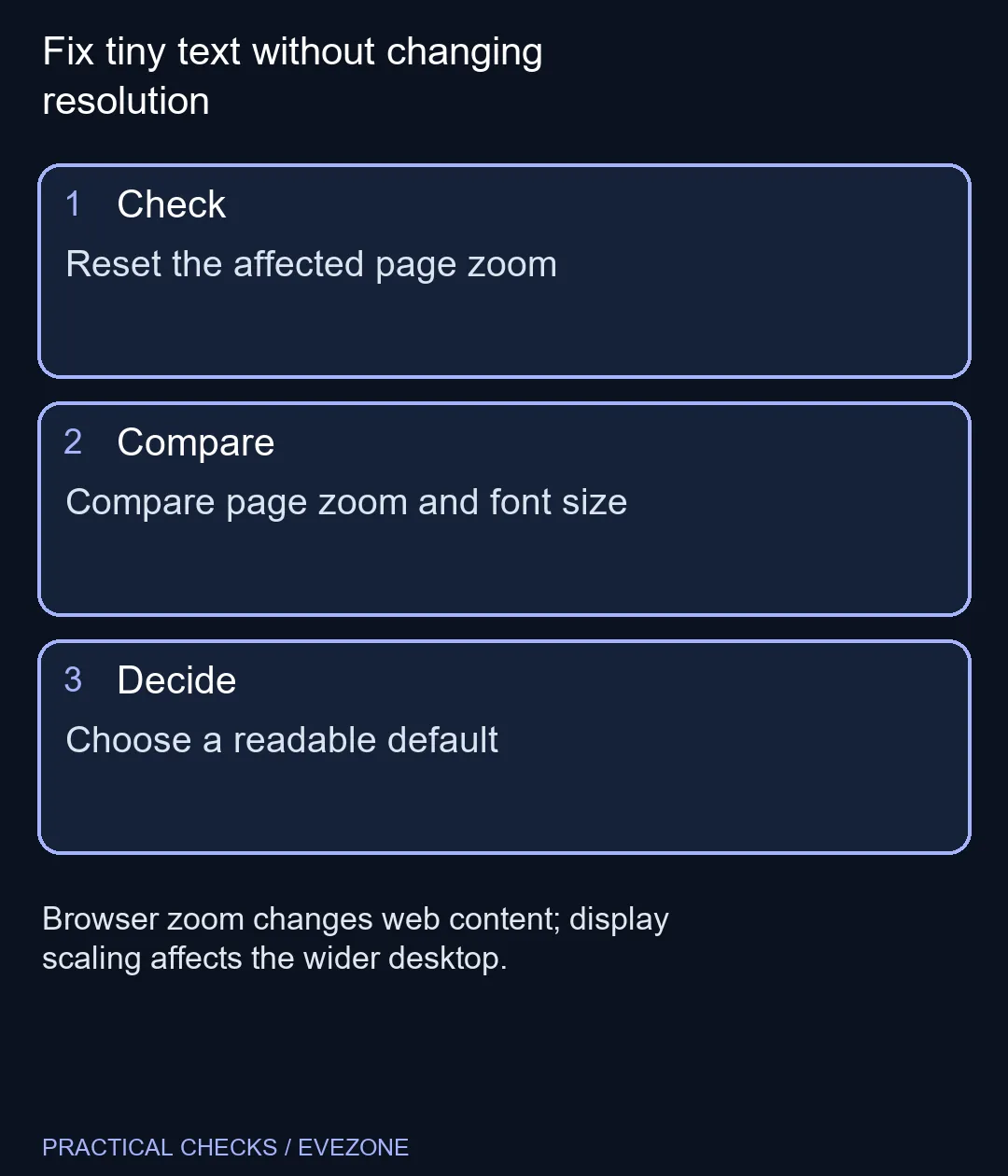
Use Chrome's menu zoom control to resize the current page, or press Ctrl+0 on Windows to reset its zoom. Appearance contains the default page-zoom and font-size options. These R0 adjustments help distinguish a website setting from a wider display problem.
🔎 Compare the affected page first
Open the troublesome page beside a familiar site. If only one is unusually small, begin with its stored zoom level. On Windows, Ctrl with plus or minus adjusts the page; Ctrl+0 provides a useful reset point. Use a size that is comfortable to read rather than forcing every site to look identical.
Check a heading, a paragraph and an important button after resizing. More zoom means less content fits across the screen, so a layout may rearrange itself. That is not necessarily a fault. The useful test is whether you can read and use the page without leaning towards the panel.
🔤 Separate fonts from whole-page size
Chrome's Appearance settings distinguish page zoom from default font size. Page zoom affects the wider page presentation. Font preferences are narrower, and some websites control their own text styling in ways that limit what that setting changes.
If a site keeps returning to an old size, inspect the stored Zoom levels in Site Settings. Remove the relevant exception and revisit the page. Do not clear every site's data just to repair one zoom preference; that introduces account and cookie changes which do not help you measure text size.
🖥️ Decide whether the issue extends beyond Chrome
Look at the desktop and another application. If those are also too small, browser zoom is only part of the comfort question. Display scaling and physical viewing distance then deserve attention. Avoid using an unusually low display resolution as a substitute for checking the appropriate size controls.
Browse gaming monitors if you are already comparing a larger screen. Match the screen to the space and normal viewing distance, rather than choosing solely by diagonal size. For a portable setup, all laptops on special lets you compare the computer itself, but every candidate still benefits from sensible text settings.
Keep a brief note of the default you choose and any site that needs a deliberate exception. Revisit the same article and form after a normal browser restart. If reading is comfortable and the controls remain usable, you have a clearer answer than a shopping list based on one accidentally reduced page.
Frequently Asked Questions
What resets page zoom on Windows?
Ctrl+0 returns the page to its default zoom level in Chrome.
Where is the browser-wide zoom choice?
Open Settings, then Appearance, and inspect the Page zoom setting.
Is font size the same as page zoom?
No. Font size targets text preferences, while page zoom resizes the wider page presentation.
Why does one website keep a different size?
Chrome can store per-site zoom levels. Review the affected site's entry in Zoom levels.
Does zoom change my monitor resolution?
No. Browser zoom and the desktop display resolution are separate settings.
Should I buy a bigger monitor immediately?
First reset accidental zoom and compare other apps. A larger panel is a separate comfort and workspace decision.
Fix tiny text without changing resolution
Reset the affected page zoom.