A failed transfer can mean a weak connection, an unwritable folder or a file that should not be opened. Chrome download failed is therefore a starting symptom, not one diagnosis. The exact error is more useful than repeatedly clicking the same link and hoping it changes.
Quick Answer
Read the download error, confirm the source is trusted and check the destination folder. Resume a paused transfer where Chrome offers that option. Begin with these R0 checks; do not disable security protection to make a blocked file complete.
📥 Identify which stage failed
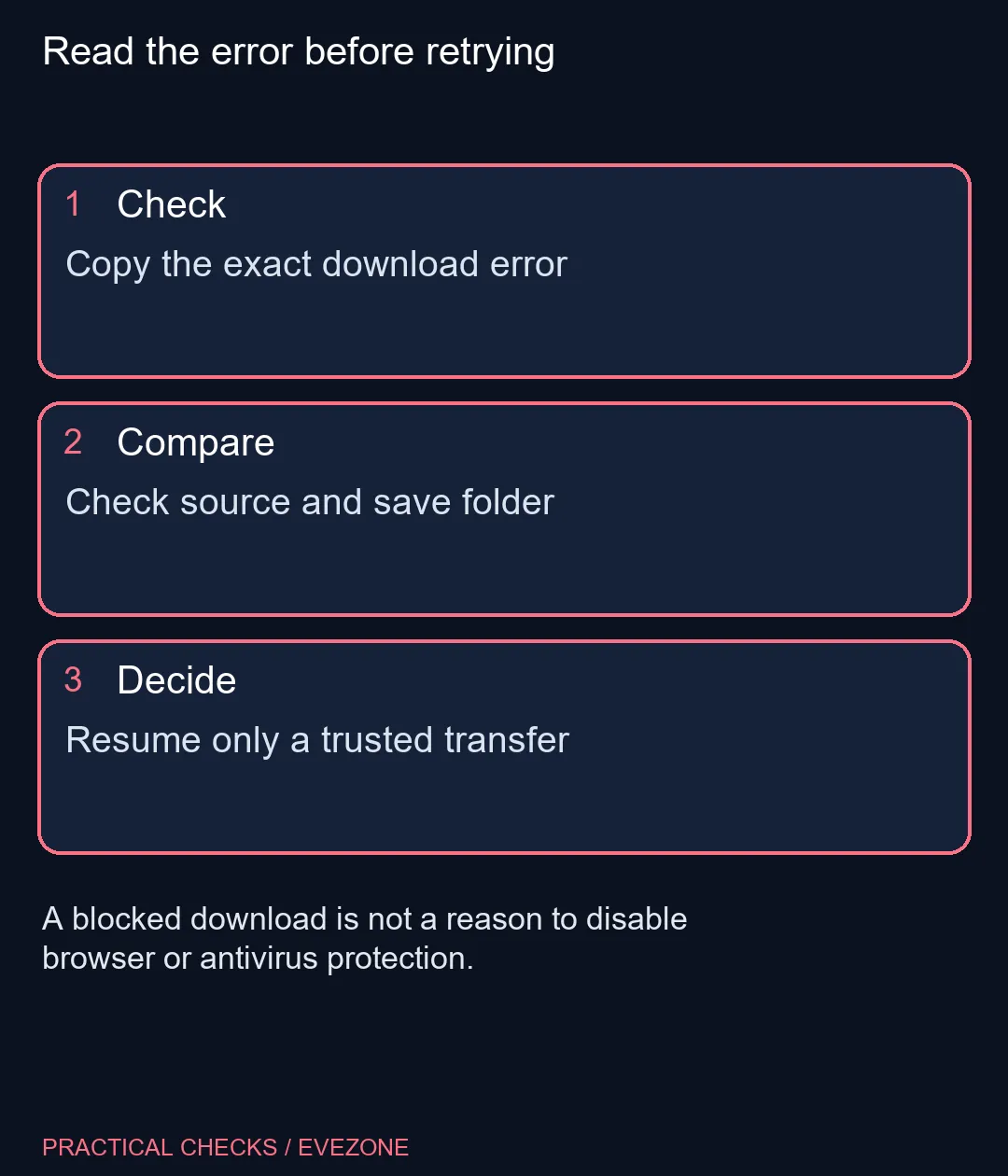
Open the download list and note the message beside the file. A network failure concerns the transfer path, while a missing-file message can mean the source removed or moved the download. A permissions or disk-space error concerns saving on your computer. Those problems need different next steps.
For a large installer, check whether a partial entry can resume before starting another full copy. An interrupted download is not the same as an installation failure after the file has arrived. Keep those stages separate so you do not troubleshoot the application when the browser never finished saving it.
📁 Check the location and the source
Inspect Chrome's Downloads settings to see where files are being saved. Choose a folder you are allowed to use and check available space if the error points there. On a shared or managed machine, ask about the approved location rather than changing system protections or file permissions broadly.
If the source reports a missing file, return to the publisher's normal download page. Avoid a random mirror promising the same filename. The name alone does not prove that a replacement file is authentic. A legitimate source can also have a temporary problem, in which case waiting and trying later is more useful than bypassing the warning.
🛡️ Keep security errors meaningful
A virus-related or blocked-download message should be investigated as a security event. Read the protection software's explanation and confirm that the publisher and file are expected. Do not turn off scanning to convert an unexplained failure into an apparent success.
Hardware shopping belongs after diagnosis. all laptops on special is useful for a planned computer replacement, while all memory (ram) covers a different resource from storage space. Buying RAM will not repair a full destination drive or make a missing server file exist.
When the file finally arrives, check that Chrome shows completion and that you can find it in the chosen folder. Delete redundant partial copies only after confirming which one is complete. The goal is one trusted, usable download and an understood cause, rather than several similarly named files whose origin and state are unclear.
Frequently Asked Questions
What should I record first?
Write down the exact error from the download entry, the source and the intended save folder.
Can a paused download resume?
Chrome offers Resume for supported paused transfers; check that option before starting another large copy.
Does missing file mean my SSD is broken?
No. It can mean the file was removed or moved on the source website.
Should I disable antivirus for a blocked file?
No. Investigate the warning and verify the publisher instead of removing protection.
Will more RAM fix a full download drive?
No. Memory capacity and available storage space are different resources.
How do I confirm the transfer finished?
Check the completed entry in Chrome and locate the file in the expected folder before opening it.
Read the error before retrying
Copy the exact download error.