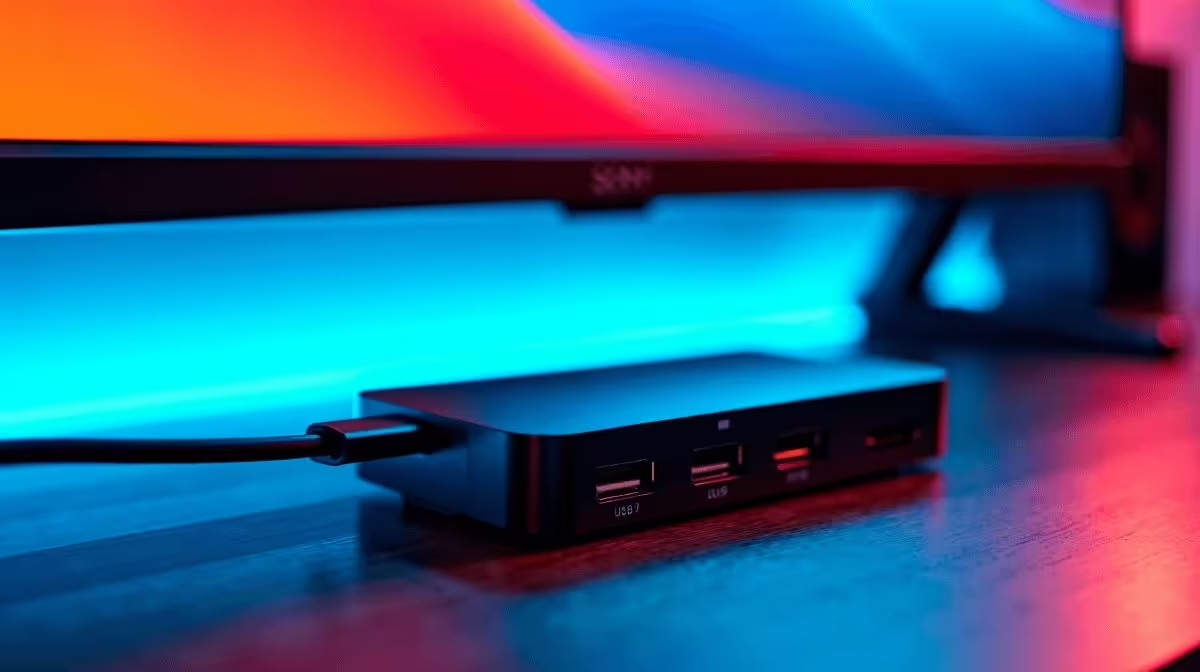
The answer to whether a USB-C hub can run dual 4K monitors at 60Hz begins not with the hub itself but with two specific requirements: the display compression standard it uses and the connection type between the hub and your laptop. Miss either one and you will be stuck at 30Hz, regardless of what the marketing says.
Quick Answer
A standard USB-C hub cannot. Genuine dual-4K-at-60Hz requires either DisplayPort 1.4 with Display Stream Compression enabled, or a Thunderbolt 3 or 4 hub with a matching port on the host laptop. Most hubs on the South African market in the R800 to R2,500 range do not meet these requirements, so they fall back to 30Hz or can only drive one 4K output at full frame rate.
📐 The Two Specs That Actually Matter
DisplayPort 1.4 plus Display Stream Compression (DSC) is the first viable path. A single DP 1.4 lane carries 32.4 Gbps, just short of the 34.56 Gbps needed for two uncompressed 4K streams at 60Hz. DSC closes that gap with a visually lossless compression pass before transmission. The catch: both the hub chipset and the monitor must support DSC, and many mainstream monitors sold in SA do not list this compatibility prominently.
Thunderbolt 3 or 4 is the second path. Its 40 Gbps tunnel carries two independent 4K-at-60Hz streams comfortably alongside USB data and power delivery. The tradeoff is cost: Thunderbolt licensing pushes hub prices well above the budget tier, and your laptop must have a certified Thunderbolt port, not merely a USB-C port.
Standard USB-C Alt Mode tops out at one DisplayPort stream. A hub on generic USB 3.2 can drive one 4K display at 60Hz at best, and any second display shares that bandwidth.
⚡ Why Standard Hubs Fall Short
Most hubs sold as "USB-C multiport adapters" use a bridge controller that converts USB 3.2 data into HDMI 2.0 or DisplayPort 1.2 signals. DisplayPort 1.2 maxes out at 21.6 Gbps, enough for one 4K stream at 60Hz but not two. HDMI 2.0 shares the same ceiling.
Duplicating the video output hardware on more expensive models adds two display controllers, a larger PCB, and active cooling, reflected in the price. Slim hubs at R800 to R1,200 almost never include this architecture.
The host-side constraint compounds this. A non-Thunderbolt USB-C port provides a single 10 Gbps or 20 Gbps lane for everything simultaneously: storage, network, USB devices, and video. Two 4K streams at 60Hz cannot share that allocation.
🛒 How to Shop for a Hub That Delivers
Before purchasing, confirm four things.
Check whether your laptop has Thunderbolt 3 or 4 (look for the lightning bolt symbol beside the port). Without it, no hub can give you dual 4K at 60Hz.
Look for DSC in the hub's specifications, not just "4K 60Hz" as a headline. The chipset model number on the product page will confirm this.
Verify your monitors. Both screens must support DSC input, or one will receive a downgraded signal.
Check the hub's power delivery rating. A hub managing two 4K streams generates heat, and poor thermal design leads to frame drops over a long workday.
Hubs in the R1,800 to R2,500 range are where dual-4K-60Hz capability starts appearing in SA, and even then it depends on your laptop port and monitor support.
Frequently Asked Questions
How do I know if my laptop supports Thunderbolt?
Look for a small lightning bolt icon beside the USB-C port. If it is absent, check the manufacturer's spec page for "Thunderbolt 3" or "Thunderbolt 4" in the connectivity section. A plain USB-C port without Thunderbolt cannot feed a dual-4K-60Hz hub.
What is Display Stream Compression and does it affect image quality?
DSC is a codec standardised by VESA that compresses display data before transmission and decompresses it at the monitor. The compression ratio used for 4K at 60Hz is visually lossless, so the image on screen looks identical to an uncompressed feed.
Can I use two separate USB-C hubs to get dual 4K at 60Hz?
Only if your laptop has two independent USB-C ports each running separate display Alt Mode streams. Most laptops share bandwidth across all USB-C ports, so two hubs on the same controller still share the same bandwidth cap.
Why does my hub work at 4K 60Hz on one monitor but not two?
Your hub likely has enough bandwidth for one 4K stream at 60Hz over a single DisplayPort or HDMI 2.0 output. Adding a second 4K screen at 60Hz doubles the requirement, which exceeds the hub's bus capacity.
Does cable quality matter for 4K 60Hz?
Yes. A passive USB-C cable longer than roughly one metre may not reliably carry the signal integrity needed for high-bandwidth display output. Use the cable supplied with the hub, or a certified active cable for runs beyond that length.
Want the right hub for a dual-4K setup?
Explore Evetech's selection of USB-C hubs and docking stations, filtered by port count and display output spec, so you buy with confidence.