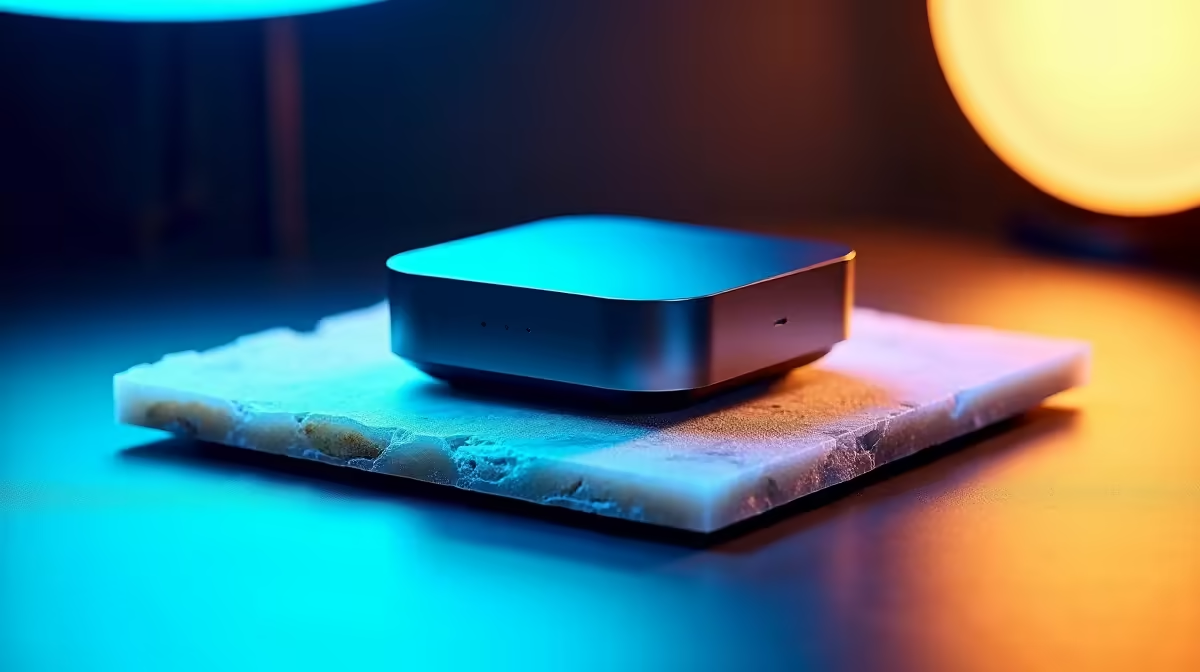
Deciding what to run Home Assistant on shapes how reliable, fast, and expandable your smart home will be, and there are four serious contenders. The choice between Home Assistant Green vs Yellow vs Raspberry Pi vs Mini PC comes down to how much you want to build yourself, whether you need a built-in Zigbee radio, and how many other services you plan to pile on. The official Yellow even packs an onboard Silicon Labs Zigbee radio and an M.2 NVMe slot, while the Green keeps things cheap and simple.
Quick Answer
For total beginners, the Home Assistant Green is plug-and-play and bulletproof on eMMC storage. For built-in Zigbee and Thread with no dongle, the Yellow is the pick. For DIY flexibility, a Raspberry Pi 5 with an SSD. And for the best long-term value, especially with cameras or voice, an Intel N100 mini PC. Note the official Green and Yellow usually need importing into South Africa.
Home Assistant Green: Plug and Play
The Green is the easy door in. It runs Home Assistant OS out of the box with no SD card, no Linux setup, and no Docker to configure: connect Ethernet, power it on, and you are running within about five minutes. Its eMMC storage sidesteps the single biggest cause of Raspberry Pi failures, corrupted SD cards, so it stays reliable over years of constant writes.
The catch is that the Green has no built-in radios. To use Zigbee or Thread you add a USB coordinator stick. For most beginners that combo, Green plus a Zigbee dongle, covers the vast majority of starter scenarios at a sensible price.
Home Assistant Yellow: Radios Built In
The Yellow is the premium official appliance and roughly twice the price of the Green. It carries an onboard Silicon Labs EFR32 Zigbee and Thread radio, so you skip the USB dongle entirely, and it adds an M.2 NVMe slot for proper fast storage. Built around a Raspberry Pi Compute Module 4, it benchmarks strongly, scoring near 110,000 on UnixBench.
Storage speed is the standout upgrade. Where the Green's eMMC reads around 80 MB/s, a mid-range NVMe in the Yellow pushes past 400 MB/s, which makes the whole system feel snappier as your configuration grows. If clean, integrated Zigbee and Thread without dongles matters to you, the Yellow is the cleanest official answer.
Raspberry Pi 5: The DIY Middle Ground
The Pi 5 is for people who like building their own setup or already own Pi accessories. It is the most flexible option with the best community documentation, sitting between the appliances and a mini PC on cost and performance. The one firm rule: do not run it from an SD card long-term, because cards fail after months of round-the-clock writes. Boot from a USB SSD for reliability.
When the Pi Makes Sense
Choose the Pi 5 if you enjoy the hands-on side, want to learn the underlying Linux, and value the huge pool of tutorials. It rewards tinkering but asks for a little more effort than the plug-and-play appliances.
The Pi 5 is also markedly faster than earlier Pi models, with enough processing headroom to handle a busy smart home and a few add-on services without straining. Paired with a USB or NVMe SSD it makes a capable, affordable hub. The catch is that by the time you add a quality power supply, a case, a cooler, and reliable storage, the total can creep toward the price of an N100 mini PC that offers more raw performance, so price the whole bundle rather than just the board.
N100 Mini PC: The Value Powerhouse
If you want one box that does everything, an Intel N100 mini PC is the smart-money pick. Complete systems run roughly the price of the official appliances yet handle far more. The N100's QuickSync engine decodes several 4K camera streams in hardware with CPU load staying under 20 percent even with four or five cameras, which makes it ideal if you run Frigate with real cameras or want local Whisper voice that is not painfully slow.
The trade-off is power draw, which makes it a slight overkill as a pure Home Assistant box. But as a small home server that also runs Home Assistant alongside other services, it is excellent value you will not outgrow for years. Evetech's smart home section lists current mini PCs and smart-home hardware worth considering, and the accessories best sellers cover the storage drives, coordinator sticks, and cabling these builds rely on.
Storage, Reliability, and the SA Angle
The thread running through all four options is storage reliability, and it is the single most important factor for a box meant to run for years. SD cards are the weak link: under the constant small writes Home Assistant generates, they corrupt after months, which is why the Green's eMMC and the Yellow's NVMe slot are such meaningful upgrades. On a Pi or a mini PC, the rule is the same, boot from an SSD, not a card, if you want a system you can forget about.
For South African buyers there is a practical wrinkle worth planning around. The official Green and Yellow appliances usually have to be imported, which adds cost, shipping time, and the hassle of support across borders. A locally sourced Raspberry Pi 5 with an SSD, or an N100 mini PC bought here, sidesteps all of that and is often the more sensible route for a build you want to keep running and serviceable.
Matching Hardware to Ambition
Be honest about where your smart home is heading. If you will run a handful of lights and sensors, the Green or a modest Pi is plenty. If you plan to add real cameras through Frigate, local voice processing, or other home-server services, the N100 mini PC's headroom saves you from rebuilding on bigger hardware in a year. Buying slightly ahead of your needs is cheaper than migrating everything later.
Frequently Asked Questions
Which is best for a complete beginner?
The Home Assistant Green. It runs Home Assistant OS out of the box on reliable eMMC storage, sets up in about five minutes, and removes the SD-card failures that plague DIY Pi builds.
Do I need the Yellow for Zigbee?
Not necessarily. The Yellow has a built-in Zigbee and Thread radio, but a Green or Pi paired with a USB coordinator stick covers almost all beginner needs. The Yellow is for those who want integrated radios with no dongle.
Why pick a mini PC over a Raspberry Pi?
An N100 mini PC handles camera decoding and local voice far better thanks to QuickSync and AES-NI, and it can run other home-server services alongside Home Assistant. It costs a bit more in power but gives you years of headroom.
Should I run Home Assistant from an SD card?
No. SD cards fail after months of constant writes, which is the top cause of Raspberry Pi failures. Use eMMC, an NVMe SSD, or a USB SSD instead for a stable, long-lived system.
Are the Green and Yellow easy to get in South Africa?
The official appliances usually require importing into SA, which adds cost and lead time. That is part of why an N100 mini PC or a Raspberry Pi sourced locally is often the more practical route here.
Ready to give Home Assistant a permanent home? Browse mini PCs and smart-home hardware in Evetech's smart home section and build a hub that grows with you.