


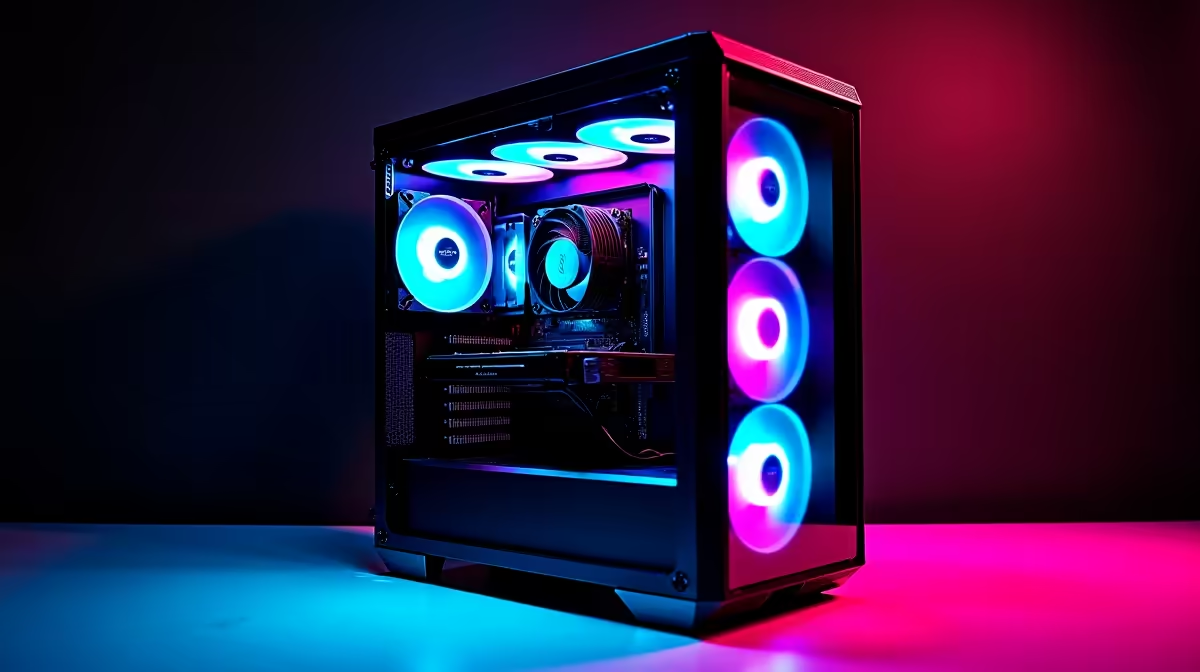
A R30,000 Gauteng esports build pushes past entry frame rates, pairing a faster GPU and CPU with a true 240Hz monitor for ranked CS2, Valorant and Apex.
Quick Answer
For competitive esports at R30,000, pair an RTX 4060 Ti or RTX 4070 with a Ryzen 7 7700, 32GB DDR5 and a 1080p or 1440p 240Hz monitor. That holds CS2 at 300-450 fps, Valorant at 350-400 fps, and Apex Legends at 180-240 fps.
The R30,000 Esports Build
Allocate around R10,000-R12,000 to an RTX 4060 Ti or RTX 4070, R6,000 to a Ryzen 7 7700, then 32GB DDR5, a 1TB Gen4 NVMe SSD, a B650 board and a 650W PSU. Reserve R6,000-R7,000 for a 240Hz monitor, the component that turns these frame rates into a visible edge.
Frame Rates In Ranked Play
At 1080p competitive settings expect CS2 around 300-450 fps, Valorant 350-400 fps, Apex Legends 180-240 fps, and Fortnite Performance mode 250-350 fps. At 1440p the same titles still clear 200 fps, letting you trade a little speed for sharper visuals.
Peripherals And Tuning
Add a sub-65g wireless mouse, a low-latency 2.4GHz headset and a linear-switch keyboard. Enable a high polling rate (1000Hz or higher) and cap frames just below your refresh ceiling for the steadiest 1% lows. For audio positioning, an open-back wired headset helps you pinpoint footsteps in CS2 and Valorant, and a low-latency wired connection avoids any wireless delay that could cost you a clutch round in ranked play.
FAQ
What FPS does this build hit in CS2?
Roughly 300-450 fps at 1080p competitive settings, more than enough to saturate a 240Hz panel for elite-level smoothness.
Should I go 1080p or 1440p for esports?
1080p 240Hz maximises frame rate for ranked play; 1440p 240Hz is viable on this build for sharper visuals while still clearing 200 fps.
Is a Ryzen 7 7700 overkill for esports?
No. Esports frame rates lean on the CPU, and the Ryzen 7 7700 keeps 1% lows high, which matters more than raw average fps for consistency.
frame rate just below your monitor's refresh (for example 237 fps on a 240Hz panel) to keep latency low and 1% lows steady.











