Troubleshooting Your Desktop PC Wi-Fi Signal
There is nothing worse than being in the final circle of a Battle Royale match, only for your ping to spike into the triple digits. If your desktop PC Wi-Fi signal is feeling sluggish, you aren't alone. Many South African gamers struggle with interference from thick walls or congested household networks. Before you give up and run a fifty-metre ethernet cable through your hallway, let’s look at how to get your connection back up to speed. ⚡
Optimising Your Wireless Hardware
The most common culprit for a weak signal is outdated or poorly positioned hardware. If you are using a basic USB dongle tucked behind your PC case, your own metal chassis is likely acting as a shield, blocking the signal from your router. It is time to upgrade to a more robust network adapter that offers high-gain antennas. Positioning your antennas away from the back of the case can drastically improve your stability.
Pro Tip: Signal Placement 🔧
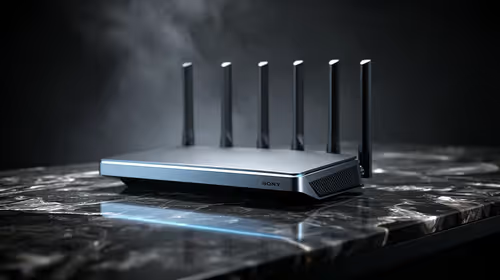
Always ensure your Wi-Fi antennas are positioned vertically rather than horizontally. Wireless signals propagate in a doughnut shape around the antenna, so standing them upright helps the signal cover more ground across your room rather than into the floor or ceiling.
Selecting the Right Gear for Your Setup
If you are looking for reliable performance, brands like TP-Link have become the gold standard for South African homes. They offer a great balance of speed and range that can handle the high bandwidth demands of modern gaming and 4K streaming. For those on a tighter budget, Cudy provides excellent value without compromising on the latest Wi-Fi standards. 🚀
Fine-Tuning Your Connection
Beyond hardware, ensure your PC is connected to the 5GHz band rather than the 2.4GHz band. While 2.4GHz travels further through walls, it is often crowded by other home appliances, leading to interference. 5GHz offers significantly higher speeds and lower latency, which is essential for any competitive gamer. If you have tried these steps and still see stuttering, it might be time to consider a dedicated PCIe card for a more permanent, stable connection to your motherboard. ✨
Ready to Boost Your Connection?
Don't let a weak signal hold you back from your next victory. Whether you need a high-speed PCIe card or a powerful USB adapter, we have the hardware to keep you in the game. Browse our full range of network adapters and get back to low-ping gaming today.