


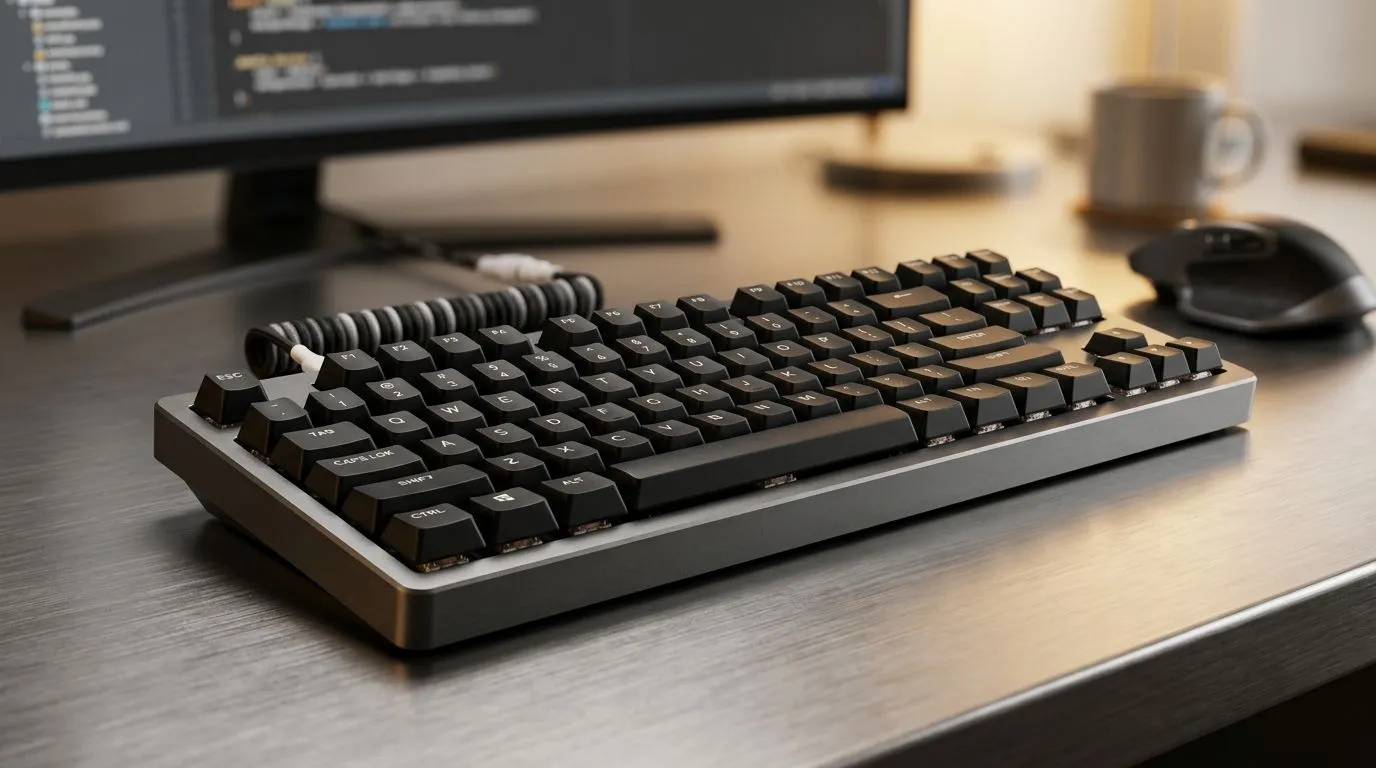
Is a TKL Wireless Mechanical Keyboard Worth It for Work? 🔧
If your desk feels cramped, your wrists are tired, and your cable clutter is starting to look like a mini snake pit, a TKL wireless mechanical keyboard starts making a lot of sense. South African workspaces are not all spacious home offices with perfect cable management. Many of us juggle laptops, monitors, coffee mugs, and a charger that always seems one metre too short. So, is a TKL wireless mechanical keyboard worth it for work? For plenty of people... yes.
TKL Wireless Mechanical Keyboard for Work: What You Actually Gain
TKL means tenkeyless. That simply means no numpad on the right. You get a smaller footprint, more desk space for your mouse, and a more natural shoulder position when typing and navigating all day. For office work, spreadsheets, emails, and light content creation, that extra mouse room can feel surprisingly nice.
Wireless adds another layer of convenience. Fewer cables. Cleaner desks. Easier laptop docking. And if you work between home and the office, it’s one less thing to unplug and repack. Many users also prefer the cleaner look for video calls… yes, even the keyboard in the background matters more than we admit.
TKL Wireless Mechanical Keyboard for Work: When It Makes Sense
It’s a strong pick if you:
- Use your numpad only occasionally
- Want a neater desk setup
- Share space with a laptop and external mouse
- Prefer a more compact typing layout
- Move between workstations often
If you spend your day entering numbers, a full-size board may still be the better fit. Accountants, data capturers, and anyone living in spreadsheets can miss the numpad fast. That’s the trade-off. Size and comfort versus numeric speed.
For shoppers comparing options, Evetech’s best gaming keyboard deals are a handy starting point if you want performance without overpaying. If you are on a tighter budget, browsing the cheapest gaming keyboards in South Africa can help you find a solid entry point in ZAR.
TKL Wireless Mechanical Keyboard for Work: Wireless, Wired, or Combo?
Wireless is convenient, but not every office setup needs it. Some users want zero charging anxiety. Others want the clean look and flexibility. If you prefer a stable plug-in option, Evetech also lists wired gaming keyboard options.
If you want a broader desk setup, a keyboard and mouse combo can be a practical route for workstations, especially when you are kitting out multiple devices or a home office on a budget.
For buyers who want freedom without cables, the wireless keyboard selection is worth a look. It’s the simplest way to compare what suits your workflow before you commit.
Desk Setup Pro Tip ⚡
On Windows, use keyboard remapping tools to swap keys or create shortcuts that fit your workflow. A compact TKL board feels even better when your most-used functions are mapped to easy shortcuts, especially if you live in emails, spreadsheets, and browser tabs all day.
TKL Wireless Mechanical Keyboard for Work: The Hidden Benefits
A good mechanical keyboard often gives a more satisfying typing feel than a basic office membrane board. That tactile response can help some people type with more confidence and fewer missed keys. It’s not magic. It’s just better feedback.
The other benefit is consistency. A quality keyboard can last far longer than the bargain-bin unit that came with your old desktop. For many South African buyers, that matters. You want value, not constant replacement.
Battery life is another consideration. Good wireless boards can last a long time between charges, but that still depends on usage and features like backlighting. If you hate plugging in every few days, check the product details carefully before buying.
TKL Wireless Mechanical Keyboard for Work: The Smart Verdict
So, is a TKL wireless mechanical keyboard worth it for work? If you value desk space, cleaner cable management, and a comfortable typing setup, it absolutely can be. If your work depends heavily on the numpad, full-size may still be the safer choice.
The best move is to match the board to your routine, not your wishlist. A small upgrade can improve daily comfort more than you expect... especially when you spend eight hours a day at your desk.
Ready to Find Your Perfect Match? The Mac vs Windows debate is complex, but for maximum power, choice, and value in South Africa, Windows is hard to beat. Explore our massive range of laptop specials and find the perfect machine to conquer your world.











