Managing Distracting RGB Keyboard Lighting for Better Focus ⚡
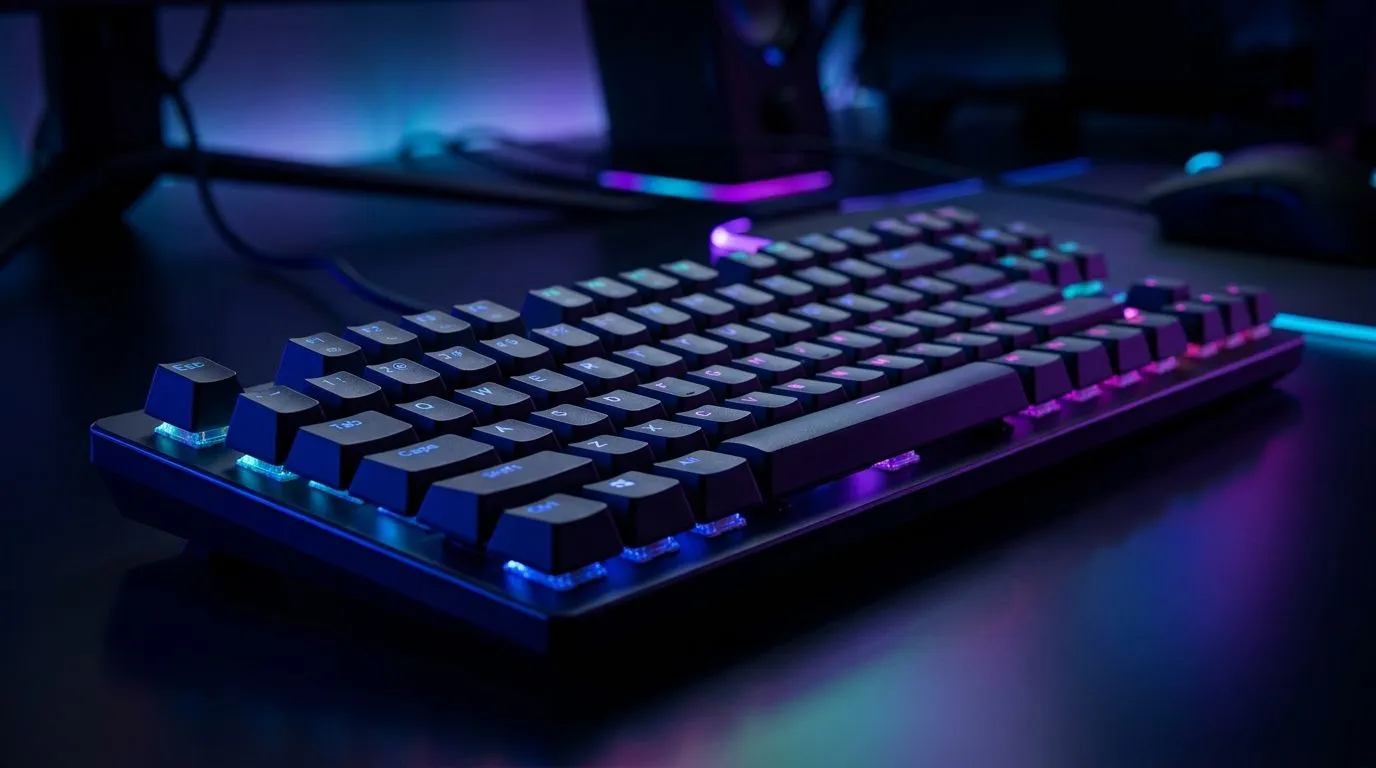
South African gamers love eye-catching RGB keyboards, but sometimes the flashing lights can steal your focus mid-game. If your keyboard’s rainbow glow feels more distracting than immersive, learning to manage backlight modes is key. Whether you’re aiming for subtle ambient lighting or complete control over brightness, taming your RGB setup can improve both gameplay and comfort.
Understanding RGB Keyboard Lighting Modes
Most RGB gaming keyboards come with multiple backlight modes—ranging from static colours to dynamic waves and reactive effects. Each mode offers a different visual experience, but not all suit every moment at your desk or gaming rig.
For example, the popular lighting wave looks cool but might distract in tense moments. A static mode or breathing effect keeps the illumination soothing and less intrusive. Some budget keyboards, like those found in Evetech’s best gaming keyboard deals, still pack decent RGB control options without breaking the bank.
How to Switch or Customise Backlight Modes
Most gaming keyboards feature a dedicated function key or a software suite that lets you cycle through lighting presets. Wired keyboards often prioritise quick access to lighting shortcuts, while wireless options might require software control via your PC.
If you’re picking new gear, explore affordable options in the wired keyboard section at Evetech. This ensures easy mode switching and low-latency response during gaming.
Pro Tip: Pick Lighting Modes That Match Your Mood
Keep a calmer lighting effect for work or chill sessions, then switch to dynamic lighting only for gaming bursts. This simple habit can boost your concentration and reduce visual fatigue.
When to Consider Keyboard and Mouse Combos for Lighting Sync✨
If your RGB gets distracting, syncing your keyboard lighting with your mouse can bring uniformity and reduce erratic flashing. Wired or wireless combos often come with unified backlight controls through one app, making adjustments a breeze.
Evetech offers several keyboard and mouse combos that cater to complex lighting setups while keeping your desk sleek and responsive.
Wireless RGB Keyboards: Convenience Meets Lighting Control
For those who want less cable clutter but still want fine-tuned lighting, wireless RGB keyboards are a smart choice. Many models offer solid backlight management either through onboard controls or software.
Explore your wireless options at Evetech here: Wireless gaming keyboards. You’ll find models that balance lighting flair and ease of use.
Budget-Friendly RGB Keyboards That Won’t Overwhelm Your Eyes
Not all RGB keyboards are overly bright or complicated. Some budget-friendly keyboards offer solid lighting customisation that’s easy to tone down when needed.
Check out the cheapest gaming keyboards in South Africa for models proven to deliver good RGB control without burning your eyes or wallet.
Keeping your RGB keyboard lighting manageable doesn’t mean giving up style or identity on your gaming setup. Adjusting the backlight modes and selecting the right hardware lets you play with flair while staying sharp.
Ready to upgrade your keyboard setup?
Discover the latest gaming keyboards with smart lighting control—Shop now at Evetech for performance that leaves lag in the dust.