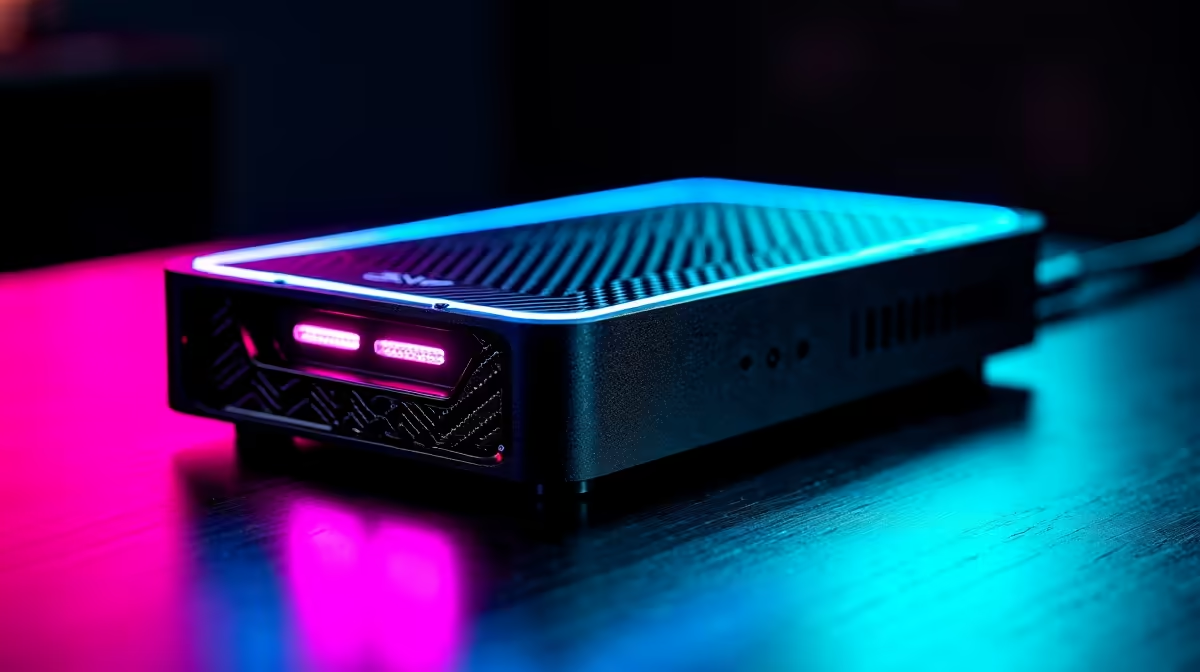
Razer's Core X V2 is the company's first Thunderbolt 5 eGPU enclosure, and at a $349.99 list price it is the cheapest way into the new high-bandwidth external graphics era. It is also deliberately bare-bones: the box gives you the chassis, the cooling and the Thunderbolt 5 link, but you supply the graphics card and the power supply yourself. Knowing what is in the box, and what is not, saves you an unwelcome surprise on build day.
Quick Answer
The Razer Core X V2 lists at $349.99 with Thunderbolt 5, up to 80Gbps of bandwidth and 140W of power delivery to the host laptop. It ships with no GPU and no PSU, so you must add your own ATX power supply in the dedicated bay and your own graphics card. It accepts cards up to four slots wide.
What you get in the box
The Core X V2 is the enclosure, the Thunderbolt 5 connection and the cooling, and that is the deliberate point. It connects over Thunderbolt 5 with up to 80Gbps of bandwidth, a big step over the previous generation, and feeds up to 140W of power delivery back to a connected laptop to charge it while you game or work. A single 120mm fan handles cooling and adjusts its speed automatically based on the enclosure's temperature. It is compatible with Thunderbolt 5 and Thunderbolt 4 laptops, and some USB4 devices such as handhelds that support external graphics.
What you must buy separately
Here is the part that catches people out. Unlike the original Core X, the V2 does not include a power supply. It has a dedicated bay that takes a standard ATX power supply, but you provide it, and you size it to the graphics card you plan to run. It also ships, as eGPU enclosures always do, with no graphics card, so factor in a modern NVIDIA GeForce or AMD Radeon card on top of the enclosure price. The chassis fits desktop cards up to four slots wide, so even chunky current-generation GPUs slot in. If you are pairing it with a laptop, the docking and connectivity options in the docking station range at Evetech round out a mobile-plus-desk setup nicely.
Who the Core X V2 is for
This makes sense for someone with a Thunderbolt 5 or Thunderbolt 4 laptop who wants desktop graphics power at their desk without owning a second machine. You plug in one cable, your laptop charges at up to 140W, and a full-size desktop GPU drives your monitor. Just budget for the complete picture, the enclosure, an ATX PSU and the graphics card, because the $349.99 is only the entry fee. When you are choosing the card itself, the popular options in the GPU best sellers are a good starting point for what will fit and perform.
Frequently Asked Questions
Does the Razer Core X V2 come with a power supply?
No. Unlike the original Core X, the V2 ships without a PSU. It has a bay for a standard ATX power supply that you buy separately and size to your chosen graphics card.
Does it include a graphics card?
No. Like all eGPU enclosures, it is sold empty. You add your own desktop NVIDIA GeForce or AMD Radeon card, and the chassis fits cards up to four slots wide.
What does Thunderbolt 5 add over the old version?
Thunderbolt 5 brings up to 80Gbps of bandwidth, well above the previous generation, which reduces the bottleneck between an external GPU and your laptop. It also delivers up to 140W of power back to charge the host.
Which laptops are compatible?
Thunderbolt 5 and Thunderbolt 4 laptops are supported, along with some USB4 devices such as handhelds that allow external graphics enclosures. Check that your machine supports eGPU use before buying.
What is the true cost of a complete build?
The $349.99 covers the enclosure only. Add a suitable ATX power supply and a modern graphics card to reach a working setup, so plan your budget around all three components rather than the headline price.
Building a Thunderbolt eGPU setup? Explore the docking station range at Evetech and the latest graphics cards to put together a desk that gives your laptop real gaming muscle.