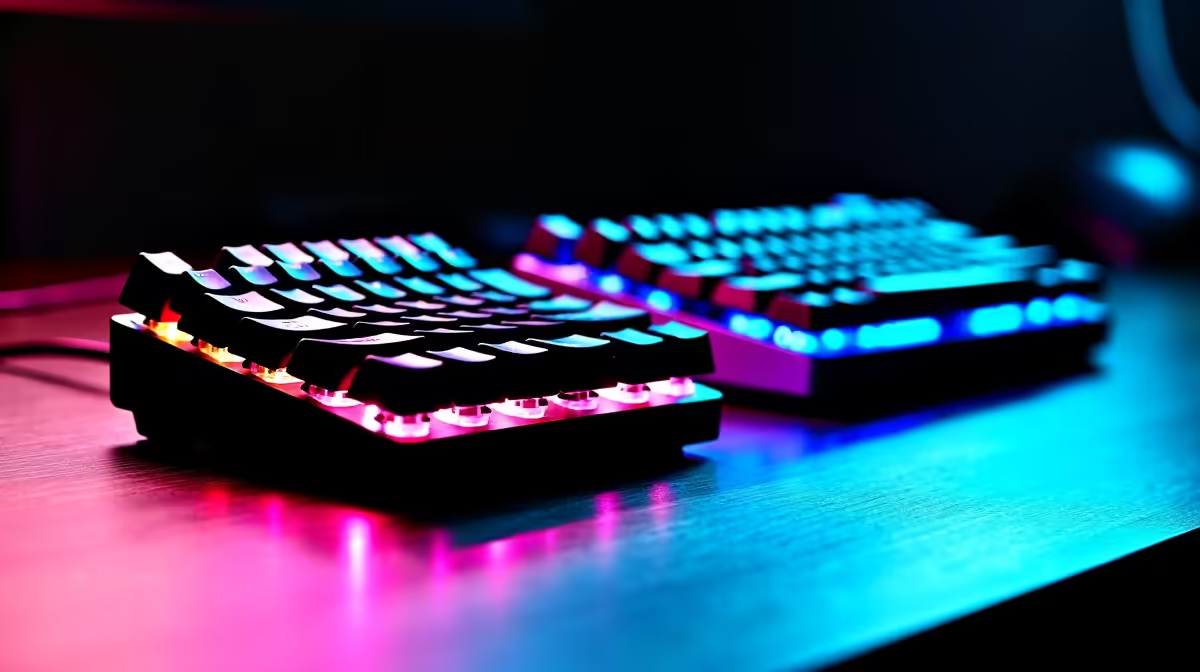
Full-Size vs Tenkeyless Mechanical Keyboards for Gaming: Which Feels Right in Your Setup?
South African gamers and PC builders know the feeling… you finally upgrade your rig, then realise the keyboard isn’t matching your play style. Your aim, movement, and comfort all depend on the “little” details: desk space, key travel, and even how fast you can hit abilities without looking. 🔥
This guide breaks down Full-Size vs Tenkeyless Mechanical Keyboards for Gaming in plain terms. We’ll help you pick the right layout for FPS, MMOs, and that one game where you spam skills like it’s ranked. 🚀
Comfort Pro Tip ✨
If you’re moving from a full-size board to tenkeyless, re-map your muscle memory before you play competitively. In Windows, use a key remapper (or built-in remap options where available) and spend 30 minutes in a private aim trainer or custom match so your WASD + ability keys land without hesitation.
Full-Size Mechanical Keyboards for Gaming: Pros, Cons, and Who They Suit
A Full-Size mechanical keyboard includes everything most people expect: the number pad (numpad), arrow cluster, and function keys. That’s great… if your desk has room and you actually use the numpad.
When the numpad actually helps
If you do any of these, a Full-Size board can feel more “natural”:
- Spreadsheet work for school or work (common for SA students and admin-heavy jobs)
- CAD or data-heavy tasks
- Certain games where numpad keys map cleanly to utilities or quick items
The downside: desk space and reach
The bigger body can push your mouse arm forward. Over time, that can mean awkward wrist angles, especially on smaller gaming desks. In FPS games, that affects consistency. Your brain is fast. Your body still needs space.
What to look for in a Full-Size board
- Switch type (linear vs tactile vs clicky) for your play style
- Keycap quality (avoid glossy, thin caps that wear fast)
- N-key rollover (prevents missed inputs during combos)
(For specific deal options and configurations, browse keyboard selections on Evetech. )
Tenkeyless Mechanical Keyboards for Gaming: Why Many SA Gamers Prefer Them
Tenkeyless (often “TKL”) drops the numpad. The keyboard becomes narrower, which usually makes your whole setup feel more balanced.
The real advantage: mouse freedom
In most desks, TKL gives you:
- Better mouse space for low-sensitivity aiming
- More comfortable arm angle
- Cleaner movement paths when you strafe and flick
That’s why many competitive players choose TKL. It’s not just preference. It’s ergonomics.
Downsides to be aware of
- If you rely on the numpad for work, you’ll miss it.
- Some MMO players like having extra keys clustered. You can still map abilities, but it means using other areas or software.
What to look for in a TKL board
- Programmable keys or software support (for remaps)
- Good stabilisers for larger keys (spacebar and modifier keys)
- Connectivity that matches your setup (wired is often simplest; wireless is for flexibility)
Full-Size vs Tenkeyless Mechanical Keyboards for Gaming: A Quick Decision Guide
Here’s a fast way to decide without overthinking:
Choose Full-Size if…
- You use the numpad for work or study
- Your desk is spacious enough to keep good mouse distance
- You want the familiar layout for everyday typing and shortcuts
Choose Tenkeyless if…
- Your desk is compact or you need more mouse room
- You play FPS or action games and you want comfortable movement
- You prefer a cleaner look and a lighter feel
Choose based on connectivity too (wired vs wireless)
Wireless can be great if latency expectations match your tolerance, but wired is still the simplest “always ready” choice for gaming. If you’re buying, check the connectivity options and match them to your routine.
Deals and Bundles on Evetech (SA Stock, Real Value in ZAR)
If you’re ready to upgrade, start with boards and bundles that match the size you want. Here are practical places to shop on Evetech before you commit:
Final Recommendation: Pick Layout, Then Tune Your Settings
Most players don’t lose fights because they used the “wrong” layout. They lose because their inputs feel off. So pick the layout that keeps your mouse comfortable, then commit to a quick remap routine.
If you went TKL, spend an evening making sure ability keys feel automatic. If you went Full-Size, test whether the numpad creates any wrist crowding. Your best keyboard is the one you stop thinking about… and start aiming with.
Ready to Find Your Perfect Match?
The Mac vs Windows debate is complex, but for maximum power, choice, and value in South Africa, Windows is hard to beat. Explore our massive range of laptop specials and find the perfect machine to conquer your world.