Mastering Wireless Connectivity for Your Gaming Rig
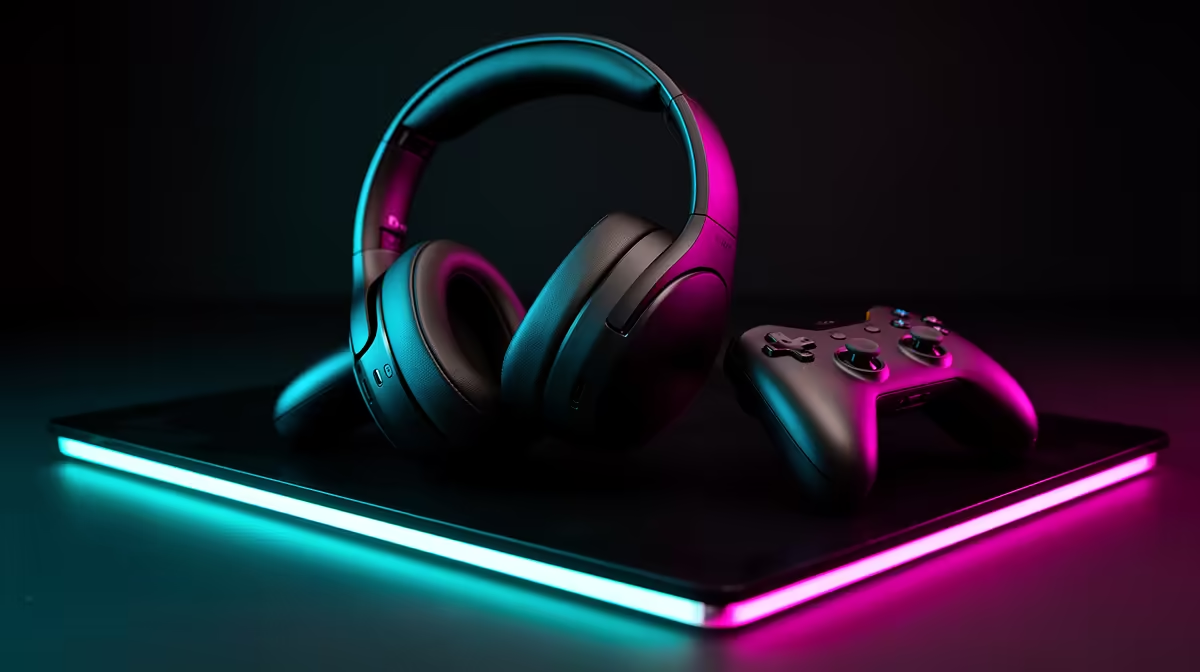
There is nothing worse than being mid-raid in your favourite MMO, only to have a cable snag and pull your headset off your ears. For South African gamers, the shift to a wire-free setup is the ultimate upgrade for desk aesthetics and movement freedom. Whether you are syncing a PlayStation controller for an immersive session or pairing a high-fidelity headset, getting your PC to recognise these devices over Bluetooth is simpler than you might think. ⚡
Preparing Your PC for Bluetooth Connections
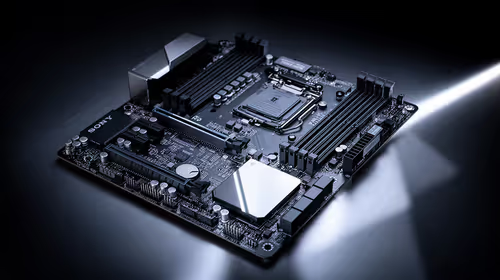
Before you start pairing, you need to ensure your rig actually has the capability. While most modern motherboards feature integrated Bluetooth, many custom builds or older desktop systems do not. If you are struggling to find the Bluetooth toggle in your Windows settings, you likely need a dedicated network adapter.
For those who want rock-solid reliability without spending a fortune, we highly recommend checking out the latest TP-Link network adapters. They are plug-and-play, meaning you can spend less time troubleshooting drivers and more time climbing the ranked ladders. 🚀
Connection Pro Tip 🔧
If your controller feels 'laggy' or unresponsive, ensure your Bluetooth antenna is firmly attached to the back of your PC. Distance and physical obstructions like metal desk frames can interfere with the signal, causing dropped inputs during intense firefights.
Pairing Your Peripherals Effectively
Once your hardware is ready, open your Windows Settings and navigate to "Bluetooth & devices." Click "Add device" and ensure your controller or headset is in discovery mode. If you are using a budget-friendly but high-performance Cudy network adapter, your PC will typically pick up the signal in seconds.
Remember to keep your drivers updated. Windows Update usually handles the basics, but visiting the manufacturer's website for specific Bluetooth drivers can prevent those annoying "ghosting" issues where your inputs register a second late. Once paired, Windows will remember the device, allowing you to jump straight back into the action next time you power up. ✨