



A Windows download is easy to mistake for something every Windows PC can run. Perplexity Portable Computer Windows support has a much narrower hardware requirement for local inference. Before spending money on a graphics card, separate the app, the subscription and the memory on the GPU from the ordinary RAM installed in your computer.
Quick Answer
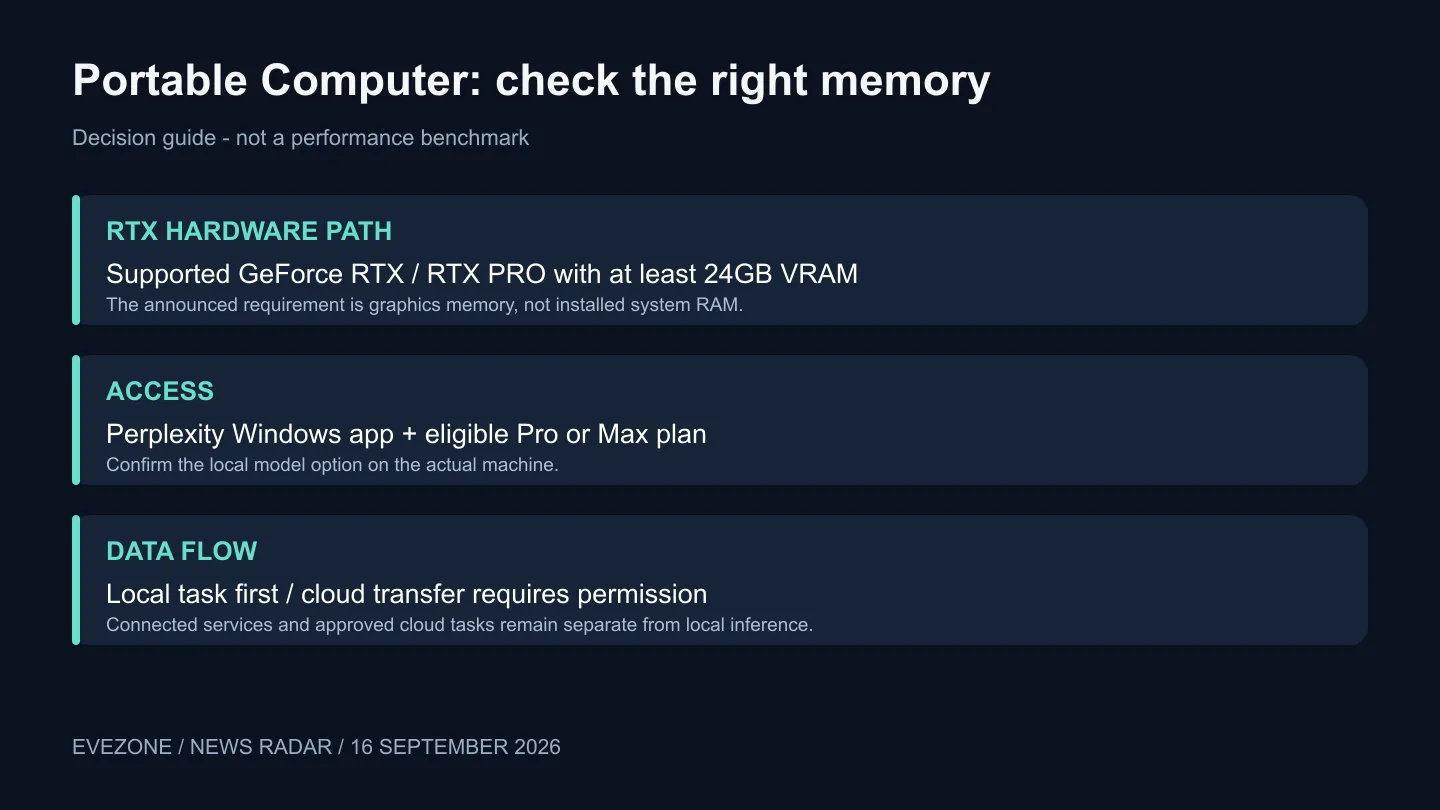
The announced RTX route requires a supported GeForce RTX or RTX PRO GPU with at least 24GB of VRAM, plus eligible Pro or Max access. Fully local work does not consume Computer credits. Buying hardware just to experiment could be costly: one captured Evetech listing, the MSI RTX 5090 32G Lightning Z, was R109,999 on 16 September. That specific premium card is not an entry-price recommendation.
🧠 Check which memory the requirement names
VRAM belongs to the graphics card. A PC with 32GB of ordinary system memory has not thereby met a requirement for 24GB of graphics memory. Look up the exact GPU model and its memory specification, then confirm eligibility in the application on that machine. Do not infer support from a broad label such as gaming PC or AI laptop.
The current GeForce range is useful for checking real model configurations. It is not a list in which every card qualifies. The captured 32GB example shows how expensive a particular option can be, so establish that local agents solve a recurring problem before treating a new GPU as the first step.
🗂️ Start with a small repeatable task
Perplexity describes a local model, agent harness, orchestrator and scheduler running on the device. This is broader than opening a chat box: the system can work across permitted files and connected tools. A sensible first trial is a small folder of copied documents with an outcome you can check, such as a summary compared against the originals.
Keep the original files outside the trial folder, inspect the result and note how much correction it needs. Repeat the same task before deciding whether local execution saves enough time to justify the hardware. A successful single prompt is weaker evidence than a workflow that produces a useful result several times.
If you are comparing laptops, check the application's specific hardware path rather than transferring desktop RTX requirements to every notebook. Separate platform announcements can have different supported configurations. Obtain confirmation for the exact machine you intend to buy.
☁️ Local execution still needs clear boundaries
Perplexity says local tasks do not consume Computer credits and asks for permission before sending work to the cloud. That does not make every connected service local. Read a transfer request in context: what is leaving the PC, which tool needs it and whether the task can finish without that step.
For South African buyers, assess value in terms of the work completed and the full Rand cost of ownership. A faster or more private local workflow may be useful, but buying a very expensive GPU to avoid an unmeasured amount of cloud use is not a calculation. Record your actual task frequency and quality requirements first.
Frequently Asked Questions
Is Portable Computer the same as the earlier Windows cloud agent?
No. This release adds the local execution path on compatible hardware. Being able to use cloud features in the Windows app does not establish that local inference is supported.
Can I assume a supported GPU guarantees every tool works?
No. Hardware eligibility is one check; the local model, application connection and task still need testing. Use a small reproducible example before relying on it.
What should I do before ordering a GPU?
Confirm your current hardware and eligible account first. Then test a real workflow on a compatible machine and compare its benefit with the complete upgrade cost.
Price the workflow before the GPU. Review Evetech's graphics-card specifications and build a shortlist only after confirming which local tasks your machine must handle.









