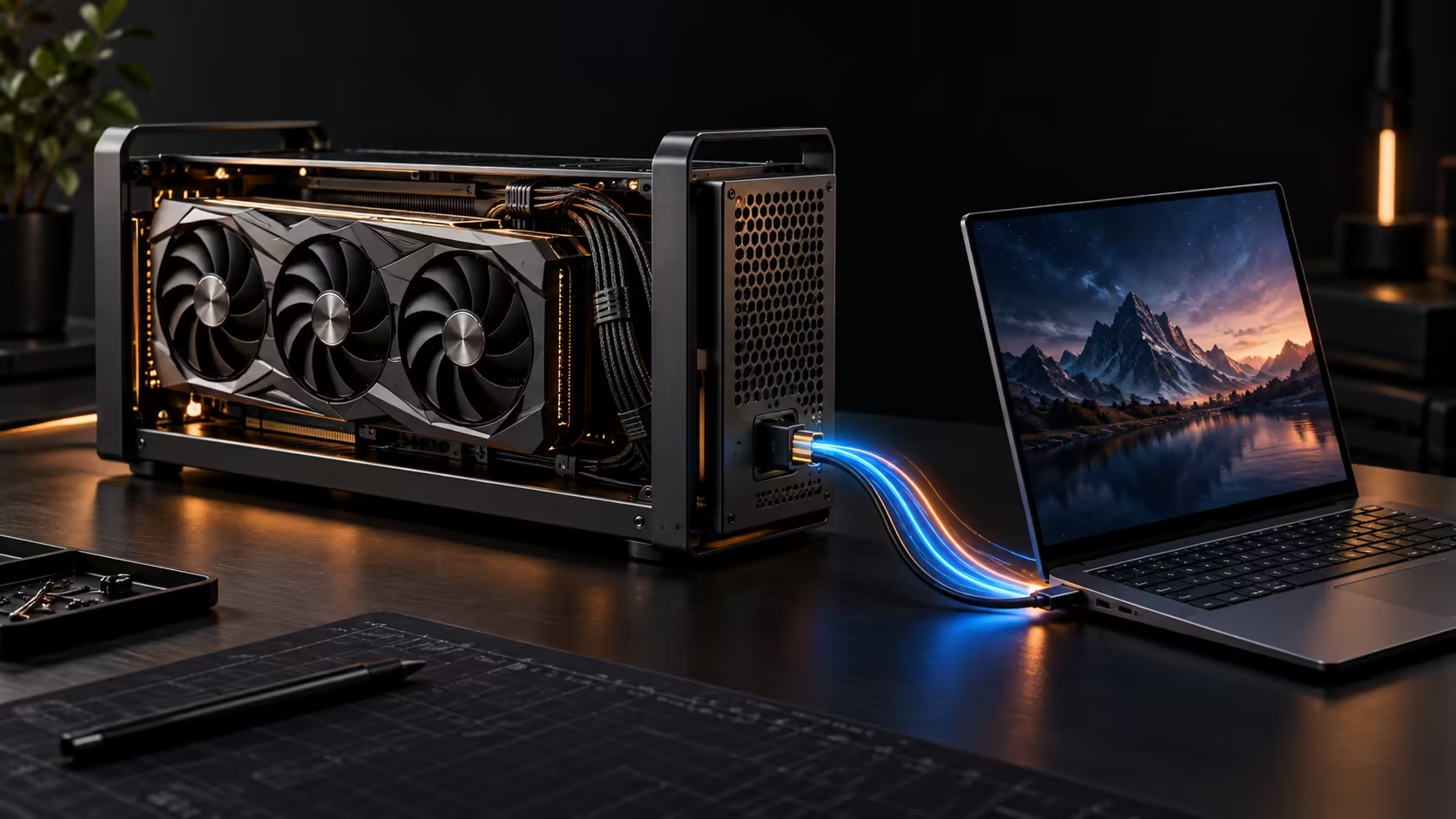
The UGREEN LinkStation Pro eGPU is an open external graphics-card dock built around two host paths: Thunderbolt 5 for a cable-friendly laptop connection and OCuLink for a more direct PCIe link. It also integrates an 850W ATX 3.1 power supply. That combination is powerful, but compatibility has to be proven at every step.
Quick Answer
UGREEN's updated dock is reported with an 80Gbps Thunderbolt 5 interface, a 64Gbps OCuLink path, a PCIe 4.0 x16 physical slot, three downstream Thunderbolt 5 ports, one 10Gbps USB-A port and up to 140W laptop charging. The integrated 850W 80 Plus Gold power supply includes modern GPU cabling. No confirmed South African price or matching active Evetech eGPU listing appeared at capture time.
Thunderbolt 5 and OCuLink are different paths
Thunderbolt 5 is the more familiar docking experience. One cable can carry data and provide laptop charging, while the dock adds ports and display flexibility. Its advertised bandwidth is shared across the link and protocol overhead applies, so a desktop graphics card will not necessarily perform exactly as it does in a desktop motherboard.
OCuLink exposes a PCIe 4.0 x4 path rated at up to 64Gbps in the reported specification. It can reduce some of the protocol overhead associated with Thunderbolt, but the host device needs a real OCuLink port or a supported internal adapter arrangement. A USB-C connector cannot be assumed to carry either path.
The integrated power supply solves only one problem
The 850W ATX 3.1 unit gives the enclosure its own graphics-card power budget. Reporting lists a native 12V-2x6 connector and two PCIe 6+2-pin cables providing four 8-pin plugs in total. Buyers still need to check the selected card's connector layout, power recommendation, physical thickness and length.
An open-frame dock also leaves the graphics card exposed. Plan for a stable surface, cable strain relief, airflow and protection from dust, pets and accidental contact. The lack of a sealed case can help cooling, but it changes how safely the setup can be placed on a busy desk.
Check the host before ordering
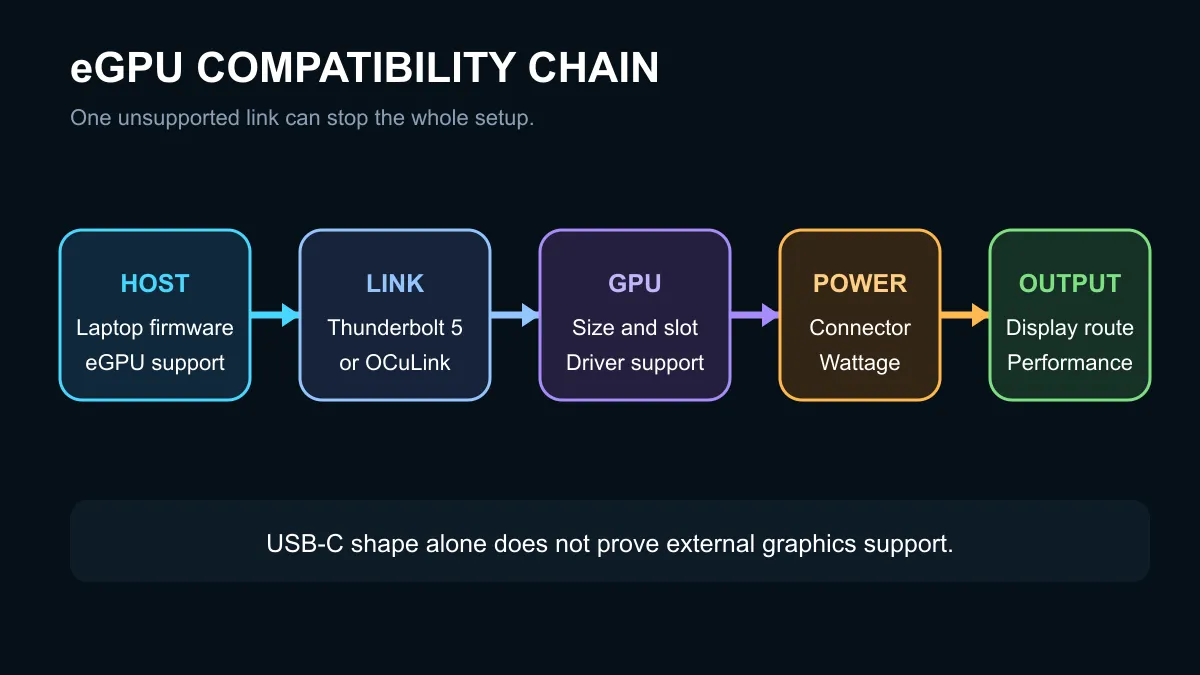
The most important question is not whether the laptop has USB-C. Confirm that its exact port and firmware support an external PCIe graphics device. Then check operating-system support, GPU drivers, external-display routing and whether the internal laptop display imposes an extra return-data penalty.
The captured local catalogue did not contain a matching eGPU enclosure. It did contain ordinary docking stations and graphics-card support accessories, which are not substitutes. A normal docking station adds ports but does not provide a desktop GPU slot.
If the host is compatible, compare the cost of the enclosure, graphics card and any external display with a desktop PC. An eGPU makes most sense when mobility matters and one laptop must serve both portable and desk roles. For a fixed setup, a desktop often offers a cleaner performance-per-rand path.
Use graphics card accessories only for their stated purpose. A support bracket or cable does not create eGPU compatibility.
Performance testing should use the same graphics card, game, resolution and display route. Sending frames back to a laptop's internal screen can add another trip over the external link. An external monitor connected directly to the graphics card can avoid that return path. Measure the complete desk setup rather than comparing an eGPU benchmark with an unrelated desktop result.
Frequently Asked Questions
Does the LinkStation Pro include a GPU?
No. The graphics card is installed separately.
Will it work through any USB-C port?
No. The host needs compatible Thunderbolt external-graphics support or a real OCuLink path.
Can it charge the connected laptop?
The reported Power Delivery ceiling is 140W, but the laptop must support the negotiated profile.
Verify the exact laptop, operating system and graphics card together before buying any eGPU dock.
Treat eGPU compatibility as a chain. Port, firmware, drivers, graphics card and power all have to agree.