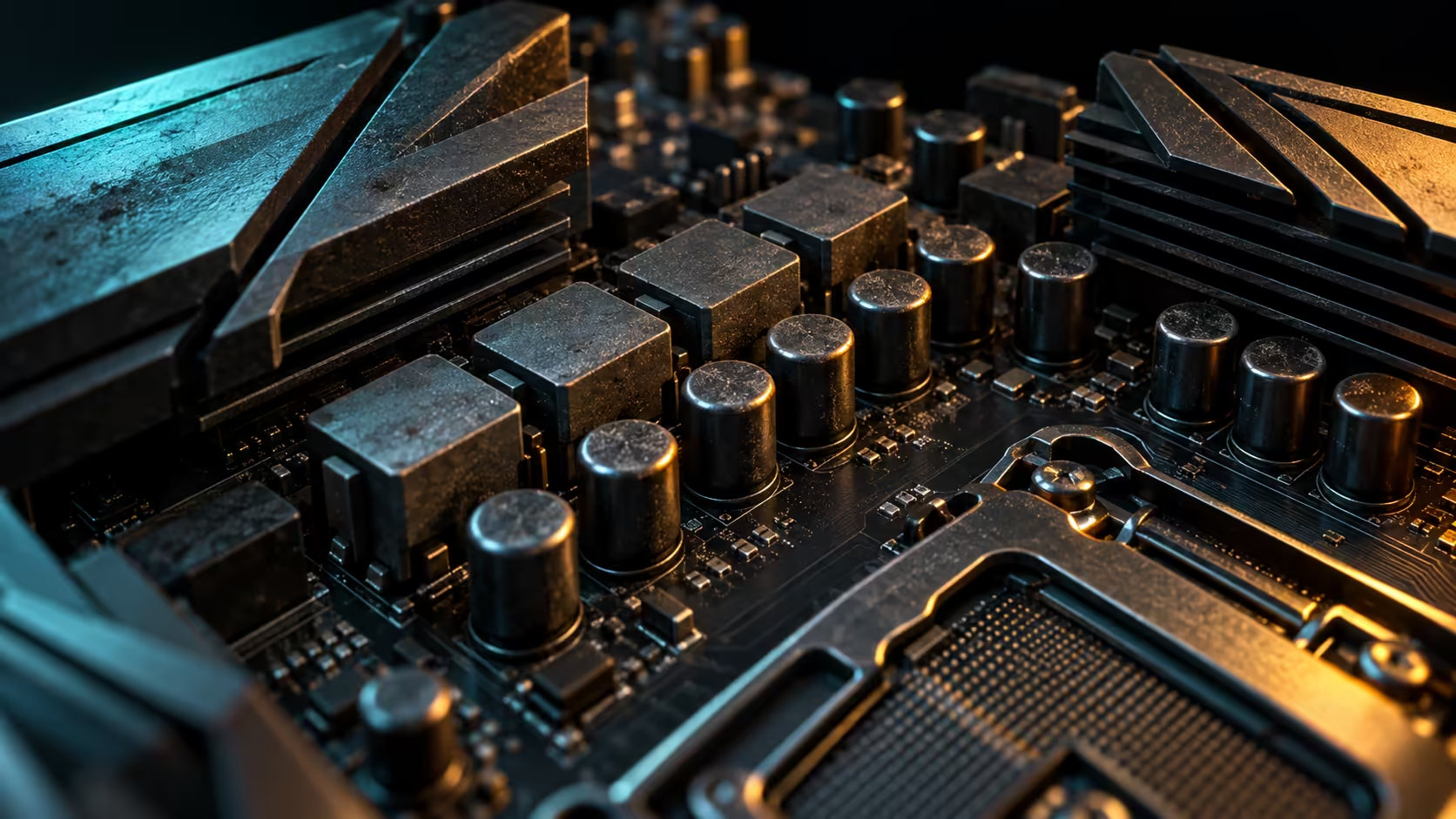
A motherboard lifespan is not a fixed countdown. A suitable board can remain reliable across several upgrade cycles, while heat, unstable power, contamination, corrosion or physical damage can end service much earlier. Replace a board for a confirmed fault or a real platform need, not because it reached an arbitrary birthday.
Quick Answer
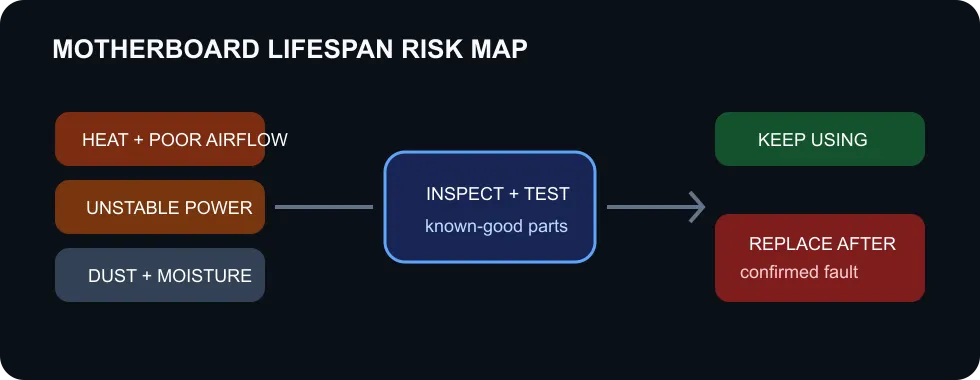
There is no universal number of years that applies to every motherboard. Component quality, voltage-regulator temperature, airflow, power conditions, humidity and handling all influence longevity. ASRock identifies electrolytic capacitors as a lifespan-sensitive component and says its long-life choices target more than five years under full load. That is a manufacturer design statement, not a universal expiry date for all boards.
Heat and power shape service life
The voltage-regulator module converts power for the processor. Its controller, power stages, chokes, capacitors and heatsinks work hardest during sustained CPU load. A board designed for a modest processor may run far hotter when paired with a high-draw chip. Case airflow and the cooler layout can matter as much as the size of the heatsink.
Recent measured VRM testing shows that budget and premium boards do not always separate neatly by price. Many mainstream and enthusiast samples stayed within a manageable temperature band, while the hottest boards still remained below their throttle limits in that specific test. The lesson is to check real thermal behaviour with the intended processor rather than assuming an expensive board is automatically cooler.
Power quality also matters. A failing or unsuitable power supply can cause resets, unstable rails and repeated electrical stress. Surges, liquid contact and incorrect cable work can damage a board immediately. Never inspect internal components while the computer is connected to mains power.
Warning signs need proper diagnosis
Random restarts, missing USB ports, memory errors and failed boot attempts do not prove the motherboard is bad. A loose cable, weak power supply, damaged memory module, overheating processor or corrupted software can produce similar symptoms. Diagnosis should start with known-good parts, minimum hardware and a clear record of when the fault occurs.
A burning smell, visible scorching, bulging or leaking components, corroded contacts or a damaged socket calls for immediate shutdown and professional inspection. Do not keep applying power to see if the problem repeats. Intermittent faults without visible damage still deserve structured testing before a replacement is ordered.
Maintenance that reduces avoidable stress
Keep intake filters and heatsinks clear enough for airflow. Place the PC where it is not drawing in carpet fibres or trapped against a wall. Use compressed air carefully with the machine powered down and stop fans from spinning freely during cleaning. Avoid touching contacts or scraping the board with a vacuum nozzle.
Monitor temperatures after a CPU upgrade or cooler change. A new high-power processor can alter VRM load even when the socket is compatible. Update firmware only when there is a supported reason and stable power, because an interrupted update can make a healthy board unbootable.
When replacement makes sense
Replace the board when a fault has been isolated, repair is uneconomical, or the platform blocks a feature you genuinely need. A new CPU socket, more memory capacity, faster storage support or a missing expansion interface can justify an upgrade. A working board does not need retirement simply because newer chipsets exist.
The catalogue snapshot included active B650 motherboards from R2,999 and B850 examples from R3,999. Prices and stock can change. Browse AMD motherboards, Intel motherboards and B850 motherboards only after confirming socket, memory, case and processor compatibility.
Frequently Asked Questions
How many years should a motherboard last?
No fixed number is reliable. Operating stress, environment and component quality matter more than age alone.
Does a hot VRM mean the board is failing?
Not automatically, but excessive sustained temperature can reduce margin and should prompt an airflow and compatibility check.
Should I replace a working five-year-old board?
No. Keep using it if it is stable, safe and still supports the required hardware.
Compare current motherboard options only after the existing fault or limitation is clear.
Diagnose first, replace second. Age is context; confirmed electrical or platform limits are decisions.