


750W PSU Planning for RTX 5080 Super Builds in SA
750W for RTX 5080 Super needs a full-build check, not a simple yes. Review GPU guidance, CPU draw, transient load, connectors, PSU quality, and upgrade plans before deciding.
Read moreultrawide monitor FPS drops needs a methodical troubleshooting pass. Review drivers, thermals, power settings, background apps, cables and game settings before replacing parts in an SA gaming setup.
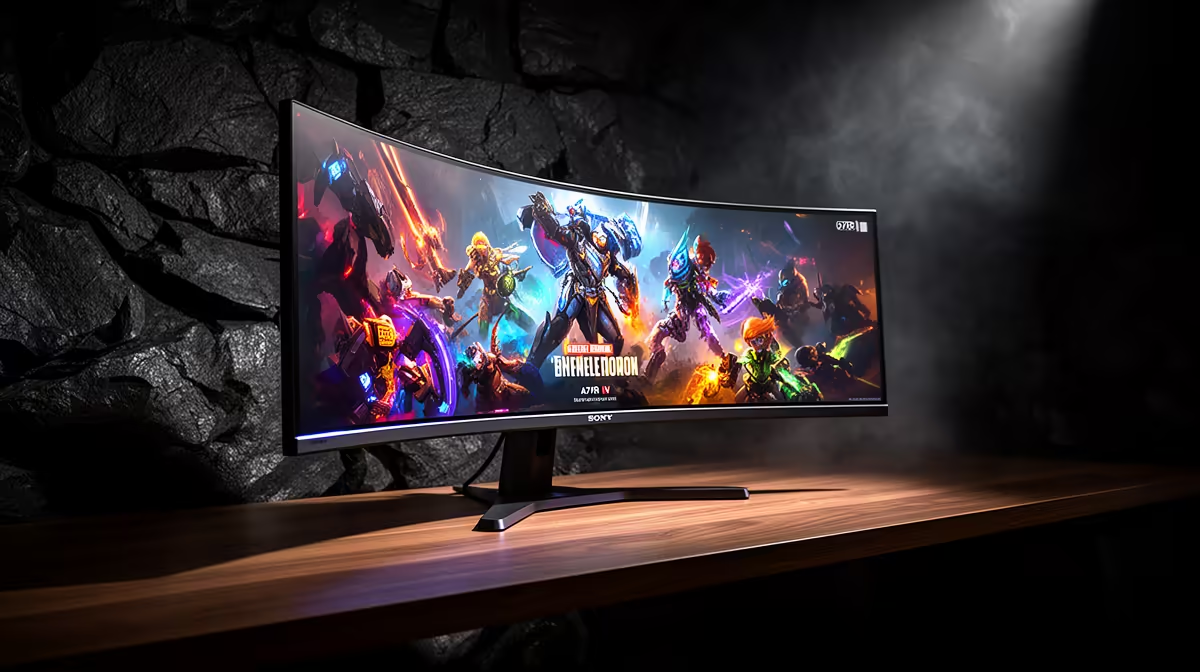
South African gamers often blame the hardware when FPS drops appears, but a ultrawide monitor usually behaves once a single setting or driver is corrected.
Start by locking your ultrawide monitor to one test scene, then confirm refresh rate, frame cap, and the latest stable drivers. A 34-inch 3440x1440 ultrawide costs about R9,500, with 240Hz panels nearer R16,000. Measure frame rate before and after each change so the fix is evidence-based.
Decide what frame rate you actually need for your panel and game type, then tune toward it rather than chasing a number the ultrawide monitor was never meant to hit. A 34-inch 3440x1440 ultrawide costs about R9,500, with 240Hz panels nearer R16,000. Setting a sensible target stops endless tweaking and makes any remaining FPS drops easy to judge against a clear goal.
Close capture tools, browser tabs, launchers, RGB utilities, and update services for one clean pass. Background processes quietly steal cycles and bandwidth, and on a ultrawide monitor they are a common hidden cause of FPS drops. Re-run your scene with a quiet system to see how much frame rate recovers without spending anything.
Let the data choose your next monitor. After your test scene reveals the real bottleneck behind FPS drops, compare the relevant Evetech monitor options instead of guessing.
Once your scene is stable, read which subsystem is pinned. High GPU load points to lower resolution scale or softer presets; high CPU load points to engine limits or memory behaviour; storage spikes show up when assets stream. Tying FPS drops on a ultrawide monitor to a measured load pattern makes the next step obvious.
Use an on-screen overlay and the same in-game scene each test. Capture a 60-second run, note the average and the lows, then compare after every change. Consistent scenes make small differences visible.
Often nothing, since most fixes are configuration changes. A 34-inch 3440x1440 ultrawide costs about R9,500, with 240Hz panels nearer R16,000. If a measured bottleneck remains after tuning, spend on the single part your data points to rather than a full rebuild.
Most of the time it is settings, drivers, or background load rather than a broken part. Run one repeatable scene, change a single variable, and watch frame rate. Only consider a replacement once a clean configuration still shows the issue.
Lock the in-game preset and resolution first; only then touch one tuning option so you can attribute any gain correctly.
750W for RTX 5080 Super needs a full-build check, not a simple yes. Review GPU guidance, CPU draw, transient load, connectors, PSU quality, and upgrade plans before deciding.
Read more
Case airflow beats RGB in SA's climate when warm rooms make GPU and CPU cooling work harder. Focus on fan layout, mesh intake, dust control, and cable clearance before choosing lighting-heavy cases.
Read more
OLED monitors getting cheaper in SA in East London is best read as a market explainer, not a live price claim. Compare specs, warranty, timing, and SA availability signals before turning the trend into a PC build decision.
Read more
Ryzen X3D chips dominate SA gaming PCs by helping frame consistency in CPU-sensitive games for Midrand players. Compare cache benefits, GPU pairing, cooling, motherboard fit, and when another CPU class may suit your build.
Read more
RTX 5060 popularity with SA students comes from balanced 1080p gaming needs and tighter Soweto budgets. Check where it may fit study, esports, compact cases, and upgrade plans without assuming live pricing or stock.
Read more
Wi-Fi 7 routers can help Bloemfontein fibre gamers when newer devices, busy homes, and low-latency wireless matter. The real value depends on client support, router placement, fibre speed, and whether Ethernet is practical.
Read more
B850 motherboard FPS drops needs a methodical troubleshooting pass. Review drivers, thermals, power settings, background apps, cables and game settings before replacing parts in an SA gaming setup.

Gaming PC FPS drops in South Africa often come from drivers, thermals, background apps, power plans, or in-game settings. Check one change at a time and use the same scene before buying upgrades for your local setup.

Difference between PCIe 5.0 and PCIe 4.0 explained for PC builders starts with bandwidth, lanes, and support. SA builders should match the motherboard, GPU, NVMe drive, and budget before choosing a platform.
Windows 11 mechanical keyboard setups rarely cause display banding directly. Fix color banding by checking HDR, colour depth, GPU range, monitor profiles, and any new RGB utility conflicts.

Steam Big Art Mode enlarges library artwork in Big Picture Mode and on Steam Deck, while the same beta adds configurable screensavers. Both features are optional and currently require the Steam beta client.

Diablo 4 HDR settings work best after Windows and the display are calibrated, then the game's black point, brightness and white point are adjusted in that order. Use visible shadow detail and controlled highlights, not copied values from another screen.

The best HOTAS for Elite Dangerous is a separate stick-and-throttle set with enough analogue axes for pitch, roll, yaw and thrust, plus local support. Evetech's captured flight-simulation sample lists the complete Logitech X56 at R4,999.

Nintendo Switch 2 docked VRR arrives with system version 23.0.0 and also requires a dock update. The connected TV or monitor and the running software must support VRR before the output can follow changing frame rates.
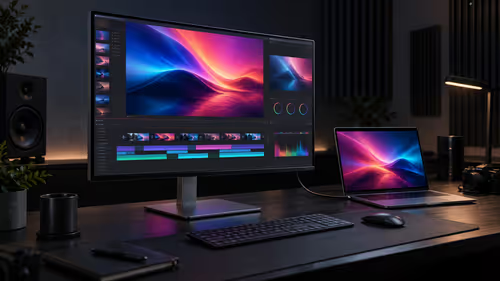
The ASUS ProArt PA27UCDV is a 26.5-inch 4K QD-OLED creator monitor with a 120Hz refresh rate, 140W Thunderbolt 4 charging and Auto KVM. Price and South African availability have not been announced.
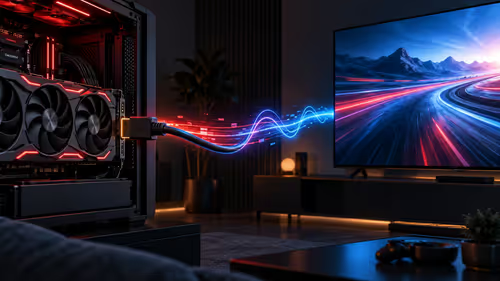
Linux 7.4 is expected to enable AMDGPU HDMI 2.1 Fixed Rate Link by default and add more gaming-display features. The work is still tied to a future kernel cycle, so current systems should not be described as upgraded yet.
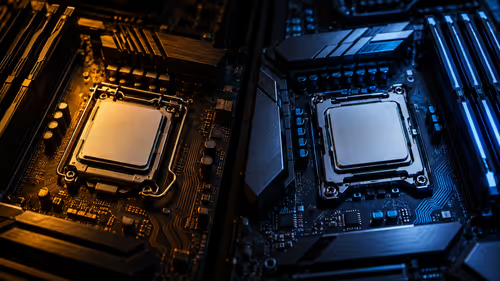
AMD's Ryzen 5 7500 and Ryzen 5 5500F are six-core, 12-thread 65W processors for AM5 and AM4. Their $189 and $99 US prices do not predict South African retail prices, where the complete platform cost matters more.
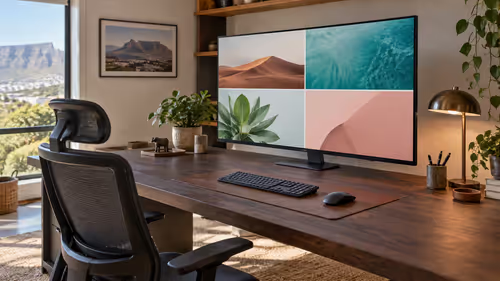
A 40 inch monitor can provide a large single-screen workspace, but 4K resolution, desk depth, viewing distance and panel behaviour matter more than diagonal size alone. No active exact-size match appeared in the captured catalogue.