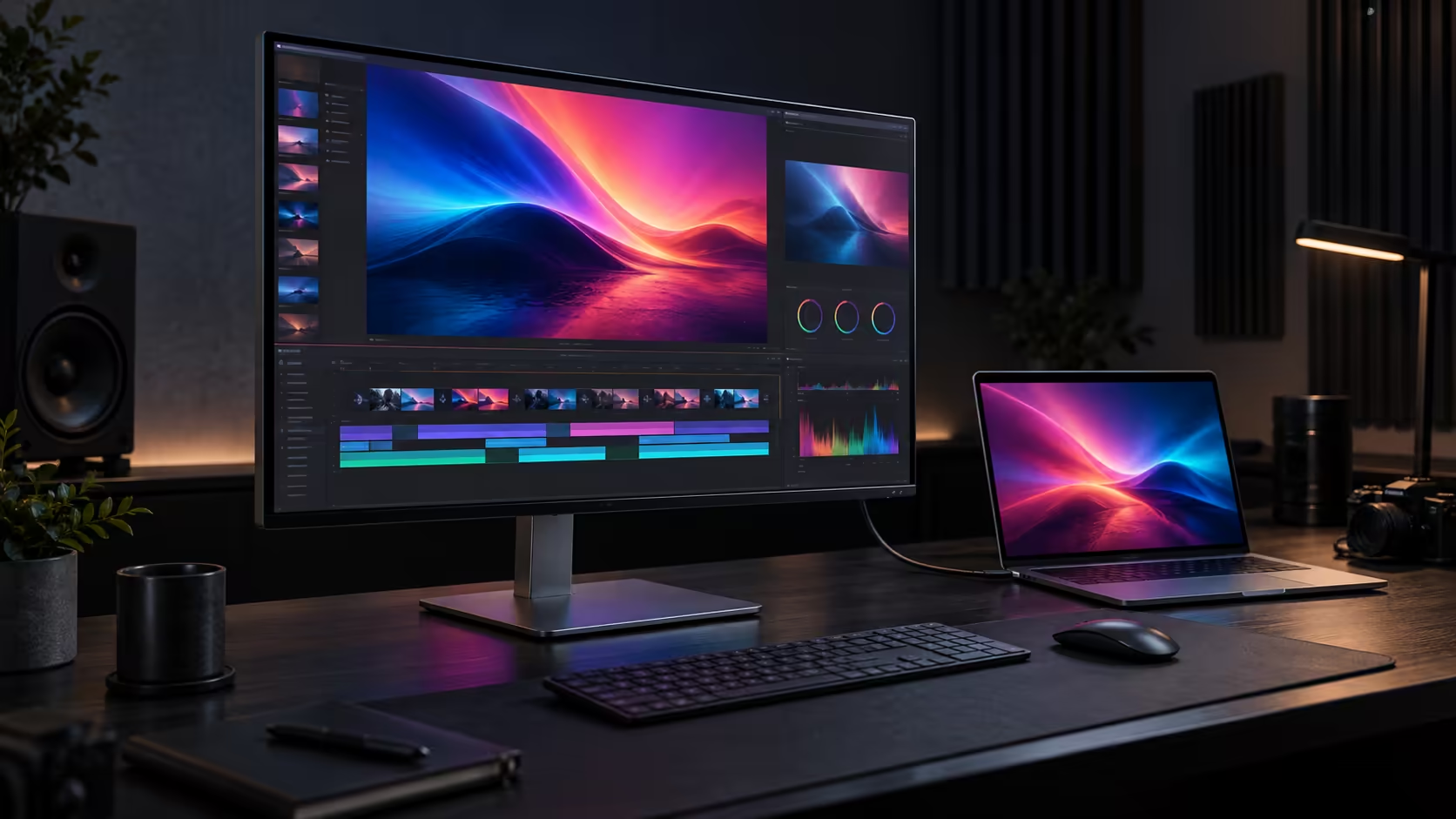
The ASUS ProArt PA27UCDV is a 26.5-inch creator monitor built around a 4K QD-OLED panel. It combines a 120Hz refresh rate with wide-gamut colour claims, dual Thunderbolt 4 and laptop charging up to 140W. The specification is attractive for a one-cable studio desk, but there is no announced South African price or retail date yet.
Quick Answer
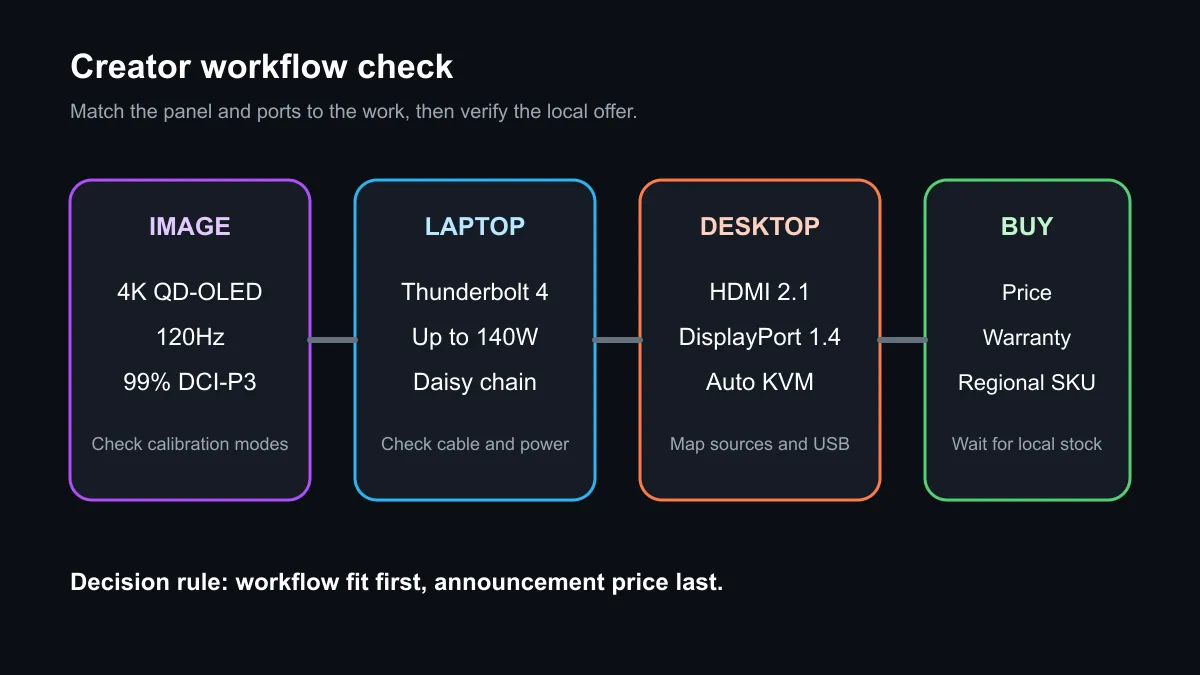
The PA27UCDV targets photographers, editors and designers who want OLED contrast without giving up a 4K desktop or modern laptop connectivity. ASUS lists up to 1000 nits peak brightness, 99% DCI-P3 coverage and an anti-glare, low-reflection surface. The display also includes HDMI 2.1, DisplayPort 1.4 with DSC, a USB hub and Auto KVM. Those features describe the monitor, not a local offer: no matching active Evetech listing appeared in the captured catalogue query.
Why 4K at 26.5 inches matters
Creator monitors live or die by the combination of resolution, colour handling and workflow fit. A 3840 x 2160 image on a 26.5-inch panel provides a dense desktop that can keep fine text, timelines and image details crisp at sensible Windows scaling. The 120Hz refresh rate is not only for games. It can make cursor movement, scrolling and timeline navigation feel more immediate than a traditional 60Hz studio display.
QD-OLED supplies very dark blacks and strong pixel-level contrast because each pixel produces its own light. It also brings panel-specific ownership questions. Buyers should understand static-content care, warranty terms, text rendering at their preferred scaling and how the anti-glare treatment looks in their room. The best creator monitor is the one that remains predictable through long editing sessions, not simply the one with the highest peak-brightness number.
ASUS claims 99% DCI-P3 coverage and up to 1000 nits peak brightness. Gamut coverage describes the range of colour the panel can show; it does not prove that every unit is accurate in every mode. Confirm the factory report, calibration controls, supported signal format and the software used in the actual workflow.
Thunderbolt changes the desk
Dual Thunderbolt 4 is the practical headline. A compatible laptop can carry video, USB data and charging through one connection, while 140W Power Delivery can cover many high-performance creator notebooks. The laptop, cable and monitor must all negotiate the required power level, so the presence of a USB-C-shaped port is not enough by itself.
The second Thunderbolt port supports daisy chaining, and Auto KVM can move the attached keyboard and mouse between connected computers. That creates a useful pattern for a studio with a mobile workstation and a desktop tower. Before buying, map every source, the resolution and refresh rate it must deliver, and which USB devices need to follow the active computer.
For local comparisons, start with the current OLED monitor range, then compare gaming monitors and office monitors. A gaming model may offer excellent panel performance but fewer creator controls; an office model may offer better docking but use a different panel class.
South African buying context
ASUS has not announced a retail price or local arrival date in the captured sources. Do not convert an expected overseas figure into a rand quote. Distribution, tax, warranty and the final regional SKU can change the complete cost and included accessories.
The captured catalogue query found no active PA27UCDV or ProArt monitor match in the selected monitor categories. That is a clean availability gap, not evidence that the model will never arrive. Compare current displays on panel type, resolution, port layout, warranty and calibration support while waiting for an orderable listing.
Frequently Asked Questions
Is the PA27UCDV a gaming monitor?
It can display games at up to 120Hz, but its announced emphasis is colour-managed creator work and laptop connectivity.
Can it power every creator laptop?
No. Up to 140W charging still depends on compatible power negotiation, the correct cable and the laptop's requirements.
Is a local price confirmed?
No South African price, retail date or active local listing appeared in the captured evidence.
Compare the complete desk workflow, then revisit the current OLED monitor range when the PA27UCDV becomes orderable.
Buy the workflow, not the announcement. Check colour controls, ports, charging and warranty before choosing a creator display.