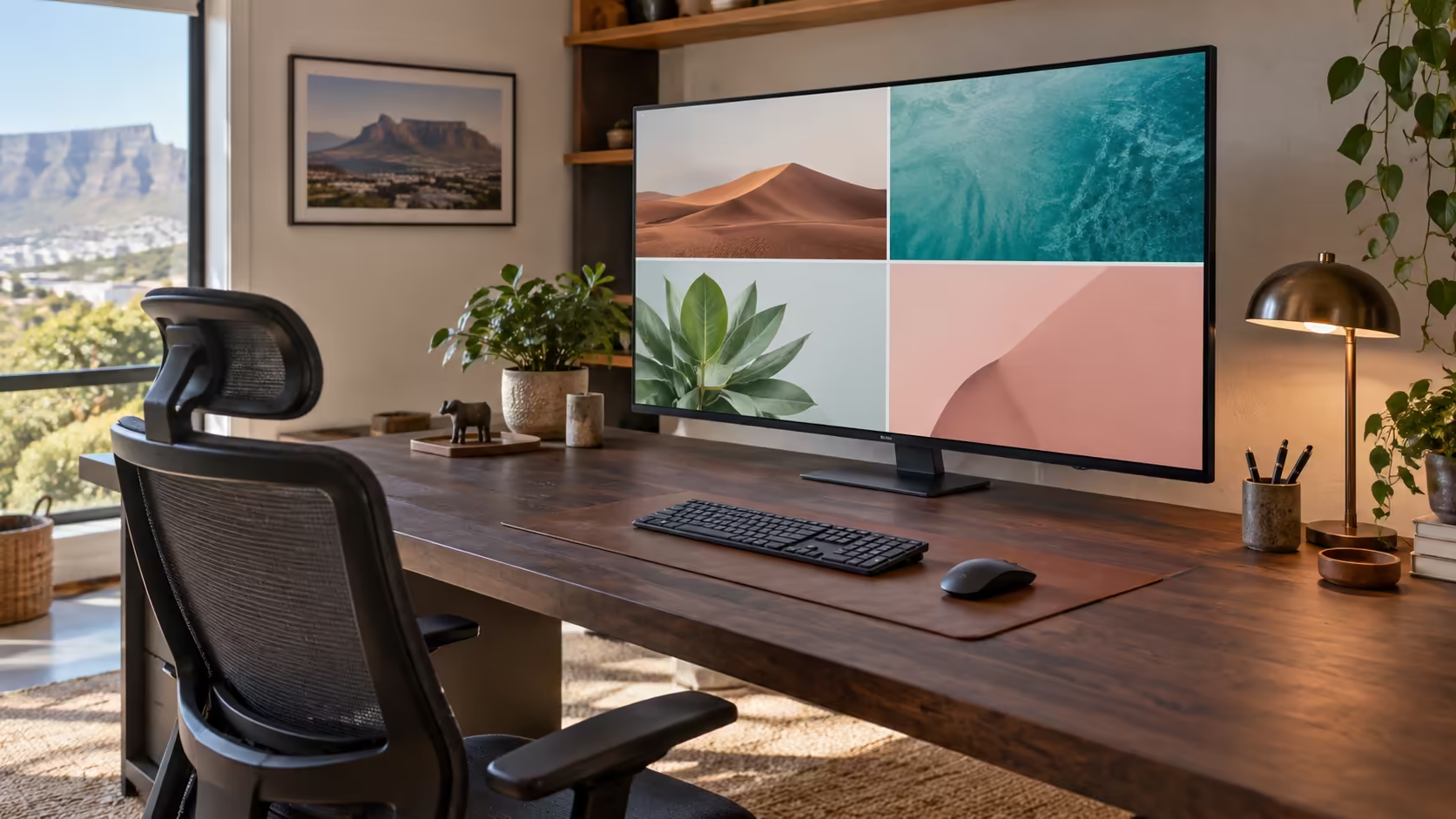
A 40 inch monitor can replace a multi-screen arrangement with one large canvas, but the diagonal is only the beginning. At normal desk distance, resolution, pixel density, input behaviour and physical depth determine whether the screen feels spacious or simply oversized.
Quick Answer
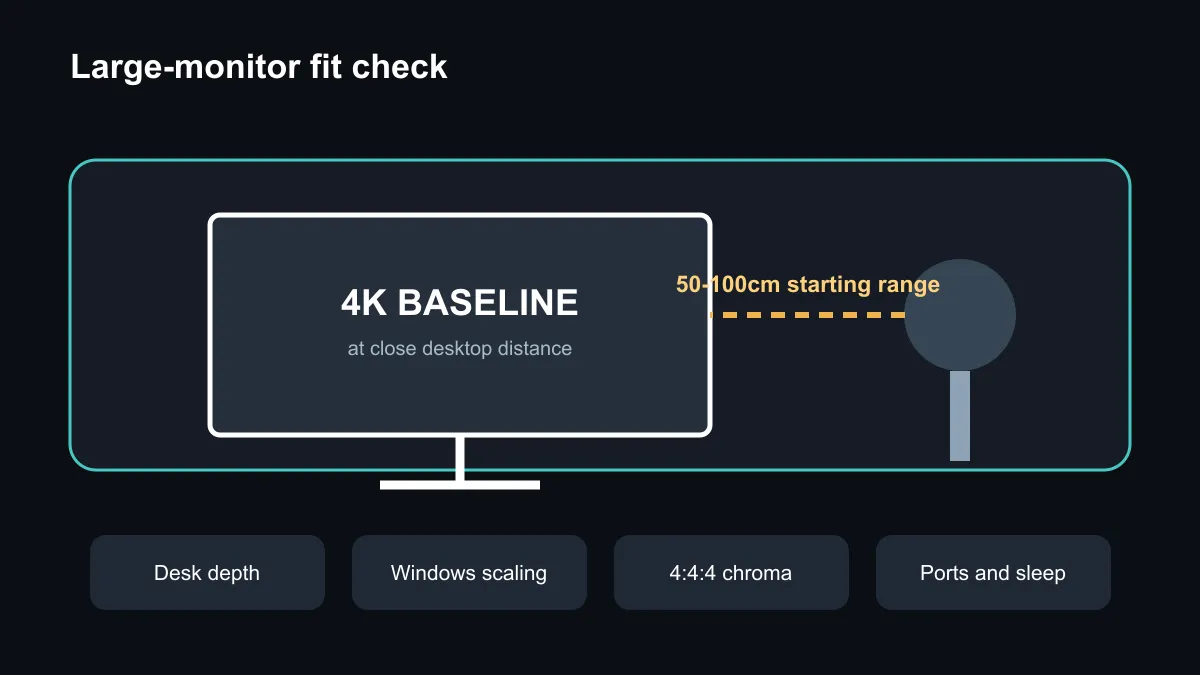
For close desktop use, 4K is the sensible baseline at around 40 inches. Measure the desk before buying, confirm a comfortable viewing distance and check that text remains clear at the scaling you prefer. A television can work as a monitor only when it handles full-resolution PC signals, chroma, sleep, latency and ports properly. The captured Evetech catalogue contained no active exact 39-to-43-inch monitor match, but it did include 34-inch and 49-inch alternatives.
Resolution matters more as the panel grows
A larger screen does not create more detail unless the resolution provides enough pixels. Full HD spread across 40 inches can make text and interface edges look coarse at desk distance. A 4K panel has four times the pixel count of 1080p and provides far more room for sharp windows, timelines and documents.
Windows scaling changes the apparent size of text and controls, not the physical pixel count. At 100% scaling, a large 4K desktop can show many applications but may make text too small for some users. At 125% or 150%, text becomes easier to read while retaining more working space than lower-resolution panels. Test the actual applications because older software can scale poorly.
Measure desk depth and viewing distance
OSHA gives a broad preferred workstation viewing-distance range of 50 to 100cm and stresses an upright posture with readable text. That is a starting range, not a rule that makes every 40-inch setup comfortable. The screen should fit your field of view without repeated head turns, and the top of the useful image should not force the neck upward.
Measure from the expected eye position to the panel, then include the stand depth. A large stock stand can consume much more desk space than the panel itself. A compatible monitor arm or wall mount may help, but verify VESA pattern, weight limit and adjustment range first.
Monitor or television?
Forty-inch panels are common in television ranges, so a TV can look like an easy substitute. Check that it accepts 3840 x 2160 at the required refresh rate from a PC and displays full 4:4:4 chroma for clear coloured text. Confirm game mode, input latency, automatic sleep and wake, overscan controls, pixel-shift behaviour and warranty terms for desktop use.
A conventional monitor is more likely to wake with the PC, expose DisplayPort and support a height-adjustable stand. A television may offer better media features or a lower price per inch. Neither category is automatically better; the signal path and daily use decide.
Current South African size alternatives
The exact-size catalogue query returned no active 39-to-43-inch monitor. A separate nearby-size sample found a Dahua 34-inch WQHD 200Hz model at R5,499, an AOC 34-inch WQHD 200Hz model at R6,199 and a Dahua 49-inch DQHD model at R14,999. Prices and stock can change after capture.
A 34-inch 3440 x 1440 ultrawide is shorter and easier to fit, while a 49-inch 5120 x 1440 display behaves like two QHD screens side by side. Neither is a direct 40-inch 4K replacement. Compare shape, resolution and viewing distance rather than diagonal alone.
Browse gaming monitors, curved monitors and monitor best sellers.
Frequently Asked Questions
Is 4K necessary at 40 inches?
It is the sensible desktop baseline because lower resolutions look much coarser at close range.
Can I use a 40-inch TV?
Yes, if its PC signal handling, text clarity, latency, sleep behaviour and ports suit the workflow.
Is an exact 40-inch model in stock?
No active 39-to-43-inch match appeared in the captured local catalogue query.
Measure the desk and compare the current large-monitor choices before choosing by diagonal.
Measure first, then choose the resolution. A large panel works only when the desk and signal path support it.