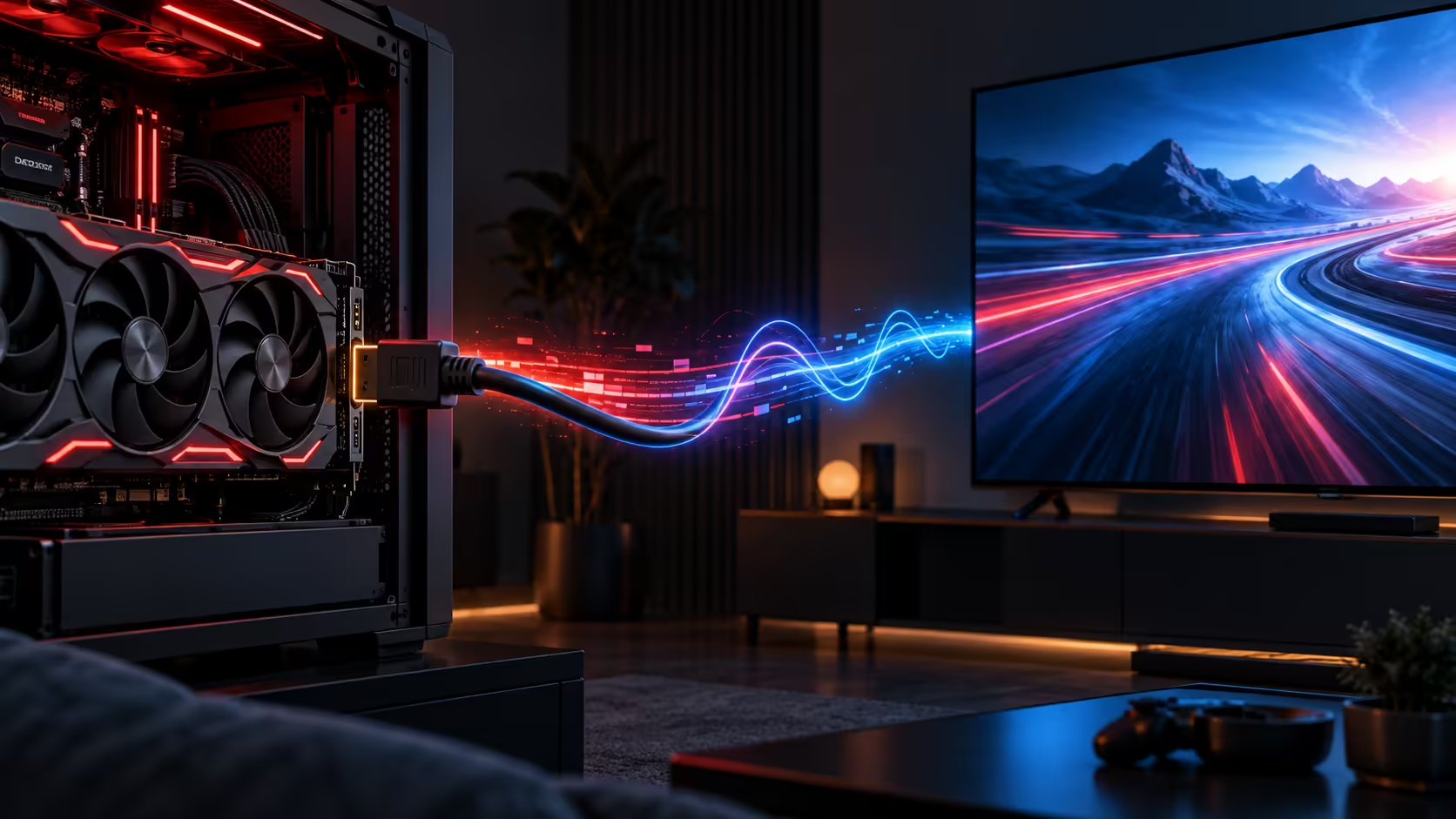
The AMDGPU driver is approaching an important display milestone. Work queued for the Linux 7.4 kernel cycle is expected to enable HDMI 2.1 Fixed Rate Link by default and add more complete support for FreeSync, variable refresh rate and Auto Low Latency Mode. It is promising, but it is not a reason to describe every current Linux PC as fixed.
Quick Answer
Linux 7.4 is the target for a broader default-on AMDGPU HDMI 2.1 feature set. FRL provides the link bandwidth needed for demanding resolution and refresh-rate combinations, while VRR and FreeSync coordinate display timing and ALLM can request a low-latency mode. The final result still depends on the graphics processor, display, cable, kernel, Mesa stack and distribution integration.
What is changing in the kernel
Initial HDMI 2.1 FRL work reached earlier development, but it was not simply switched on for every user. Enabling a faster link without the surrounding gaming-display behaviour could create regressions, especially when moving between fixed and variable refresh modes. The Linux 7.4 work brings more of those pieces together and changes FRL toward a default-on path.
Fixed Rate Link is the transport layer. It raises the available HDMI bandwidth for compatible Radeon hardware and displays. Variable refresh rate allows a display to update in step with rendered frames within its supported range. FreeSync is AMD's adaptive-sync ecosystem, while ALLM asks compatible televisions and monitors to enter a lower-latency mode.
These labels overlap, but they are not interchangeable. A display advertising HDMI 2.1 may support only part of the feature set, and its ports may differ. Read the manual for the exact port, supported resolution, refresh rate and colour format.
Why users should wait for distribution support
A kernel pull request or development report is not the same as a stable update on a supported operating system. The change still has to land, ship in a kernel release and be integrated by distributions. Mesa, desktop-session and game behaviour can also affect the experience.
Installing a development kernel only for this feature can exchange one display limitation for unrelated stability problems. Most users should wait for a supported distribution kernel, read its release notes and keep an older working kernel available in the boot menu. Test the normal desktop, video playback, sleep, wake and several games before treating a new display path as reliable.
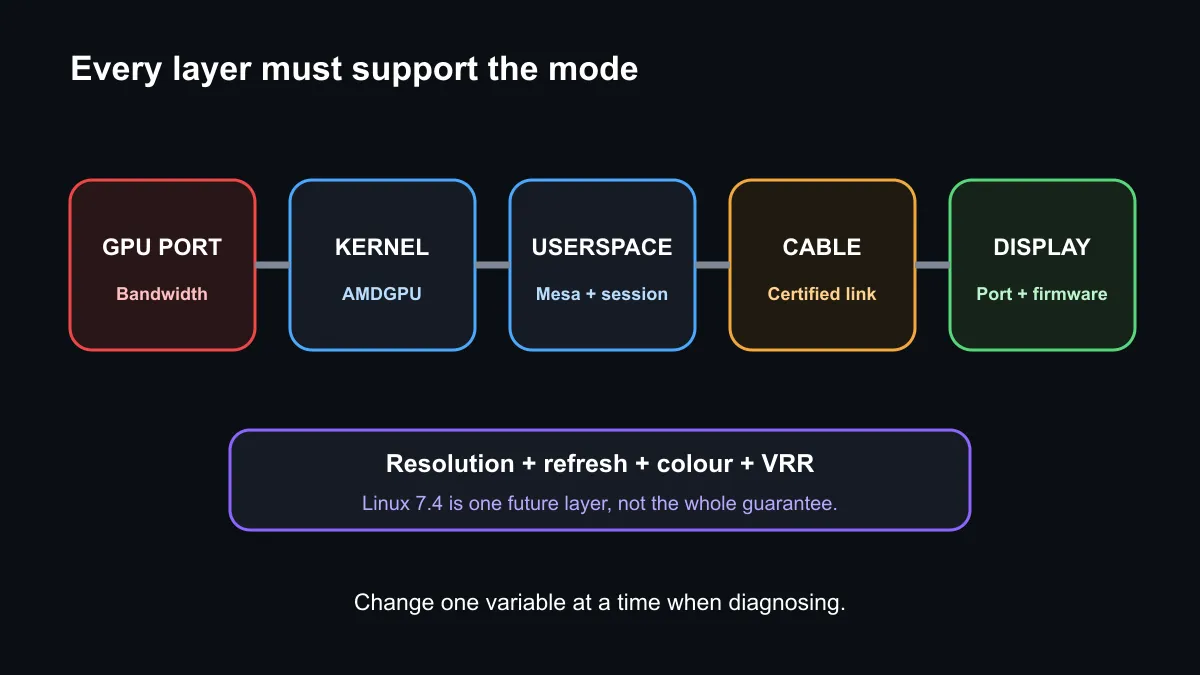
Cable quality matters at higher link rates. Use a properly certified cable of practical length, connect directly during diagnosis and remove adapters or receivers until the base link works. If a mode fails, record the GPU, port, display firmware, kernel version, Mesa version and selected colour settings before changing multiple variables.
Buying a compatible display
The future kernel change cannot add bandwidth to a physical port or features to a display that never supported them. When shopping, confirm the exact HDMI input capabilities, VRR range, maximum mode and whether DisplayPort offers a simpler route for the PC.
Compare AMD Radeon RX 9060 XT graphics cards, gaming monitors and monitor best sellers. Product pages are starting points; the GPU and monitor manuals remain the authority for port modes.
Frequently Asked Questions
Is Linux 7.4 available now?
No. The feature set discussed here targets a future kernel cycle and may change before stable distribution releases.
Does HDMI 2.1 guarantee FreeSync?
No. Confirm VRR support on the exact GPU port and display input.
Should I change kernel parameters today?
Not from this announcement alone. Follow distribution guidance and preserve a known-working boot option.
Check the complete display chain before buying, then use the current gaming monitor range to compare available ports and modes.
Treat Linux 7.4 as a target, not a current guarantee. Verify every layer from GPU and cable to kernel and display firmware.