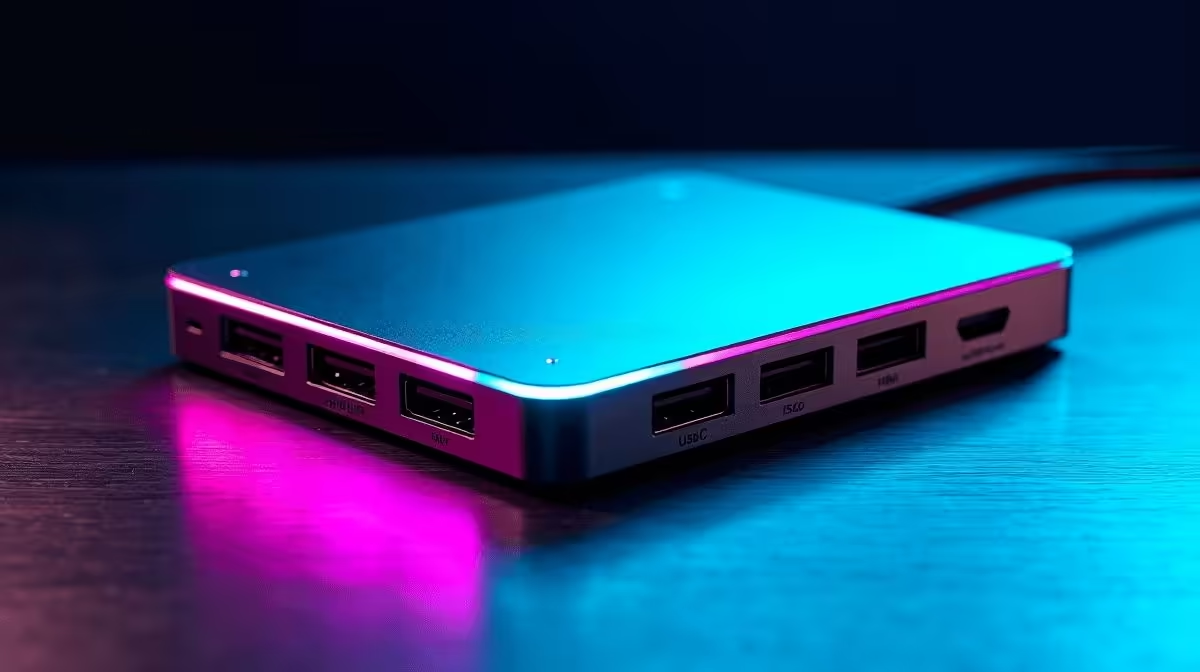
Two things separate a creator-grade USB-C hub from everything else: the speed at which it reads a memory card, and whether it can drive two 4K displays simultaneously without degrading either signal. Those two capabilities determine whether a hub belongs on a photography or video workstation, or whether it belongs in a drawer.
Quick Answer
Creator-focused USB-C hubs that combine high-capacity card reading with dual 4K output typically feature a UHS-I or UHS-II SD slot alongside a microSD slot, two HDMI 2.0 or DisplayPort 1.4 outputs for simultaneous 4K60Hz screens, and USB 3.2 Gen 2 (10Gbps) data ports for fast SSD access. This combination sits in the R1,400 to R2,500 range. Dual 4K simultaneously requires a laptop with Thunderbolt 4 or USB4 in most cases.
🃏 Card Reader Capacity: UHS-I vs UHS-II and What It Changes
An SD card slot that reads at 25 MB/s is a bottleneck at a professional scale. UHS-I reader speeds reach 104 MB/s, and UHS-II readers handle up to 312 MB/s when a compatible card is inserted. For a photographer shooting 8K RAW on a Sony Alpha body or a videographer offloading 200GB batches from a Canon R3, the gap between a standard slot and UHS-II is not a marginal upgrade; it is the difference between a 5-minute card clear and a 45-minute wait. A hub that includes both a full-size SD slot and a TF (microSD) slot covers most capture formats without a second adaptor: full SD for cameras, microSD for drones, GoPro footage, and smartphones. The capacity of the reader does not mean how much it stores; it means the maximum data rate it sustains while transferring, and that throughput directly affects how quickly you can move from a full card to the editing timeline.
🖥️ Dual 4K Output: Why Two Screens Change a Creative Workflow
Running a single 4K display is adequate for most users, but a creator workstation gains tangible productivity from a second screen. The editing timeline and colour grading panels occupy one display; the reference monitor or client preview window occupies the other. Some hubs advertise two HDMI ports but run them on an either/or basis; genuine dual-4K support means both ports output simultaneously at 4K60Hz. Achieving this requires the hub to support Multi-Stream Transport and the host laptop to have a Thunderbolt 4 or USB4 port with sufficient bandwidth to carry two independent 4K streams. For laptops without Thunderbolt, single 4K60Hz output is the realistic ceiling, and the second HDMI port may mirror the first or run at a reduced resolution. Confirm before purchasing by checking the dual-display section of the spec sheet, not just the port count.
💾 SSD Speed and Power for Long Editing Sessions
External SSDs connected via USB 3.2 Gen 2 at 10Gbps sustain real-world transfer rates of 700 to 1,000 MB/s on fast NVMe enclosures. Hubs with only USB 3.2 Gen 1 ports (5Gbps) throttle those drives to under 400 MB/s, noticeably extending project load times and export operations. For a creator working from an external drive on a long editing session, that difference compounds across dozens of file accesses per hour. Power Delivery pass-through at 85 to 100W keeps the laptop charged throughout; creator laptops often draw heavily under export loads, and a hub that under-delivers on charging wattage leads to gradual battery drain during the workday. A self-powered hub with its own adapter prevents this by sourcing power independently rather than competing with the data bus.
Frequently Asked Questions
What makes a card reader "high capacity" versus a standard one?
The rated data throughput speed, not the card size it accepts. A high-capacity reader supports UHS-I or UHS-II standards, reaching 104 to 312 MB/s. A standard slot may read at 25 to 40 MB/s regardless of which card you insert. The difference is felt most clearly when clearing large cards.
Do I need a Thunderbolt laptop to run dual 4K through a hub?
In most cases, yes. Dual simultaneous 4K60Hz output via MST requires the bandwidth that Thunderbolt 4 or USB4 provides. Some laptops with USB 3.2 Gen 2 can drive one 4K display well but lack sufficient bandwidth for two independent streams at full resolution and frame rate.
Can I use both card slots at the same time without a speed penalty?
Usually yes, with a minor caveat: simultaneous reads from both slots share the hub's card reader bus. For maximum throughput, clear one card fully before starting the next. Simultaneous use still works; the speed reduction is small for typical workflows.
Is it worth paying more for a hub with both SD and microSD slots?
If you work across multiple devices (a camera using full SD and a drone or action cam using microSD), yes. A single hub covering both formats removes the need for a dedicated microSD adaptor and keeps the desk tidier.
What Power Delivery wattage should a creator's hub provide?
At least 85W for creator-class laptops. MacBook Pro 14-inch charges at 67 to 96W depending on the adapter; Windows creator laptops commonly require 90W. A hub that passes 85W or higher sustains full laptop performance without battery drain during demanding export or rendering tasks.
Upgrade your creative workflow from card to screen in one desk unit.
See Evetech's USB-C hubs with high-speed card readers and 4K display output, matched to the tools creators actually use.