


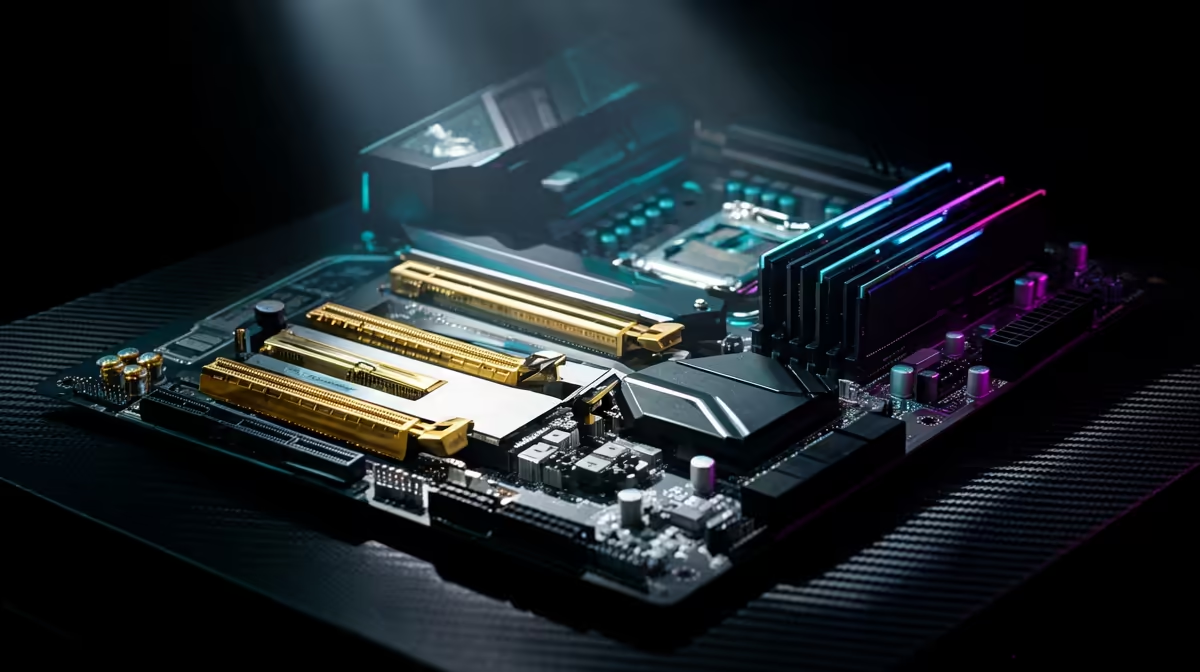
Understanding the PUBG RAM vs GPU Performance Battle
Dropping into Erangel shouldn't feel like a slideshow. In South Africa, where every millisecond counts against high ping, stuttering is the last thing you need. You are likely staring at your budget, wondering if you should grab a new graphics card or more memory. The PUBG RAM vs GPU debate is a classic hardware dilemma that determines whether you get the chicken dinner or a trip back to the lobby 🍗.
How the Graphics Card Impacts Your Frames
Your GPU is the engine that renders the world. If you want to push your resolution to 1440p or crank the "Ultra" settings, the graphics card does the heavy lifting. However, PUBG is notoriously unoptimised. Even with a high-end card, you might see frame drops if your system cannot feed the GPU data fast enough. If you are running an older system, finding affordable DDR3 gaming RAM modules might be a temporary fix, but the GPU usually dictates your maximum possible frame rate.
Why RAM is the Secret to Smooth Gameplay
While the GPU handles the "pretty" parts, RAM handles the "chaos." In a Battle Royale, the game constantly loads and unloads textures, player positions, and loot data. If your RAM is slow or lacking capacity, you will experience "hitchs" or micro-stutters during intense gunfights. For most South African gamers on modern platforms, the best move is to buy DDR4 memory with high clock speeds to ensure your 1% low frame rates stay high.
PUBG Stability Pro Tip ⚡
To reduce stuttering in PUBG, ensure your RAM is running in Dual Channel mode. Always install your sticks in the second and fourth slots on most motherboards. Additionally, enable XMP or DOCP in your BIOS to ensure you are actually getting the advertised speeds you paid for!
Choosing the Right Upgrade Path for Your Rig
Deciding between more memory or a better GPU depends on your current bottlenecks. If your frame rate is high but "jumpy," RAM is likely the culprit. If your frames are consistently low regardless of settings, it is time for a new GPU. For those building new, future-proof systems, investing in buy DDR5 memory is the smartest way to ensure you are ready for the next generation of the Unreal Engine 🚀.
Capacity vs Speed: What Matters More?
PUBG is a memory hog. While 16GB was once the gold standard, modern Windows background tasks and game updates make a strong case for more overhead. Moving to 32GB RAM kits allows the game to cache more assets... leading to much smoother transitions when driving vehicles across the map.
Stability is just as important as speed. You want modules that can handle the heat of a South African summer during a long gaming session. Opting for reliable Teamgroup memory ensures that your system won't crash when you are in the final circle. Ultimately, the PUBG RAM vs GPU choice comes down to balance... a monster GPU is wasted if your RAM is holding back the data flow ✨.
Ready to Boost Your FPS? Whether you need a lightning-fast GPU or a high-capacity memory kit to eliminate stutters, we have the best hardware at the best prices in South Africa. Explore our massive range of PC component specials and build the ultimate PUBG machine today.











