The smallest ATX case 2026 buyers should choose is not one universal model. It is the smallest chassis that accepts a full-size ATX motherboard and still fits the exact graphics card, CPU cooler, power supply, fans and cables in the planned build. A compact shell that blocks a key component is not a smaller solution.
Quick Answer
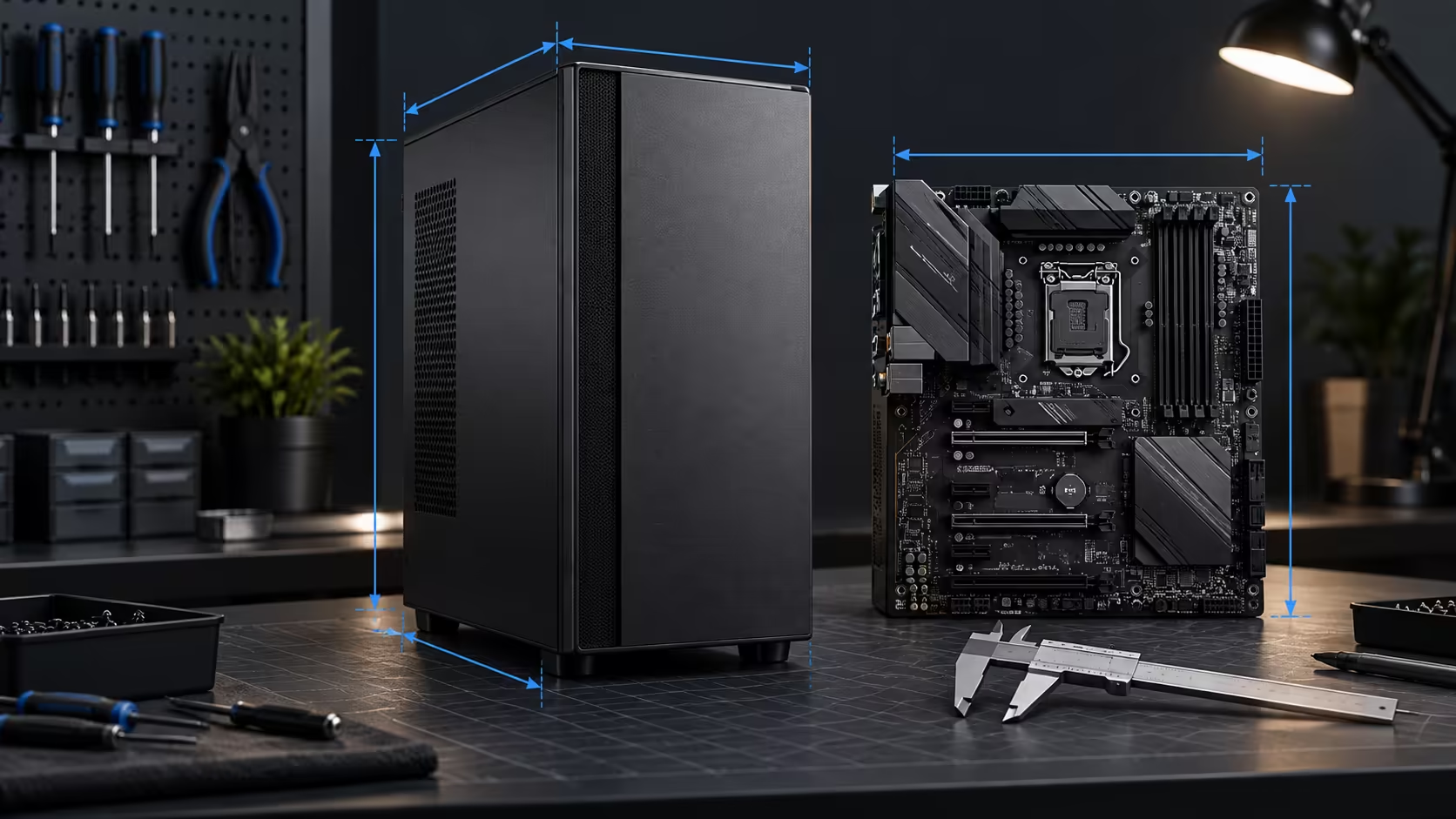
A standard full-size ATX motherboard measures 305 x 244mm. Case listings that say ATX compatible can still differ sharply in width, height, depth and internal layout. Compare external volume, desk footprint, GPU length and thickness, CPU-cooler height, radiator space and PSU format before ranking compact cases.
Start with the board, then measure the shell
ATX is a compatibility standard, not a case-size class. The board already consumes a fixed area and normally brings seven expansion-slot positions. Designers save space by moving the power supply, shortening unused drive bays, tightening cable channels or changing the airflow path around that board.
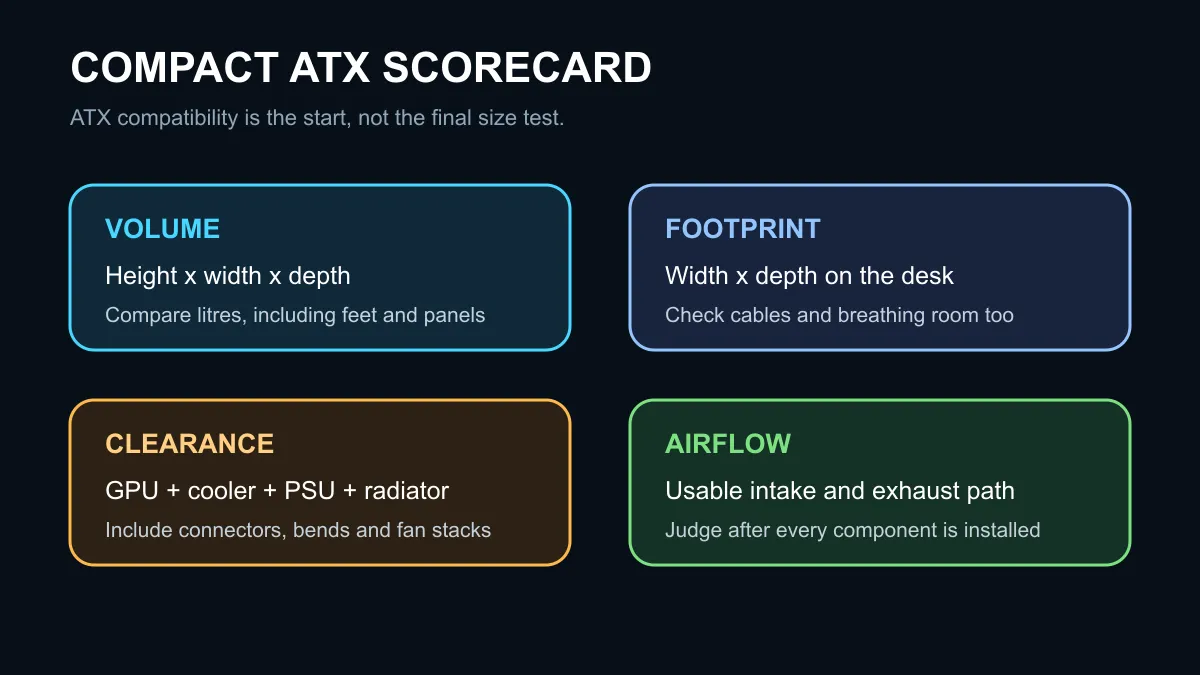
Calculate approximate case volume by multiplying external height, width and depth, then divide cubic centimetres by 1,000 to get litres. For a desk, width multiplied by depth may be more useful because it shows how much surface the case occupies. A tall narrow design can use little desk area while having more total volume than a short conventional tower.
Component clearance decides whether compact works
Check the graphics card first. Record its length, height above the slot and slot thickness, including the power connector and safe cable bend. A case can list enough card length while a front radiator or fan reduces the usable space.
For an air cooler, compare the cooler's total height with the case limit. For liquid cooling, check radiator length, thickness and fan stack at the intended mounting point. Memory height and motherboard heatsinks can interfere with top radiators even when the specification lists support.
The power supply also changes the layout. A full ATX PSU is convenient, but a shorter unit can free cable space. Do not assume an SFX unit includes the correct bracket. Finally, leave enough room behind the motherboard tray for the main power cable and GPU leads without forcing the side panel.
Airflow is part of the size calculation
Compact cases can cool well when they have open intake area and a short, unobstructed airflow path. Count usable fan positions after the chosen components are installed. A solid front panel, crowded cable chamber or GPU pressed against glass can raise temperatures and noise.
The captured active mid-tower catalogue started with the Evetech BASE Standard PC Case at R699, followed by several Gamdias and Xigmatek cases from R799. This is a price snapshot, not a smallest-case ranking. Use mid-tower cases to collect current dimensions for the exact models under consideration.
A repeatable shortlist method
Write down the maximum case width and depth your desk permits. Remove any model that cannot fit the motherboard, graphics card, cooler and power supply together. Compare the remaining litres, footprint, fan path, front I/O and warranty. Only then compare price and appearance.
If the full ATX slots are not needed, a microATX build may reduce the case options more meaningfully. Do not switch form factor after buying the motherboard. Compare cases on special and case best sellers against a completed parts list.
Frequently Asked Questions
Is every mid-tower an ATX case?
No. Read the supported motherboard list for the exact model.
Is the lowest-volume case always best?
No. A slightly larger model can be quieter, easier to build and compatible with more components.
Should I count the case feet in its height?
Yes. External measurements should include feet and protrusions when checking a real desk or shelf.
Measure the planned parts and the available space before ordering the case.
Make compact measurable. Compare litres, footprint, clearances and airflow with your exact parts list.