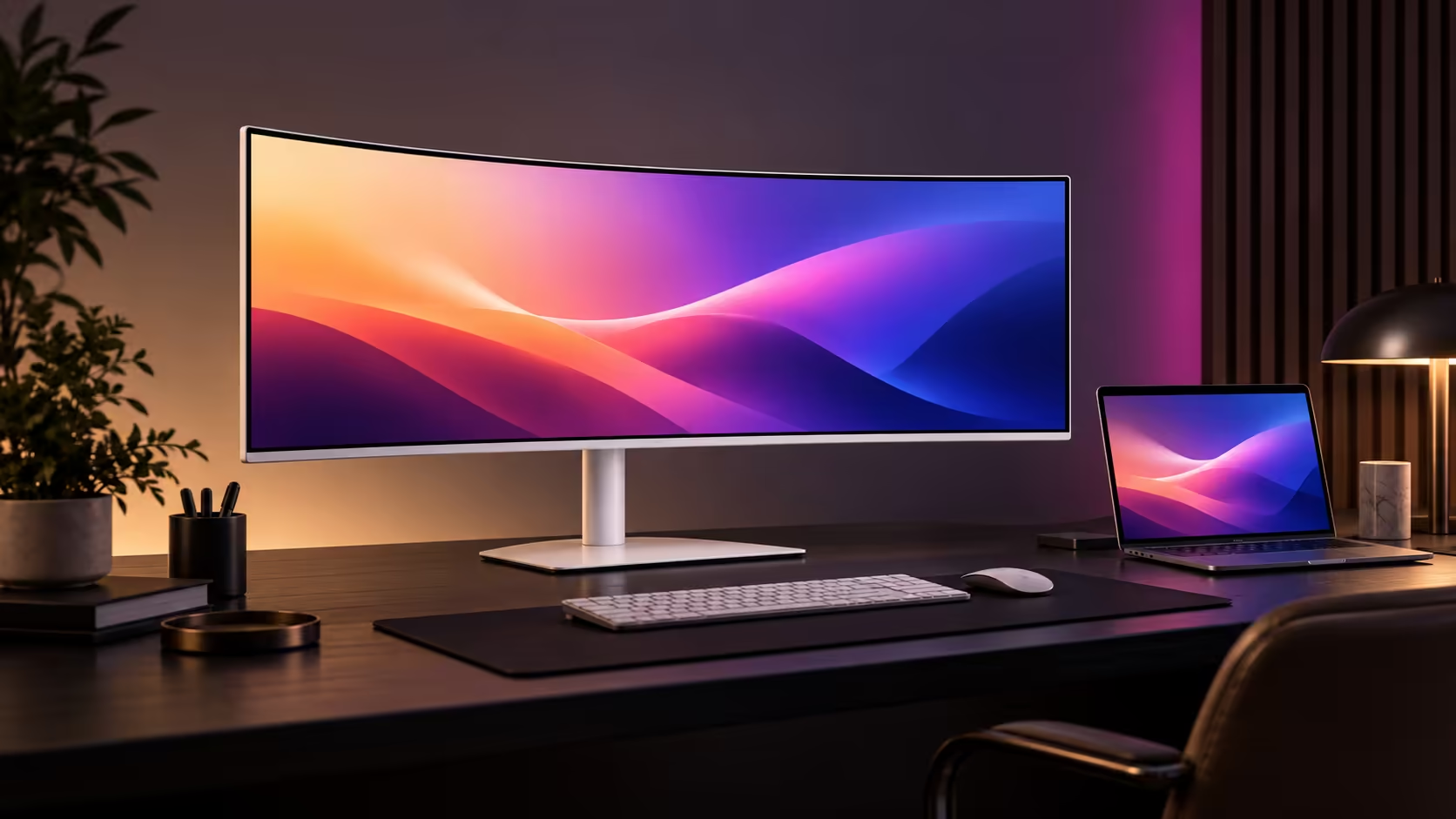
The MSI PRO MAX 341QPXW14G is a 34-inch ultrawide QD-OLED monitor aimed at productivity users who also want smooth motion and deep OLED contrast. MSI gives it Mac-focused controls and a white finish, but the buying decision still rests on resolution, connection needs and OLED care.
Quick Answer
The MSI PRO MAX 341QPXW14G uses a 3440 x 1440 ultrawide panel with a maximum 144Hz refresh rate. Launch coverage describes a newer tandem OLED structure, broad colour coverage and controls designed to integrate with a Mac workflow. It is not a Retina-density display, and no confirmed South African price or active Evetech listing appeared at capture time.
What the 34-inch ultrawide format offers
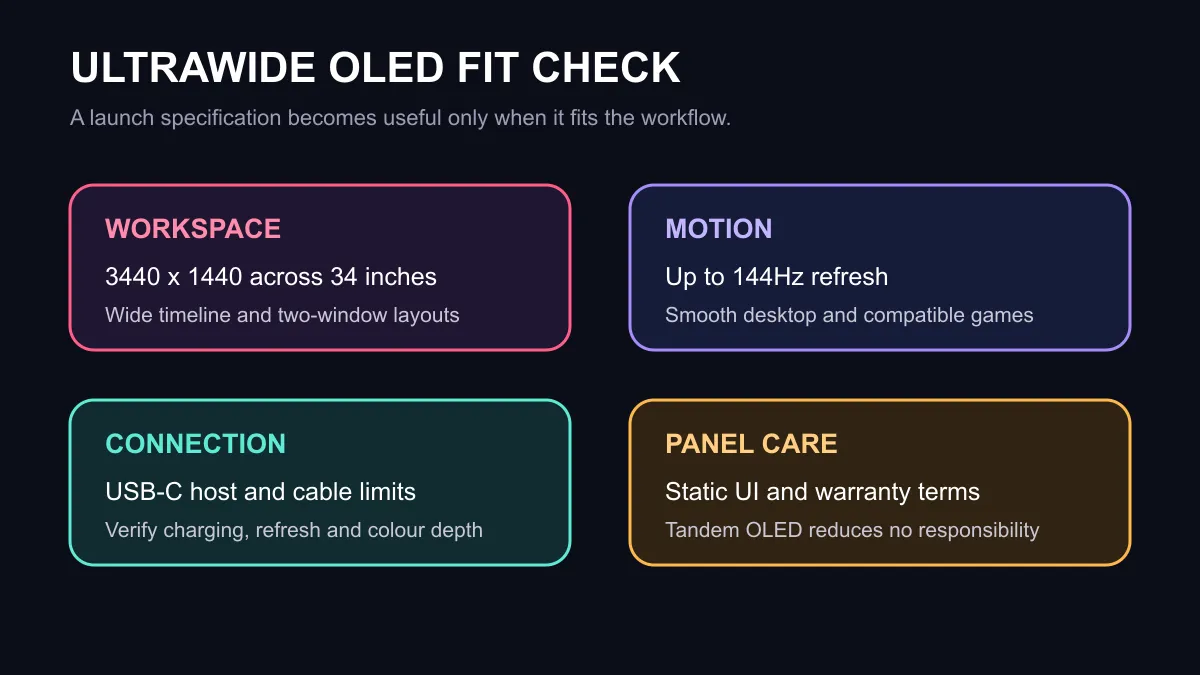
At 3440 x 1440, the screen adds horizontal workspace without the centre bezel of two monitors. It suits a large timeline, a wide spreadsheet, side-by-side documents or a main work window with reference material beside it. The 144Hz ceiling also makes desktop movement and compatible games feel smoother than a conventional 60Hz office display.
Pixel density is just under 110 pixels per inch at this size. That is useful desktop density at a normal viewing distance, but it does not match the very high pixel density associated with Apple's Retina displays. Mac users who prioritise extremely crisp small text should compare scaling behaviour in person.
Mac features do not make it Mac-only
MSI highlights controls for display brightness and volume from a connected Mac, plus colour modes intended to align with Apple devices. Those conveniences can reduce menu diving. They do not prevent the monitor from accepting compatible Windows PCs or other standard video sources.
USB-C can simplify a desk by carrying display data and power on one cable, but the host and cable need to support the required mode. Check the charging wattage against the laptop's needs and confirm whether the desired resolution, refresh rate and colour depth are available over that connection.
OLED strengths and responsibilities
QD-OLED provides true blacks and strong per-pixel contrast because individual pixels can switch off. That helps dark creative work, media and games. Static interface elements are the counterweight. Long sessions with fixed toolbars, window borders or dashboards call for sensible panel-care features and varied usage.
The newer tandem construction is intended to improve efficiency and longevity, but it does not remove image-retention risk. Review the warranty terms for OLED panel coverage and follow the manufacturer's maintenance cycle.
The active local MSI monitor snapshot started with the 27-inch PRO MP275W E2 and MP275 E2 at R2,299, followed by a 280Hz MAG gaming model at R4,499. Those products are not substitutes for a 34-inch OLED, but they prevent an unannounced overseas model from being presented as local stock. Browse MSI monitors and OLED monitors for current choices.
Who should wait for reviews
Wait for measured reviews if you need colour-critical consistency, accurate HDR behaviour, predictable text rendering or silent operation. A specification sheet cannot show near-black handling, brightness limiting, subpixel text fringing or factory calibration variance.
Check current monitor deals against your actual connection and desk width before choosing on panel technology alone.
Physical fit deserves the same attention. A 34-inch curved panel needs enough viewing distance and a stable surface, while the stand can consume more depth than the screen appears to use in photographs. Confirm VESA mount support if an arm is planned, then include the arm's load rating and clearance behind the desk in the budget.
Frequently Asked Questions
Is it a gaming monitor?
Its 144Hz refresh and OLED response can suit gaming, but MSI positions the product strongly around creative and Mac productivity use.
Is the panel 4K?
No. Its native resolution is 3440 x 1440 ultrawide.
Is South African availability confirmed?
No confirmed local price or retailer date appeared in the captured sources.
Measure your desk, verify the host connection and read the OLED warranty before committing.
Choose the workflow, not the launch label. Match workspace, density, connectivity and panel care to daily use.