




Chrome task manager: Find the tab using resources before upgrading
Chrome task manager helps identify resource-heavy pages and extensions. Save your work, compare the busy task and close it before deciding you need more RAM.
Read moreChrome change search engine settings control ordinary address-bar searches. Check site shortcuts and managed-browser rules if the wrong provider keeps returning.

Typing a question into the top bar should not feel like a lottery over which search service opens. Chrome has a dedicated default setting, but it also has shortcuts that can make a single search behave differently.
Chrome change search engine settings are under Settings, then Search engine. Select Change and choose the intended default provider. This built-in adjustment costs R0. Test an ordinary address-bar query afterwards; site shortcuts, a managed work profile or unwanted software can explain a result that still goes somewhere else.
Open Chrome's menu and choose Settings. Go to Search engine, then use the control for changing the default. Choose the provider you actually want, rather than trying to change a website's own search field. The default governs a normal web query entered in the browser address bar.
Test with a harmless phrase that is not a website address and does not begin with a saved search shortcut. Look at the resulting site's address. This gives you a simple before-and-after check. Changing a startup page or the Home button is a different operation and does not establish the default search provider.
Chrome can also keep site-search shortcuts in Manage search engines and site search. These are useful when you intentionally want one website's search. They can be confusing when a typed prefix selects a route you did not mean to use. Review the relevant shortcut rather than deleting every saved search entry.
Searching inside an open page is another separate action. The Find command locates text already on that page; it does not ask a web provider for results. Likewise, typing into a shop's search box normally uses that site's own search. Keep these three actions distinct when deciding whether the default change worked.
If the selected provider will not stay selected, note whether Chrome reports that the browser is managed. A work or school administrator may control the setting. Ask the appropriate administrator about the policy rather than trying to bypass it. A missing control does not mean the keyboard or router is faulty.
Unexpected search changes can also accompany unwanted software. Check unfamiliar extensions and installed applications through the proper support process. Do not install another unknown search extension as a fix. If the problem started immediately after adding something, record its name and the timing before making further changes.
The search-provider setting is free and does not need faster memory or a different computer. A slow connection and an unwanted search route are different problems. Keep wireless routers for a verified networking requirement, rather than replacing the router because a browser opens the wrong results page.
Similarly, all laptops on special is useful if you already need a computer, but a new laptop is an expensive way to avoid checking one preference. Once the provider is correct, try a new normal query and a deliberate site shortcut so you recognise the difference next time.
No. The homepage and default address-bar search are separate preferences. Change the Search engine setting for ordinary typed searches.
Check whether you activated a site-search shortcut or typed into the website's own search box. Neither is an ordinary default-provider test.
Yes, a managed browser can have administrator-controlled settings. Check the managed status and ask the responsible administrator.
The Chrome setting is built in and costs R0. It does not require buying an extension or replacing hardware.
Inspect management rules, unfamiliar extensions and unwanted software. Record the behaviour rather than repeatedly changing unrelated preferences.
No. Find searches text within the open page. A web search asks the selected provider for results from the wider web.
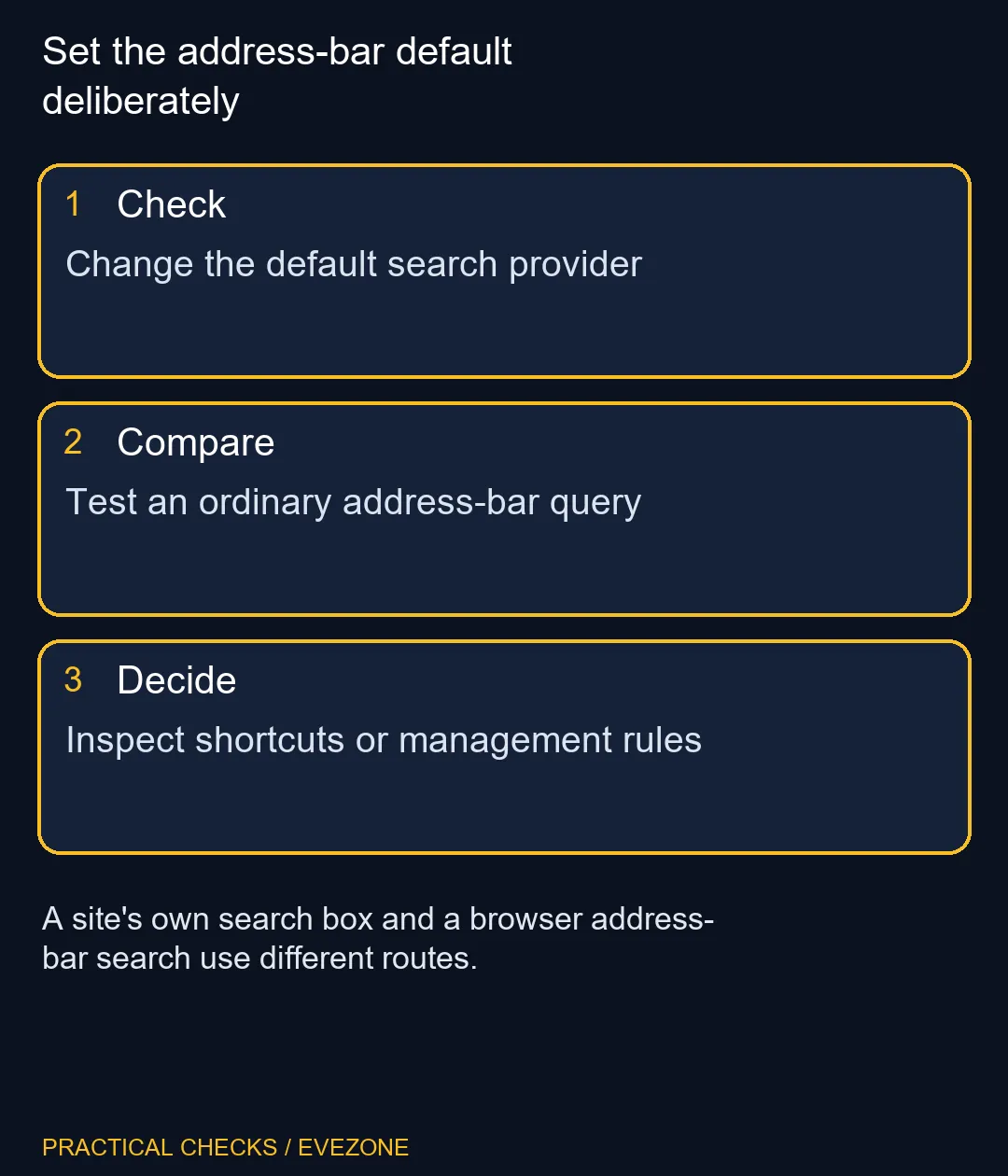
Set the address-bar default deliberately Change the default search provider.
No. The homepage and default address-bar search are separate preferences. Change the Search engine setting for ordinary typed searches.
Check whether you activated a site-search shortcut or typed into the website's own search box. Neither is an ordinary default-provider test.
Yes, a managed browser can have administrator-controlled settings. Check the managed status and ask the responsible administrator.
The Chrome setting is built in and costs R0. It does not require buying an extension or replacing hardware.
Inspect management rules, unfamiliar extensions and unwanted software. Record the behaviour rather than repeatedly changing unrelated preferences.
No. Find searches text within the open page. A web search asks the selected provider for results from the wider web.
Chrome task manager helps identify resource-heavy pages and extensions. Save your work, compare the busy task and close it before deciding you need more RAM.
Read more
Chrome reset settings restores browser defaults while keeping saved bookmarks and passwords. Record essential extensions and preferences before confirming the reset.
Read more
Chrome block pop ups settings can stop unwanted windows while allowing a trusted site that needs one. Keep the exception specific instead of allowing every site.
Read more
Chrome turn off notifications works through website permissions. Block the noisy site's notification access before muting every browser alert or changing PC sound.
Read more
A discord stream black screen needs a capture-versus-viewer check. Test a harmless shared window before changing drivers, hardware or several settings at once.
Read more
Chrome export passwords creates a sensitive transfer file. Import it into the intended password manager, test access and remove the unencrypted copy.
Read more
Chrome translate not working often needs a page refresh or language-setting check. Test one foreign-language page before changing broader browser settings.

Expedition 33 at R40,000 needs a balanced SA build plan, not a fixed FPS promise. Use the budget as a planning cap, then compare CPU, GPU, RAM, storage, cooling, case fit, and upgrade room before buying.

Best place to buy a gaming PC in Durban North should be shortlisted around the job it must do. South African buyers should compare fit, performance, compatibility, and upgrade room, warranty path, and upgrade room before treating any pick as best.

Expedition 33 low FPS on RTX 5060 settings and driver checks start with frame caps, scaling, and drivers. SA gamers can compare CPU limits, overlays, and heat before cutting image quality or changing hardware.
Chrome translate not working often needs a page refresh or language-setting check. Test one foreign-language page before changing broader browser settings.

Check when Chrome saves power, compare a repeatable task on battery and separate browser changes from battery health and Windows settings.

Find Chrome's caption control, check language and audio and bring back the floating bubble when captions disappear during playback.

Open the simplified Chrome reader, adjust type and spacing and check whether the page supports the view before changing your display setup.

Chrome change search engine settings control ordinary address-bar searches. Check site shortcuts and managed-browser rules if the wrong provider keeps returning.
Chrome task manager helps identify resource-heavy pages and extensions. Save your work, compare the busy task and close it before deciding you need more RAM.
Chrome reset settings restores browser defaults while keeping saved bookmarks and passwords. Record essential extensions and preferences before confirming the reset.
Chrome block pop ups settings can stop unwanted windows while allowing a trusted site that needs one. Keep the exception specific instead of allowing every site.