




Chrome change search engine: Set the address-bar default deliberately
Chrome change search engine settings control ordinary address-bar searches. Check site shortcuts and managed-browser rules if the wrong provider keeps returning.
Read moreChrome reset settings restores browser defaults while keeping saved bookmarks and passwords. Record essential extensions and preferences before confirming the reset.

A browser that keeps opening the wrong search service can tempt you to reinstall everything. Chrome's settings reset is a smaller intervention, but it still changes enough preferences that a minute of preparation can save a long cleanup afterwards.
Chrome reset settings is under Settings, Reset settings, then Restore settings to their original defaults. It costs R0 and keeps saved bookmarks and passwords. It changes several browser preferences and disables extensions, so record anything essential first. This is a Chrome settings reset, not a Windows reset or proof that unwanted computer software has been removed.
If only one website has a problem, begin with that site's permissions or data rather than resetting the whole browser. A reset makes more sense when several preferences have changed unexpectedly or when a specific support procedure calls for it. Write down what is wrong so you can test the result afterwards.
Check the active profile as well. You do not want to reset a family member's browser because its window happened to be in front. Save open work and note the extensions and settings you rely on. Screenshots of harmless preference names can be useful, but keep passwords and personal information out of those records.
In Settings, choose Reset settings and the restore-defaults option. Review the confirmation shown by your version of Chrome. The reset preserves bookmarks and saved passwords, while changing preferences such as the search provider, startup behaviour and site settings. Extensions are disabled, so features supplied by them may stop appearing.
Do not describe that as making the entire computer new. The operating system, installed applications and unrelated files are outside this browser operation. Nor is it the same action as clearing every category of browsing data. Knowing which operation you are performing makes it easier to avoid an unnecessary second reset.
Open a normal page and repeat the action that was failing. Check the address-bar search and startup behaviour if those were the complaint. Make a note of the result before turning extensions back on. If you restore all extras immediately, you may also restore the condition you were trying to isolate.
Re-enable a needed, trusted extension deliberately and test again. Leave unknown extras disabled while you establish what they do. Persistent unwanted changes may require checking installed software as well; a browser reset should not be treated as a guaranteed malware removal tool.
A reset does not need a new SSD or laptop. Use all ssds for an independent storage requirement and all laptops on special when the computer itself no longer meets your needs. Neither purchase is the first answer to a browser preference that can be checked for R0.
On a work or school browser, management rules may still determine the settings after a reset. Ask the responsible administrator if the browser is managed. The useful outcome is a clear test of the original symptom, with only the extensions you recognise restored afterwards.
The documented settings reset preserves saved bookmarks and passwords. Read the confirmation for your version before proceeding.
The reset disables extensions. Restore only the trusted ones you need, testing the original problem as you do so.
No. It changes Chrome settings and is separate from resetting Windows or reinstalling the computer.
Try the narrow site-specific check first. A whole-browser reset changes more preferences than a single-site adjustment.
No. Persistent unwanted software can need separate investigation. Do not treat a browser settings reset as a guaranteed cleanup.
An administrator may manage that setting. Check the browser's managed status and ask the responsible team about the policy.
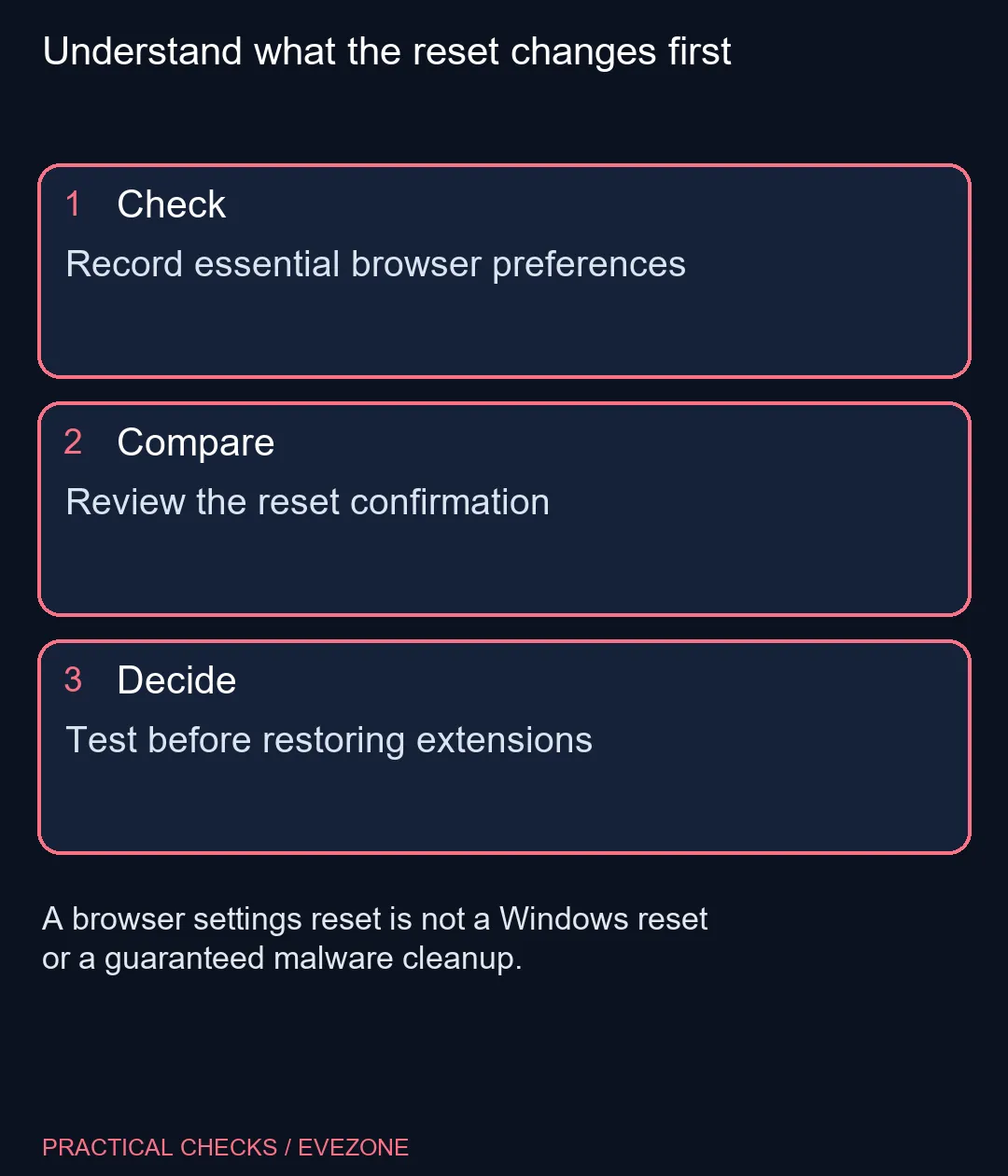
Understand what the reset changes first Record essential browser preferences.
The documented settings reset preserves saved bookmarks and passwords. Read the confirmation for your version before proceeding.
The reset disables extensions. Restore only the trusted ones you need, testing the original problem as you do so.
No. It changes Chrome settings and is separate from resetting Windows or reinstalling the computer.
Try the narrow site-specific check first. A whole-browser reset changes more preferences than a single-site adjustment.
No. Persistent unwanted software can need separate investigation. Do not treat a browser settings reset as a guaranteed cleanup.
An administrator may manage that setting. Check the browser's managed status and ask the responsible team about the policy.
Chrome change search engine settings control ordinary address-bar searches. Check site shortcuts and managed-browser rules if the wrong provider keeps returning.
Read more
Chrome task manager helps identify resource-heavy pages and extensions. Save your work, compare the busy task and close it before deciding you need more RAM.
Read more
Chrome block pop ups settings can stop unwanted windows while allowing a trusted site that needs one. Keep the exception specific instead of allowing every site.
Read more
Chrome turn off notifications works through website permissions. Block the noisy site's notification access before muting every browser alert or changing PC sound.
Read more
A discord stream black screen needs a capture-versus-viewer check. Test a harmless shared window before changing drivers, hardware or several settings at once.
Read more
Chrome export passwords creates a sensitive transfer file. Import it into the intended password manager, test access and remove the unencrypted copy.
Read more
Chrome translate not working often needs a page refresh or language-setting check. Test one foreign-language page before changing broader browser settings.

Expedition 33 at R40,000 needs a balanced SA build plan, not a fixed FPS promise. Use the budget as a planning cap, then compare CPU, GPU, RAM, storage, cooling, case fit, and upgrade room before buying.

Best place to buy a gaming PC in Durban North should be shortlisted around the job it must do. South African buyers should compare fit, performance, compatibility, and upgrade room, warranty path, and upgrade room before treating any pick as best.

Expedition 33 low FPS on RTX 5060 settings and driver checks start with frame caps, scaling, and drivers. SA gamers can compare CPU limits, overlays, and heat before cutting image quality or changing hardware.
Chrome translate not working often needs a page refresh or language-setting check. Test one foreign-language page before changing broader browser settings.

Check when Chrome saves power, compare a repeatable task on battery and separate browser changes from battery health and Windows settings.

Find Chrome's caption control, check language and audio and bring back the floating bubble when captions disappear during playback.

Open the simplified Chrome reader, adjust type and spacing and check whether the page supports the view before changing your display setup.

The Pulsar X2 CrazyLight's low hump lets a claw grip sit flat, and its wide waist keeps the sides broad. Evetech buyers who game at a shared flat table get a symmetrical shell for tight arm room.

A 35g Pulsar X2 CrazyLight Mini lifts and resets easily on a small res room desk. With little pad space for low-sensitivity aim, its 115.6mm shell also sits under a claw hand without crowding.
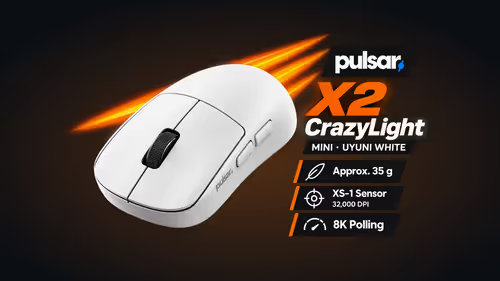
The 115.6mm Pulsar X2 CrazyLight Mini suits fingertip grip because the shell ends close to the knuckles. Evetech lists it for claw and fingertip at 35g, so it also packs light for a campus LAN.
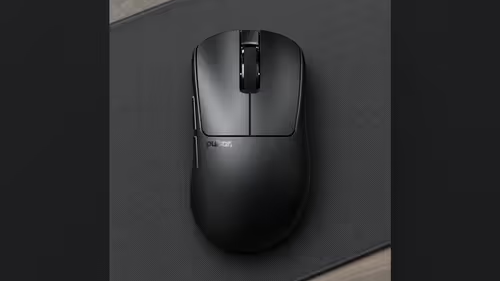
No: the Pulsar Xlite CrazyLight Mini is just 6.4mm shorter and 2.6mm narrower than the Medium. Palm-grip hands near the size line can go either way, and Evetech sells online only, so measure your palm with a tape first.