




Chrome change search engine: Set the address-bar default deliberately
Chrome change search engine settings control ordinary address-bar searches. Check site shortcuts and managed-browser rules if the wrong provider keeps returning.
Read moreChrome task manager helps identify resource-heavy pages and extensions. Save your work, compare the busy task and close it before deciding you need more RAM.

A fan spinning up while one browser page is open does not immediately prove that the laptop needs replacing. Chrome has its own task manager, which helps connect a busy browser to the particular work happening inside it.
Chrome task manager opens from the browser menu under More tools, then Task manager. It is a R0 diagnostic tool for browser tasks. Save work, compare resource use and end only an unwanted or unresponsive task. A high reading alone is not proof that RAM is faulty or that a hardware upgrade will solve the problem.
Use Chrome's menu route so you know you are inspecting browser tasks rather than confusing the tool with the operating system's task manager. Keep the affected page open long enough to observe its behaviour. Note whether the slowdown happens during video, a large web document or ordinary idle browsing.
The task list helps distinguish pages and extensions. Look at memory and CPU activity together where shown, and watch how the figures change when the page finishes loading. A brief burst during useful work is different from a task that remains busy after you stop interacting. Avoid turning one instant reading into a diagnosis.
Save documents, unfinished forms and any work you can still reach. Select the unwanted task deliberately before using End process. Force-ending a page can lose unsaved changes, and it should not be your first action on an important document that is still responding.
After ending the selected task, compare the rest of the browser. Did the fan settle? Can you type normally again? Reopen the page only if needed and see whether the same behaviour returns. That small controlled comparison is more useful than closing every application and losing track of what caused the improvement.
Extensions can perform work even when they do not look like ordinary tabs. If an unfamiliar or unnecessary extension is involved, review it through Chrome's extension controls. Do not remove every extension at once unless you have a specific reason; that makes it harder to identify which change mattered.
If the entire computer remains slow when Chrome is closed, extend the investigation beyond the browser. This tool cannot explain every operating-system or storage problem. Record which application and task were involved so the next check starts with something concrete rather than the broad label of a slow PC.
For repeated memory pressure in your normal workload, all memory (ram) can help you compare options after checking the machine's supported module type and capacity. Some laptops have limited upgrade options, so do not order a kit merely because its capacity looks right.
If replacement is already justified for several reasons, browse all laptops on special with the workload in mind. The point of observing Chrome first is to understand that workload. A tab with a reproducible problem may need a software fix, while a consistently overloaded system may call for a broader upgrade plan.
Open Chrome's menu, select More tools and then Task manager. This is separate from the operating system's task manager.
Yes. Save important forms and documents before force-ending a page or app. Unsaved changes in the affected task can be lost.
No. A busy or complex workload can use memory normally. Compare behaviour over time and identify the specific task first.
Avoid doing that as your first test. Select the unwanted or unresponsive task so you can see whether that change helps.
An extension can consume browser resources. Review the identified extension and compare behaviour after a controlled change.
When repeated checks show that your normal workload exceeds available memory. Confirm the computer's upgrade support before buying compatible modules.
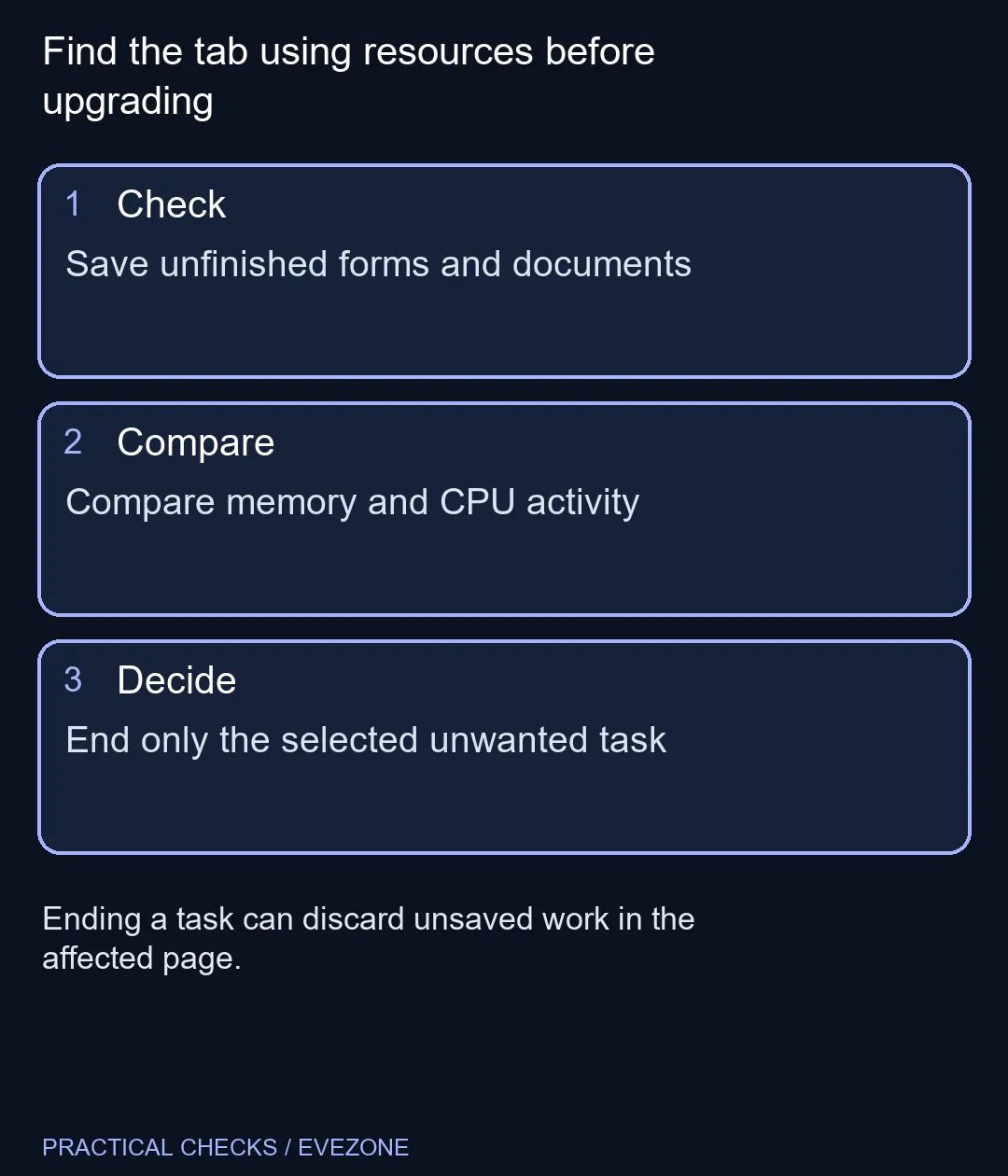
Find the tab using resources before upgrading Save unfinished forms and documents.
Open Chrome's menu, select More tools and then Task manager. This is separate from the operating system's task manager.
Yes. Save important forms and documents before force-ending a page or app. Unsaved changes in the affected task can be lost.
No. A busy or complex workload can use memory normally. Compare behaviour over time and identify the specific task first.
Avoid doing that as your first test. Select the unwanted or unresponsive task so you can see whether that change helps.
An extension can consume browser resources. Review the identified extension and compare behaviour after a controlled change.
When repeated checks show that your normal workload exceeds available memory. Confirm the computer's upgrade support before buying compatible modules.
Chrome change search engine settings control ordinary address-bar searches. Check site shortcuts and managed-browser rules if the wrong provider keeps returning.
Read more
Chrome reset settings restores browser defaults while keeping saved bookmarks and passwords. Record essential extensions and preferences before confirming the reset.
Read more
Chrome block pop ups settings can stop unwanted windows while allowing a trusted site that needs one. Keep the exception specific instead of allowing every site.
Read more
Chrome turn off notifications works through website permissions. Block the noisy site's notification access before muting every browser alert or changing PC sound.
Read more
A discord stream black screen needs a capture-versus-viewer check. Test a harmless shared window before changing drivers, hardware or several settings at once.
Read more
Chrome export passwords creates a sensitive transfer file. Import it into the intended password manager, test access and remove the unencrypted copy.
Read more
Chrome translate not working often needs a page refresh or language-setting check. Test one foreign-language page before changing broader browser settings.

Expedition 33 at R40,000 needs a balanced SA build plan, not a fixed FPS promise. Use the budget as a planning cap, then compare CPU, GPU, RAM, storage, cooling, case fit, and upgrade room before buying.

Best place to buy a gaming PC in Durban North should be shortlisted around the job it must do. South African buyers should compare fit, performance, compatibility, and upgrade room, warranty path, and upgrade room before treating any pick as best.

Expedition 33 low FPS on RTX 5060 settings and driver checks start with frame caps, scaling, and drivers. SA gamers can compare CPU limits, overlays, and heat before cutting image quality or changing hardware.
Chrome translate not working often needs a page refresh or language-setting check. Test one foreign-language page before changing broader browser settings.

Check when Chrome saves power, compare a repeatable task on battery and separate browser changes from battery health and Windows settings.

Find Chrome's caption control, check language and audio and bring back the floating bubble when captions disappear during playback.

Open the simplified Chrome reader, adjust type and spacing and check whether the page supports the view before changing your display setup.
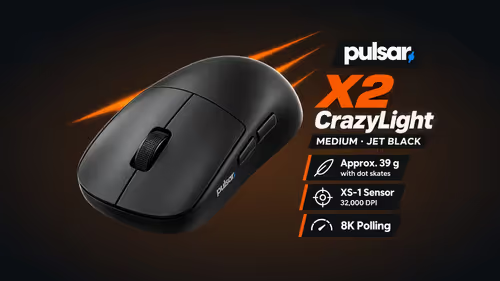
The Pulsar X2 CrazyLight's low hump lets a claw grip sit flat, and its wide waist keeps the sides broad. Evetech buyers who game at a shared flat table get a symmetrical shell for tight arm room.
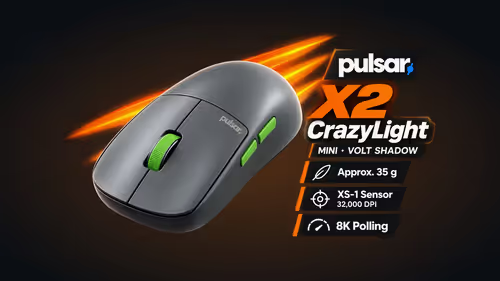
A 35g Pulsar X2 CrazyLight Mini lifts and resets easily on a small res room desk. With little pad space for low-sensitivity aim, its 115.6mm shell also sits under a claw hand without crowding.
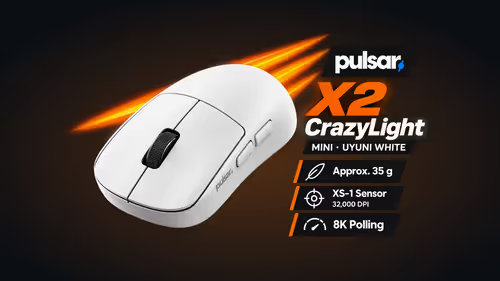
The 115.6mm Pulsar X2 CrazyLight Mini suits fingertip grip because the shell ends close to the knuckles. Evetech lists it for claw and fingertip at 35g, so it also packs light for a campus LAN.
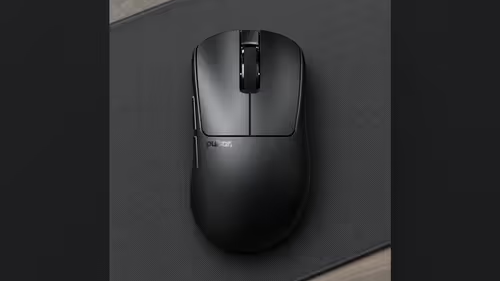
No: the Pulsar Xlite CrazyLight Mini is just 6.4mm shorter and 2.6mm narrower than the Medium. Palm-grip hands near the size line can go either way, and Evetech sells online only, so measure your palm with a tape first.