Quick Answer
For Windows 11 upgrades, what matters most in a motherboard is a TPM 2.0 module or firmware TPM and UEFI Secure Boot support, since Windows 11 requires them. Any current AM5 B650 board (around R3,200) includes firmware TPM (fTPM) and Secure Boot, so a modern board upgrades cleanly; older boards may need a BIOS setting enabled.
TPM 2.0 and Secure Boot are the gatekeepers
Windows 11 requires TPM 2.0 and UEFI Secure Boot. Modern AM5 boards include firmware TPM (fTPM on AMD), so the requirement is met in BIOS, no physical module needed. If an upgrade fails the check, enable fTPM and Secure Boot in the BIOS first; this is the most common fix and costs nothing.
What a fresh board gives a Windows 11 build
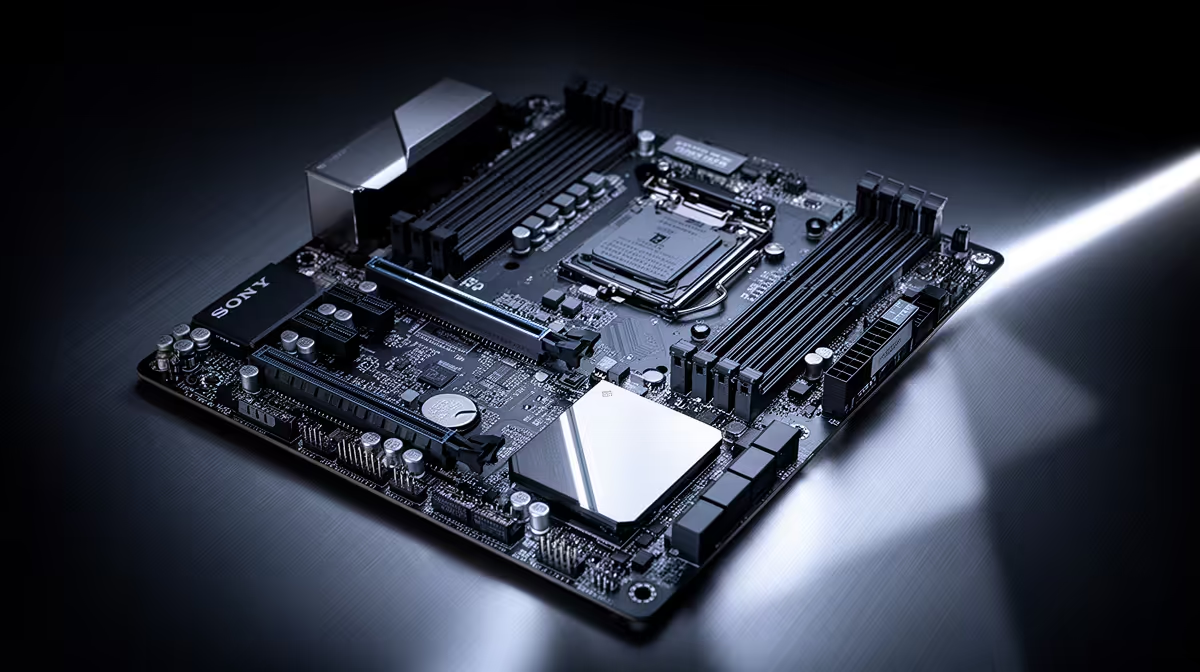
A current B650 board ships with UEFI, fTPM, Secure Boot and DDR5-6000 EXPO support, so Windows 11 installs and runs cleanly. The MSI B650 Gaming Plus WiFi (R3,200) is a straightforward base. You do not need a premium chipset for Windows 11; the requirements are firmware features any modern board has.
When the upgrade is really a new build
If your current PC is too old to support TPM 2.0, a Windows 11 upgrade effectively means a new platform. A B650, a Ryzen 5 7600, 16GB to 32GB DDR5-6000 and a Gen4 NVMe gives a snappy Windows 11 machine. The fast NVMe does more for everyday feel than any board feature.
FAQ
What board feature matters most for Windows 11?
TPM 2.0 (firmware fTPM on AMD) and UEFI Secure Boot, both required by Windows 11. Modern AM5 boards include these in BIOS.
My PC fails the Windows 11 TPM check, what do I do?
Enable fTPM and Secure Boot in the BIOS. That fixes most cases at no cost. Very old boards without TPM 2.0 need a new platform.
Do I need a premium board for Windows 11?
No. Windows 11's needs are firmware features any modern B650 has. A fast NVMe boot drive does more for everyday speed.
board by the one feature your use case leans on most, then buy the cheapest model that nails it. For most builds a B650 around R3,200 to R4,200 is the sweet spot.