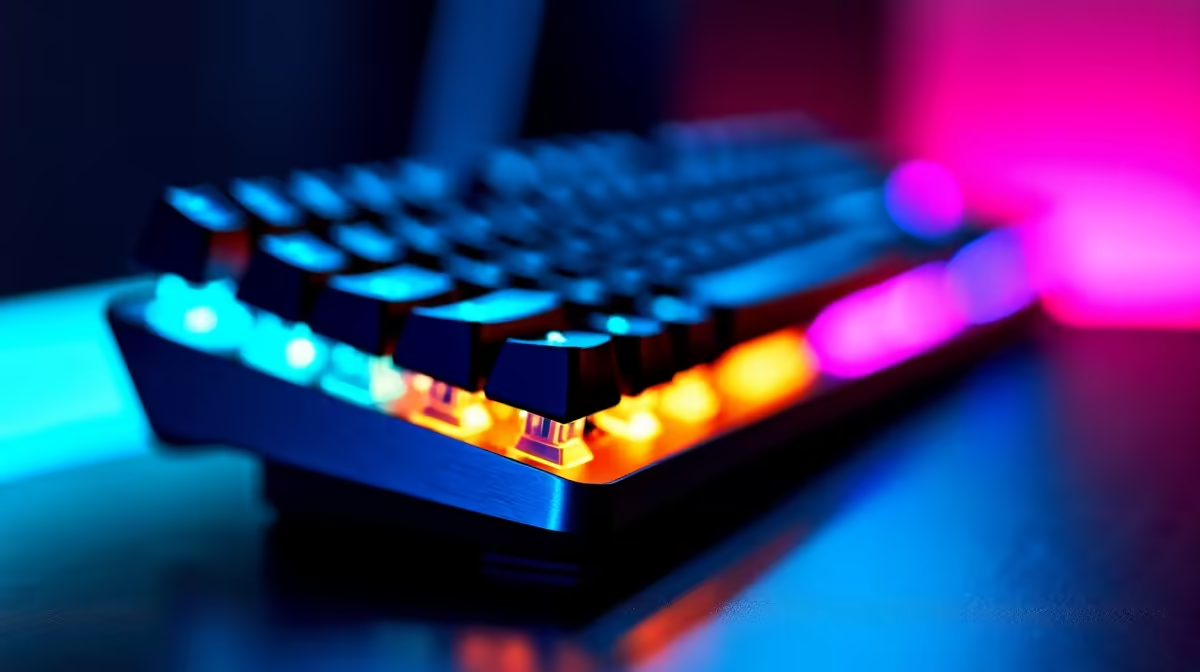
Choosing the Best Mechanical Switch Type for Gaming (Clicky vs Linear vs Tactile)
South African gamers and tech buyers know the pain… you buy a “gaming” keyboard, then the switches annoy you in the first week. Too loud for LAN nights. Too mushy for aim-heavy games. Or just not consistent when your hands get warm. 🎧🔧
The good news is your experience is mostly about one choice: the best mechanical switch type for gaming: clicky vs linear vs tactile. We’ll break down what each switch feels like, when it shines, and how to pick fast. No fluff. Just practical guidance.
What “Clicky vs Linear vs Tactile” Actually Changes
Different mechanical switch types change two main things: feedback and sound. That affects typing rhythm, muscle memory, and even how easily you notice when you’ve registered a keypress.
Clicky switches (crisp feedback, louder by nature)
Clicky switches give you an audible “click” plus tactile feedback. If you love that satisfying confirmation, clicky can feel great for text-heavy work and fast input practice.
Where clicky wins
- You want strong feedback so you know a keypress happened.
- You game in a setup where noise isn’t an issue.
Where clicky can annoy
- You share the room… or you’re online late at night.
- You want minimal distraction during clutch moments.
Tactile switches (feedback without the loud click)
Tactile switches have a bump in the keypress, but they’re usually less intrusive than clicky models. You still get “something” to feel when you’ve hit the actuation point.
Where tactile wins
- You want accuracy and confidence without turning your desk into a drum kit.
- You alternate between work and gaming.
Linear switches (smooth press, usually quieter)
Linear switches move smoothly from top to bottom with no bump. Many players like them because they can spam keys quickly with consistent force.
Where linear wins
- You prefer a smooth feel for fast movement and repeated inputs.
- You want less distraction during intense sessions. ⚡
Matching Switch Type to Your Game (and your hands)
Let’s keep this real. Your “best” switch depends on what you play and how you play.
FPS and competitive shooters
If you rely on quick taps, consistent actuation feel matters. Many competitive players lean toward linear for predictable movement and spam-friendly key travel. Others prefer tactile because the bump helps them confirm taps without staring.
Simple self-test
- If you like “feeling” the key register: start with tactile.
- If you like “not thinking” about the press: start with linear.
MOBA and strategy
MOBA players often use lots of hotkeys. Comfort and reduced fatigue matter more than noise. Tactile switches are a strong middle ground because the feedback helps prevent accidental double-taps.
RPG, MMO, and big keybind sessions
When you’re pressing keys constantly for minutes at a time, smoothness and comfort win. Linear can feel effortless. If you’re worried about mis-hits, tactile gives you that extra confirmation.
Setup Pro Tip 🔧
On a new keyboard, spend 10 minutes mapping your main keys, then do a short aim or movement warm-up. If you keep “over-pressing” or double-tapping, switch type feel is likely the culprit, not your sensitivity. Adjust force and habits first, then decide whether tactile bump or linear smoothness fits you best. Keep it systematic so you don’t waste money chasing guesses.
South African buying checklist before you commit
Buying in SA is easier when you know what to check. Switch type is important, but don’t ignore these basics:
- Item
- Item
- Item
- Item
For gamers building or upgrading their setup, start by browsing a solid range of options:
And if you want options focused on the core “buy right now” angle, these pages help you compare quickly:
Wired vs Wireless: which affects your switch “feel”?
Switch type affects feedback, but connection type affects consistency.
- If you’re chasing maximum response certainty for fast inputs, wired setups reduce variables.
- If you’re mostly casual or desk-flexible, wireless can be totally fine.
If you want to compare options quickly, here are direct categories to look at:
Don’t forget your whole input chain (combo matters)
Even the best switch type can feel “off” if your mouse tracking and grip aren’t matching your play. When you’re upgrading, treat your keyboard and mouse like a single system. 🎮✨
If you’re the kind of player who likes a clean, coordinated setup, check:
Ready to Find Your Perfect Switch Type?
The best mechanical switch type for gaming is the one that matches your hand feel, your tolerance for sound, and how you play your main genres. Clicky for loud confirmation, tactile for balanced feedback, linear for smooth consistency… choose with intent, not vibes.
Ready to lock in your upgrade with the right keyboard for your next rank push?
Ready to Find Your Perfect Match?
The Mac vs Windows debate is complex, but for maximum power, choice, and value in South Africa, Windows is hard to beat. Explore our massive range of laptop specials and find the perfect machine to conquer your world.