

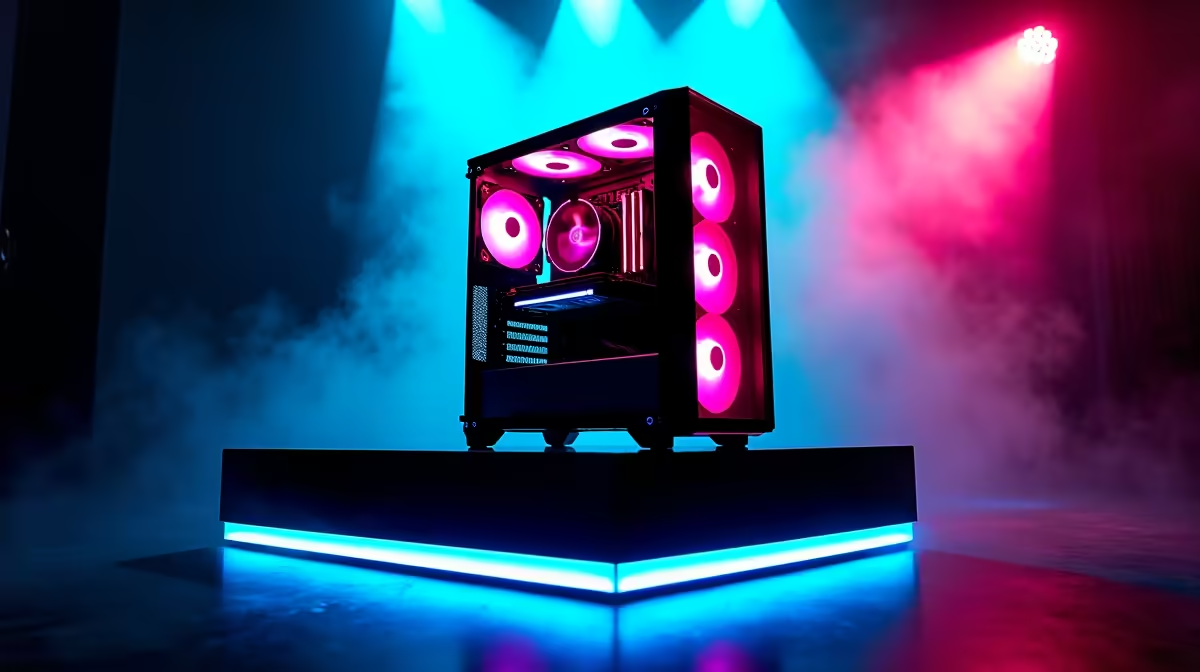
So, you’re ready to build your own rig. The excitement is real! You’ve been dreaming of buttery-smooth frame rates without having to sell a kidney. A budget gaming PC build is the perfect solution for South African gamers wanting maximum bang for their buck. But dodging the common pitfalls is crucial. One wrong move can turn your dream machine into a frustrating, underperforming box. Let's make sure your hard-earned Rands are spent wisely.
The 7 Deadly Sins of a Budget Gaming PC Build
Building a PC on a tight budget is an art. It’s about smart compromises, not just buying the cheapest parts. Here are the most common mistakes we see at Evetech… and how you can avoid them.
Mistake 1: Skimping on the Power Supply (PSU)
This is the number one error. The PSU is the heart of your PC, feeding clean, stable power to every component. A cheap, no-name power supply is a massive risk. It can be inefficient, noisy, and worst of all, it could fail and take your expensive GPU or motherboard with it. 💥
Think of it this way: you wouldn't put cheap, dirty fuel in a performance car. Don't do the equivalent to your PC. Look for brands with a solid reputation and an 80 Plus Bronze rating as a minimum. It’s the most important part of any reliable budget gaming PC build.
Mistake 2: Creating a CPU/GPU Bottleneck
A classic rookie mistake is pairing a beastly new graphics card with an old, slow processor (or vice versa). This creates a "bottleneck," where one component is so much slower that it holds the other one back. You'll have paid for performance you can't even use.
For a balanced system, aim for harmony. If you're building one of our popular PCs under R20k, a modern Core i3/i5 or Ryzen 3/5 CPU paired with a solid mid-range GPU like an RTX 3050 or RX 6600 is a great starting point. The goal is to have both your CPU and GPU working hard together.
Mistake 3: Buying a Dead-End Motherboard
The motherboard is your PC's foundation. When you're on a budget, it's tempting to grab the cheapest one that fits your CPU. The problem? That board might have limited RAM slots, no M.2 slot for fast storage, and zero upgrade potential for a better CPU down the line.
A good budget gaming PC build plans for the future. Spending a little extra on a motherboard with four RAM slots and a better chipset can save you from having to buy a whole new system when you want to upgrade in a year or two. It's the difference between a stepping stone and a dead end.
PSU Pro Tip ⚡
Never trust the wattage number alone. A cheap 750W unit can be far more dangerous than a high-quality 550W one from a reputable brand. Look up reviews and consult the 'PSU Tier List' online before buying. It ranks units by quality and reliability, helping you make a safe choice for your build.
Mistake 4: Ignoring RAM Speed & Channels
Just getting "16GB of RAM" isn't enough. For modern gaming, especially with Ryzen CPUs, RAM speed makes a real difference. Running two sticks of RAM (e.g., 2x8GB) in dual-channel mode provides a significant performance boost over a single 16GB stick. Always buy a kit of two matched sticks and check your motherboard's manual to ensure you install them in the correct slots to enable dual-channel mode.
Mistake 5: Settling for a Hard Drive (HDD) as Your Main Drive
In 2024, a mechanical hard drive should only be for storing large files and games you don't play often. Your operating system (Windows) and your favourite games must be on a Solid State Drive (SSD). The difference in loading times is massive. A PC with an NVMe SSD feels snappy and responsive, while one booting from an HDD feels sluggish, even with a fast CPU. An affordable 500GB NVMe SSD is one of the best quality-of-life upgrades you can make.
Mistake 6: Choosing a Case with No Airflow 🥵
That flashy case with a solid glass front panel might look cool, but if it can't breathe, your components will overheat. This leads to "thermal throttling," where your CPU and GPU slow themselves down to avoid damage, killing your frame rate. Look for cases with a mesh front panel and decent fans. Good airflow is free performance, and it’s a cornerstone of the best gaming PC deals because it ensures longevity.
Mistake 7: Forgetting the "Hidden" Costs
Your budget gaming PC build isn't finished when you've bought the main components. Remember to budget for:
- A Windows license.
- Peripherals like a monitor, keyboard, and mouse.
- Shipping costs for all your parts.
These can add a surprising amount to the final tally. For those who want a simple, all-in-one price without the hassle, our range of budget gaming PCs comes ready to plug and play.
Your Path to Gaming Glory
Building a PC is an incredible experience, but it’s easy to get lost in the details. By avoiding these common mistakes, you’re already miles ahead of most first-time builders. While a DIY build is rewarding, sometimes you just want to get straight to gaming. Our expertly configured pre-built PC deals take the guesswork out of the equation, offering balanced, tested systems with a full warranty. They offer a great alternative to the potential headaches of a first-time budget gaming PC build. And if you want to see what a bigger budget gets you, check out these powerful PCs above R20k for some inspiration.
Ready to Skip the Hassle? Building a PC is a journey, but avoiding these pitfalls takes research. For a guaranteed, balanced, and stress-free experience with a full warranty, a professionally built rig is king. Explore our massive range of PC specials and find the perfect machine to conquer your world.











