


Best RTX 5090 Under R5000 in South Africa 2026
Top RTX 5090 Under R5000 picks evaluated on performance, value & SA availability with current Rand pricing from Evetech.
Read morebudget home office setup: Build an efficient, ergonomic workstation on a budget with smart gear picks, space-saving layouts, and DIY hacks for productivity 💼💡
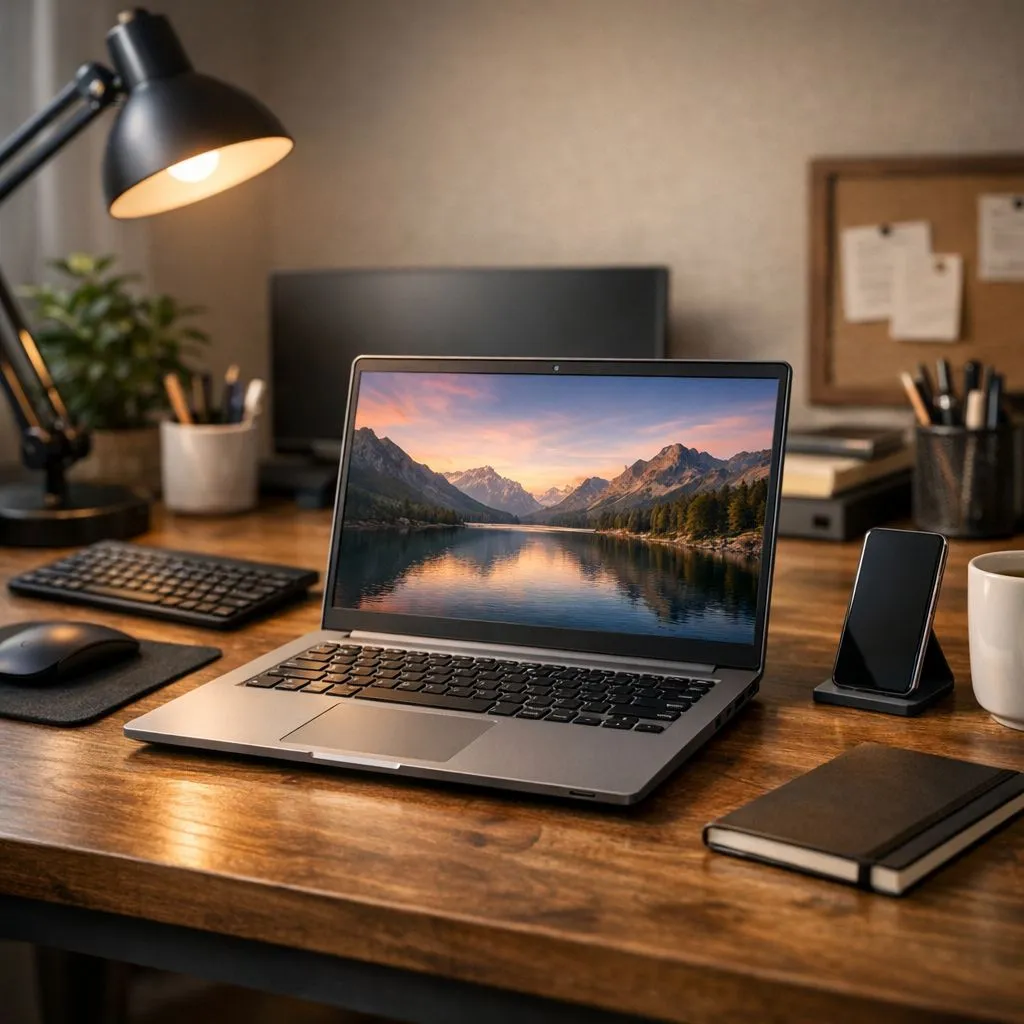
Working from home in South Africa is the new normal, but your kitchen table setup just isn’t cutting it. Between load shedding interruptions and a growing to-do list, you need an efficient workstation that doesn’t drain your bank account. The good news? Creating a powerful and affordable budget home office setup is easier than you think. It’s all about making smart choices on the gear that truly matters for productivity. 🚀
Before you even think about ergonomic chairs or fancy keyboards, the core of your efficient workstation is the computer itself. While a desktop offers raw power, a laptop provides the ultimate flexibility—a must-have when you need to switch rooms or keep working when the power goes out. The key is finding a machine that balances performance and price.
For everyday tasks like emails, spreadsheets, and video calls, both Intel and AMD offer fantastic options. Modern processors are incredibly capable, so you can find great value exploring both Intel laptops on special and the latest Ryzen laptop deals. Focus on getting at least 8GB of RAM and a Solid-State Drive (SSD) for snappy, lag-free performance.
Here’s a pro tip: one of the best ways to build a budget home office setup with serious power is to look at gaming laptops. Sound strange? Not at all. These machines are built for performance, featuring powerful processors, dedicated graphics cards, and excellent cooling systems. This means they can handle demanding work tasks—like graphic design, video editing, or running multiple applications—without breaking a sweat.
You don't need to be a gamer to benefit. In fact, exploring the best gaming laptop deals often reveals powerhouse machines for the price of a standard mid-range ultrabook. For a truly effective and affordable home office, it's a smart move.
Your laptop screen should be at eye level. Use a simple laptop stand or even a stack of books to raise your screen. This small adjustment prevents neck and back strain during long work sessions, making your efficient workstation much more comfortable. An external keyboard and mouse are essential for this setup!
Once you’ve chosen your core machine, a few key peripherals will transform it from just a laptop into a proper command centre.
Finding a powerful laptop that forms the foundation of your setup is the biggest step. You can easily find excellent gaming laptops under R20,000 that will handle any work task you throw at them, and still be ready for a gaming session after hours. For those who need to run graphically intensive software for design or coding, investing a little more in one of the current GeForce RTX gaming laptops on special provides incredible performance and future-proofs your setup for years to come. ✨
Ready to Build Your Command Centre? A smart budget home office setup is your ticket to better productivity and comfort. It all starts with the right machine. Explore our massive range of laptop specials and find the perfect engine for your efficient workstation today.
Start with a clear layout, pick a compact desk and ergonomic chair, add an affordable monitor, declutter, and use DIY organization for efficiency.
Look for compact desks with cable management and a budget desk and chair combo offering lumbar support and adjustable height under $250.
Raise your monitor to eye level, use an external keyboard and mouse, and add a lumbar cushion—simple ergonomic budget workstation fixes.
Choose a 24–27 inch IPS monitor with at least 1080p, low blue light modes, and VESA mount options—best affordable monitors for home office.
Use under-desk trays, adhesive clips, and labeled power strips. Follow DIY home office organization tips to keep surfaces clear and tidy.
Yes. Prioritize CPU and RAM for productivity, reuse a case or PSU, and allocate budget to SSD storage—budget PC build for productivity.
A functional, ergonomic budget home office setup can start around $300–$700 depending on desk, chair, monitor, and core accessories.
Top RTX 5090 Under R5000 picks evaluated on performance, value & SA availability with current Rand pricing from Evetech.
Read more
Top Value RX 9070 XT Under R10,000 picks evaluated on performance, value & SA availability with current Rand pricing from Evetech.
Read more
Top RTX 5090 Under R4000 picks evaluated on performance, value & SA availability with current Rand pricing from Evetech.
Read more
Top RTX 5080 Under R15000 picks evaluated on performance, value & SA availability with current Rand pricing from Evetech.
Read more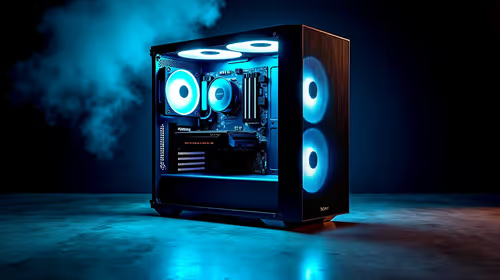
Core i5-14400F + B760 + RX 7800 XT Build Under. Full parts list, Rand pricing & expected performance. Build confidently with SA-available components.
Read more
Top Budget RTX 5070 Ti Under R20,000 Gamers picks evaluated on performance, value & SA availability with current Rand pricing from Evetech.
Read more
AMD RX 9050 XT: Rumoured Specs, Price & Release. SA-focused analysis with local pricing data, real-world insights & actionable buying advice.

Can RTX 4080 Super Run AI Workloads for SA Developers Detailed answer with SA data, expert analysis & practical recommendations for local buyers.

Can RTX 4090 Run AI Workloads for SA Developers Detailed answer with SA data, expert analysis & practical recommendations for local buyers.

Top Settings for Intel Arc B580 at Ultrawide 1440p picks evaluated on performance, value & SA availability with current Rand pricing from Evetech.

RTX 4060 CS2 Low Settings at 1080p: FPS Results. Real-world benchmark data, FPS numbers & performance analysis. What SA gamers can actually expect.

Visual Artifacts: Possible GPU Issue Issue #1. Diagnosis steps, proven fixes & when to seek professional help. SA-specific support info included.

Can the RTX 4090 Handle 1440p 144Hz Gaming. Performance testing verdict with real data & practical recommendations for SA buyers.

Top ASUS GPU Under R15000 picks evaluated on performance, value & SA availability with current Rand pricing from Evetech.

GTA 6 Max Settings on RTX 5070. Tested & verified settings for best FPS and visual quality on SA hardware budgets.

Cyberpunk 2077 Max Settings on RTX 5080. Tested & verified settings for best FPS and visual quality on SA hardware budgets.

Starfield Max Settings on RTX 5070 Ti. Tested & verified settings for best FPS and visual quality on SA hardware budgets.
Top RTX 5090 Under R5000 picks evaluated on performance, value & SA availability with current Rand pricing from Evetech.