

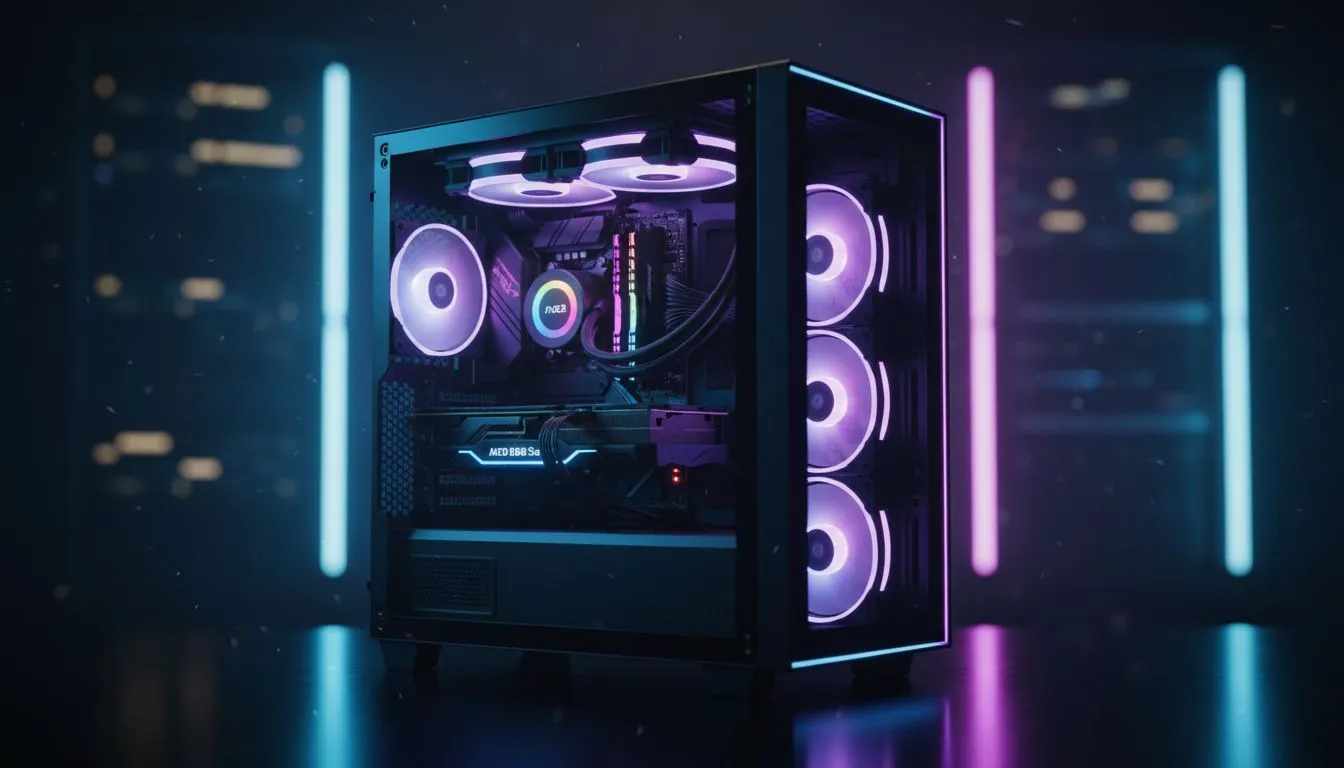
Budget RGB gaming PC South Africa: quick hook 🔧⚡
Building a Budget RGB Gaming PC South Africa style? In under 70 words: you can get vivid RGB, solid 1080p performance, and local warranty without blowing your R10k to R15k budget. This guide walks you through parts, practical assembly steps, and where to snag case and cooling value in South Africa—so you spend smart and play louder. Ready to build? Let’s break it down.
Budget RGB gaming PC South Africa: planning your spend
Start by setting a firm ZAR budget and a target game list. For 1080p at high settings, allocate most of your cash to CPU and GPU, then RGB-friendly case and PSU. Evetech lists a wide range of computer cases if you want airflow plus show-off lighting—check their computer cases collection for options and sizes: https://www.evetech.co.za/components/computer-cases-70. Pick parts with local warranty to avoid import headaches.
Budget RGB Gaming PC South Africa: parts list and where to buy 🚀
Here’s a balanced parts list for a sub-R18k build:
- CPU: mid-range Ryzen or Intel i5 (local pricing varies).
- GPU: used or entry-level new models for best value.
- Motherboard: B550 or equivalent with RGB headers.
- RAM: 16GB DDR4, 3200MHz.
- Storage: 500GB NVMe SSD.
- PSU: 550W 80+ Bronze with single-rail + connectors.
- Case: choose airflow and cable routes; Fractal’s compact options are great for clean lighting: https://www.evetech.co.za/PC-Components/fractal-design-pc-cases-346. For affordable RGB-focused cases, browse Gamdias’ range for aggressive styling: https://www.evetech.co.za/PC-Components/gamdias-gaming-cases-293. If you’re truly budget-limited, their filtered under-R1500 options can help you save without losing flair: https://www.evetech.co.za/PC-Components/gamdias-gaming-cases-293?max-price=1500.
Cite specs on Evetech pages when quoting exact model features. Choosing parts sold locally means easier RMA and quicker replacements.
Budget RGB Gaming PC South Africa: step-by-step build process ✨
- Prep workspace, anti-static wrist strap if possible.
- Install CPU and cooler on the motherboard. Apply paste if needed.
- Fit RAM and M.2 SSD before the motherboard goes in the case.
- Mount motherboard, connect 24-pin, EPS, and front-panel connectors.
- Install GPU and route PCIe power.
- Install RGB strips and sync to the motherboard using headers or a controller.
- Double-check fan direction for airflow. Power on for first POST; check for error beeps or debug codes.
RGB Tuning Tip ⚡
Do a clean cable route before you clip in RGB strips. Use zip ties to make airflow predictable. If your motherboard supports addressable RGB, use its software for a single control point; otherwise group LEDs on one controller to avoid messy sync issues.
Budget RGB Gaming PC South Africa: tuning, testing and local tips
Stress-test with free tools; monitor temps and PSU rails. In South Africa, power stability can vary—consider a basic surge protector or UPS for builds with expensive GPUs. Keep receipts and register warranties with Evetech where possible to make RMA smooth.
Final build thoughts and small wins
Small choices make the biggest difference: a neat cable job improves airflow and RGB looks. Swap in a better cooler or add a second case fan down the line to keep temps low while preserving your budget.
Ready to Find Your Perfect Match? The Mac vs Windows debate is complex, but for maximum power, choice, and value in South Africa, Windows is hard to beat. Explore our massive range of laptop specials and find the perfect machine to conquer your world.











