


Best RTX 5090 Under R5000 in South Africa 2026
Top RTX 5090 Under R5000 picks evaluated on performance, value & SA availability with current Rand pricing from Evetech.
Read moreBuild a gaming PC in South Africa with this step-by-step beginner's guide — pick parts, manage budgets, and assemble safely. Includes local prices, stores, and warranty tips. 🇿🇦🛠️
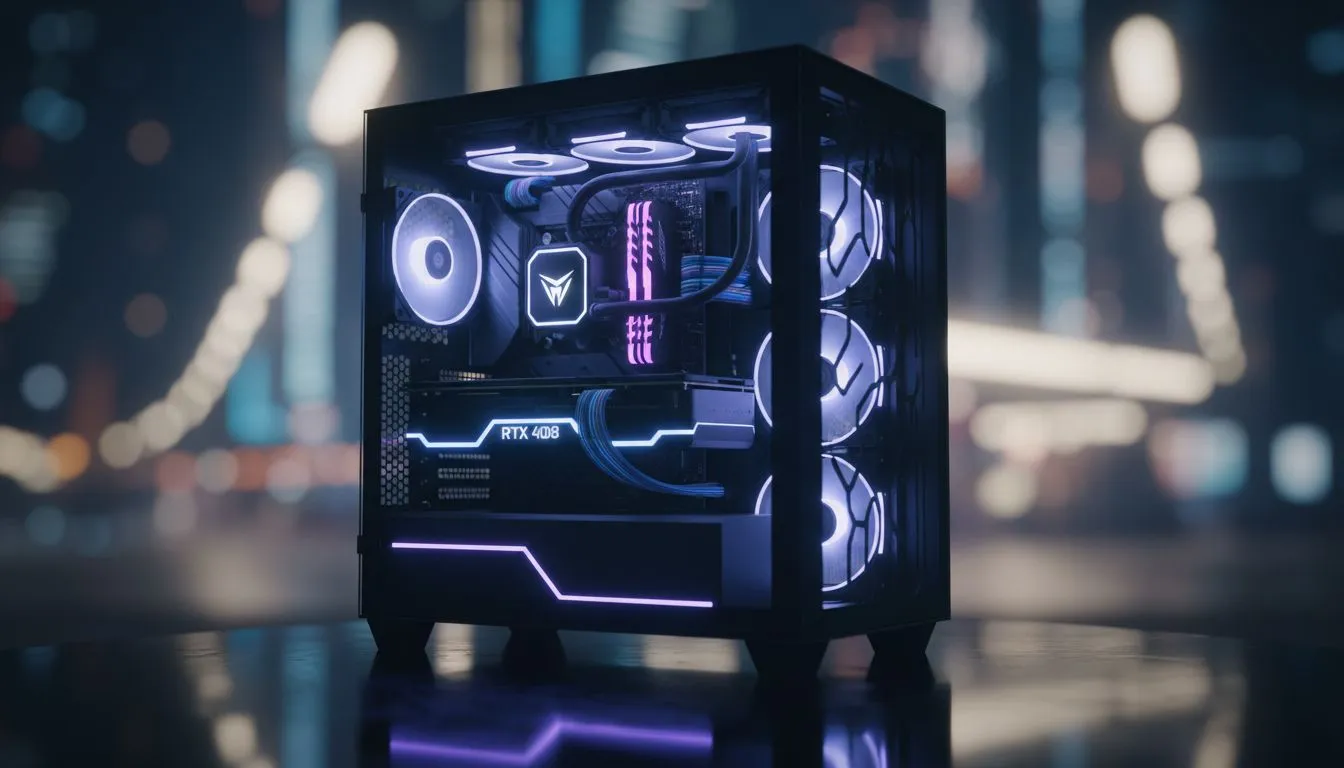
So, you’re ready to ascend. Tired of pre-builts that don’t quite cut it? Dreaming of a machine that’s perfectly yours, from the RGB glow to the raw horsepower? You’re not alone. The idea to build a gaming PC in South Africa can feel like a massive challenge, especially with our unique local hurdles. But here’s the secret: it’s more accessible and rewarding than ever. Let’s demystify the process and get you started. 🔧
Before we dive into the parts, let's talk about the why. For many South African gamers, it boils down to three key things:
Embarking on a journey to build a gaming PC in South Africa starts with a shopping list. Here are the essential parts you’ll need to source.
When choosing a Power Supply Unit (PSU), don't just look at the wattage. Invest in a quality 80+ Gold rated unit from a reputable brand. It's more efficient and provides cleaner, more stable power to your expensive components. This is crucial for handling South Africa's unpredictable power grid and protecting your investment during load shedding.
Your PC case is more than just a box; it’s the foundation of your build’s aesthetic and cooling performance. When you're looking at different options, think about airflow, size (will your GPU fit?), and style. There is a massive variety when it comes to choosing the right computer case, so you're sure to find something that fits your vibe.
For those who love a clean, understated look with excellent build quality, exploring some of the sleek Fractal Design PC cases is a fantastic starting point. Their focus on airflow and quiet operation is a huge plus.
On the other hand, if you want your rig to make a statement with bold designs and plenty of RGB lighting, you might find your perfect match among the flashy Gamdias gaming cases. Remember, good airflow is key to keeping your components cool and running at peak performance, especially during those long summer gaming sessions. Building a powerful gaming PC doesn't have to break the bank, and you can find some great budget-friendly Gamdias cases under R1500 that offer both style and function.
Once you have all your parts, the real fun begins. The assembly process is like a high-tech LEGO set. You’ll install the CPU, RAM, and SSD onto the motherboard first, then mount the motherboard in the case, install the power supply, slot in the graphics card, and finally, manage all the cables.
Don't be intimidated! Countless step-by-step video guides online can walk you through the entire process. Take your time, read your motherboard manual, and enjoy the satisfaction of seeing your creation come to life. This complete beginner's guide is your first step towards building a PC in South Africa that is truly your own.
Ready to Build Your Dream Rig? Building a gaming PC in South Africa is an incredible journey. You choose every part, you learn a new skill, and you end up with a machine that's 100% yours. Explore our massive range of PC components and start piecing together your ultimate setup today.
A beginner build can start around R8,000–R15,000 for 1080p gaming; mid-range and high-end builds rise from R20,000+. Check local prices and deals.
Buy from local retailers and Evetech, Wootware, or Loot for warranty support. Compare online price listings and local store stock.
CPU, GPU, motherboard, RAM, storage, PSU, case, and cooling. Use a gaming PC build checklist South Africa to match compatible parts.
Match CPU socket and chipset with motherboard, check RAM type and PSU wattage. Use compatibility tools and guides before purchase.
Yes. Look for best budget gaming PC South Africa components like entry GPUs and Ryzen or Intel value CPUs to hit 1080p playable framerates.
Basic toolkit: screwdrivers, anti-static strap, thermal paste, and cable ties. See PC assembly tools South Africa lists for local sourcing.
Most parts carry local warranties; check seller and manufacturer policies. Keep receipts and register products when required.
Top RTX 5090 Under R5000 picks evaluated on performance, value & SA availability with current Rand pricing from Evetech.
Read more
Top Value RX 9070 XT Under R10,000 picks evaluated on performance, value & SA availability with current Rand pricing from Evetech.
Read more
Top RTX 5090 Under R4000 picks evaluated on performance, value & SA availability with current Rand pricing from Evetech.
Read more
Top RTX 5080 Under R15000 picks evaluated on performance, value & SA availability with current Rand pricing from Evetech.
Read more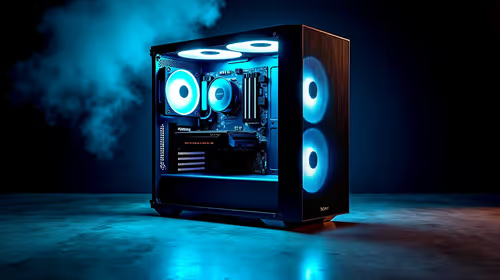
Core i5-14400F + B760 + RX 7800 XT Build Under. Full parts list, Rand pricing & expected performance. Build confidently with SA-available components.
Read more
Top Budget RTX 5070 Ti Under R20,000 Gamers picks evaluated on performance, value & SA availability with current Rand pricing from Evetech.
Read more
AMD RX 9050 XT: Rumoured Specs, Price & Release. SA-focused analysis with local pricing data, real-world insights & actionable buying advice.

Can RTX 4080 Super Run AI Workloads for SA Developers Detailed answer with SA data, expert analysis & practical recommendations for local buyers.

Can RTX 4090 Run AI Workloads for SA Developers Detailed answer with SA data, expert analysis & practical recommendations for local buyers.

Top Settings for Intel Arc B580 at Ultrawide 1440p picks evaluated on performance, value & SA availability with current Rand pricing from Evetech.

RTX 4060 CS2 Low Settings at 1080p: FPS Results. Real-world benchmark data, FPS numbers & performance analysis. What SA gamers can actually expect.

Visual Artifacts: Possible GPU Issue Issue #1. Diagnosis steps, proven fixes & when to seek professional help. SA-specific support info included.

Can the RTX 4090 Handle 1440p 144Hz Gaming. Performance testing verdict with real data & practical recommendations for SA buyers.

Top ASUS GPU Under R15000 picks evaluated on performance, value & SA availability with current Rand pricing from Evetech.

GTA 6 Max Settings on RTX 5070. Tested & verified settings for best FPS and visual quality on SA hardware budgets.

Cyberpunk 2077 Max Settings on RTX 5080. Tested & verified settings for best FPS and visual quality on SA hardware budgets.

Starfield Max Settings on RTX 5070 Ti. Tested & verified settings for best FPS and visual quality on SA hardware budgets.
Top RTX 5090 Under R5000 picks evaluated on performance, value & SA availability with current Rand pricing from Evetech.