

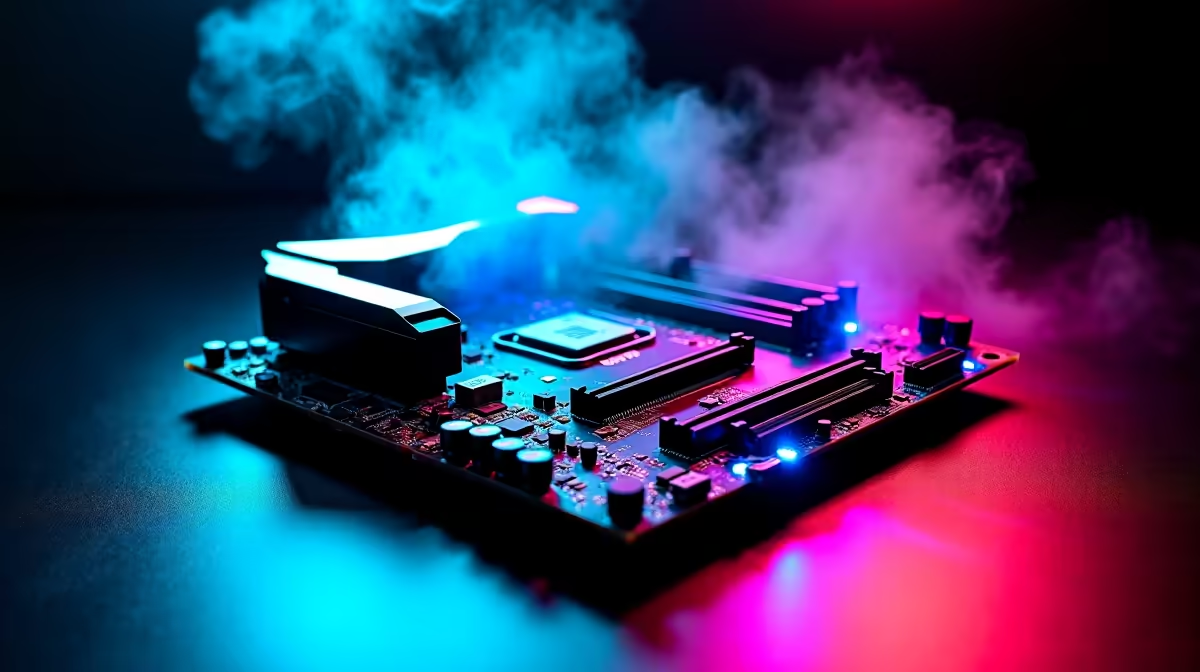
Building a future-ready PC in South Africa does not mean you have to empty your savings account. Right now, the sweet spot for a solid foundation lies in the R4,000 to R6,000 motherboard budget. This price bracket gives you access to modern chipsets, robust power delivery, and enough connectivity to keep your rig running smoothly for years... even when local game servers are acting up.
Why the R4,000 to R6,000 Motherboard Budget is the Sweet Spot ✨
When you look to buy motherboards online, the options can feel overwhelming. However, spending between R4,000 and R6,000 unlocks premium features without the extreme enthusiast tax. At this price point, you get beefy VRM heatsinks. These are crucial for keeping your processor cool during intense summer gaming sessions.
You also gain access to PCIe 4.0 or even PCIe 5.0 slots. This means your system is ready for tomorrow's graphics cards and ultra-fast storage drives. Building a future-ready PC on a R4,000 to R6,000 motherboard budget in South Africa ensures you have the upgrade paths you need. You will not have to replace your entire system in two years. Furthermore, boards in this tier often include integrated Wi-Fi 6E and high-quality audio capacitors. You get a much cleaner sound profile for your gaming headsets. This helps you pinpoint enemy footsteps with ease.
Choosing Your Path... Intel Core vs AMD Ryzen ⚡
Your motherboard dictates your processor camp. If you are Team Blue, the current lineup of ASUS Intel motherboards offers excellent stability. They support the latest LGA 1700 socket processors. This gives you fantastic single-core performance for competitive shooters like Counter-Strike 2. You can easily optimise your frame rates with these reliable boards.
On the flip side, Team Red fans have incredible options too. The newest ASUS AMD motherboards on the AM5 platform are built for longevity. AMD has a strong track record of supporting sockets for multiple generations. This makes an AM5 board a brilliant long-term investment for any South African gamer looking to upgrade their CPU later on. Both platforms offer exceptional NVMe M.2 slots. You can load up on fast storage to cut down your game loading screens. Nobody wants to wait ages for a match to start.
Future-Proofing Pro Tip 🔧
Always check the rear I O panel before buying. Ensure the board has a built-in BIOS flashback button. This tiny feature is a lifesaver if you ever need to update your BIOS for a newer CPU without having an older processor on hand.
Don't Forget the Supporting Cast 🚀
A great motherboard needs great components to truly shine. If you are aiming for peak performance, you should absolutely pair your new board with high-speed RAM. You can easily buy memory kits that match your motherboard's specific DDR4 or DDR5 requirements. Moving to DDR5 is highly recommended if your budget allows it. It provides a massive bandwidth boost for heavy multitasking and modern gaming. Remember to factor in your power supply and case. A spacious chassis helps you manage cables and optimise airflow over those beautiful new motherboard heatsinks.
Not keen on building it all yourself from scratch? We completely understand. Sourcing individual parts takes time and patience. You can always browse through some of the best gaming PC deals available locally. Many of these pre-built systems are already configured with top-tier motherboards in this exact price range. They save you the hassle of assembly while still offering incredible value.
Ready to Start Your Build? Building a future-ready PC on a R4,000 to R6,000 motherboard budget in South Africa is the smartest way to balance performance and value. Explore our massive range of PC components and find the perfect parts to bring your dream gaming rig to life today.











