

How to Bypass a Faulty Sound Card and Restore Your Audio
You are mid-clutch in a tense match or about to start a movie. Suddenly... silence. Your speakers go dead and your PC stops detecting your audio devices. In South Africa, power surges from loadshedding often fry sensitive motherboard components. If your onboard audio has failed, do not panic. You do not need a new motherboard. There are several ways to bypass a faulty sound card and get back into the action today. 🔧
Use a USB Audio Adapter for an Instant Fix
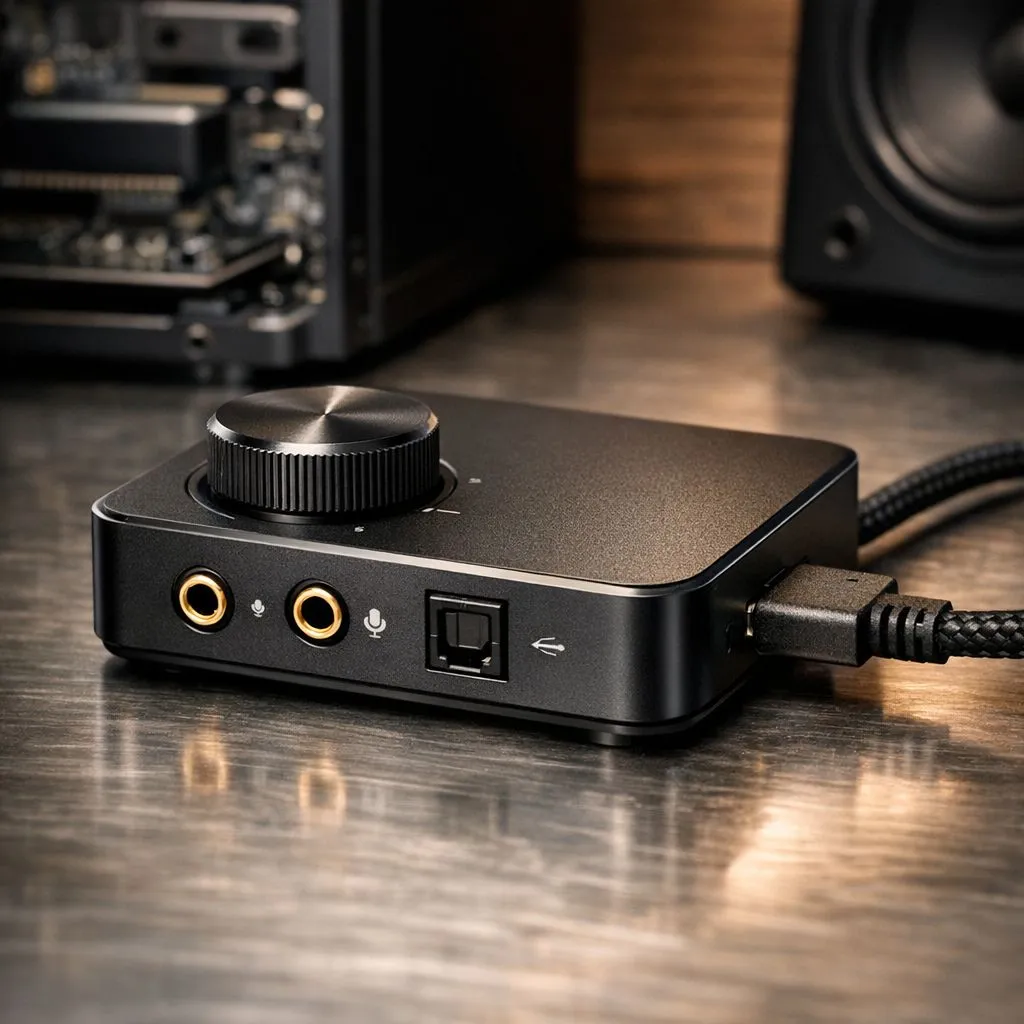
The fastest way to bypass a faulty sound card is using a USB audio adapter. These tiny devices act as an external sound card. You simply plug the dongle into an open USB port. It ignores your motherboard's broken audio circuits entirely. You can find high-quality gaming accessories that offer better sound than your original onboard chip. Most of these adapters are plug-and-play. This means you do not have to worry about complex software.
Audio Troubleshooting Tip ⚡
Before spending money, check your Windows Sound Settings. Sometimes a Windows Update accidentally disables the correct output device. Right-click the speaker icon in your taskbar. Ensure your preferred speakers or headset are set as the 'Default Device'. This simple check might save you a few hundred Rands before you buy hardware.
Leverage HDMI or DisplayPort Audio
Did you know your graphics card has its own built-in audio processor? If you connect your monitor via HDMI or DisplayPort, you can bypass a faulty sound card easily. Most modern gaming monitors feature a 3.5mm headphone jack on the back or side. This jack routes the digital audio signal directly from your GPU. It is a cost-effective solution while you browse for gaming accessories deals to upgrade your setup. The sound quality is often surprisingly crisp. 🚀
Upgrade to a Wireless Headset
If your internal audio jacks are crackling or dead, consider going wireless. Wireless headsets use their own USB transceivers or Bluetooth connections. They do not rely on your motherboard's analog 3.5mm ports at all. When you choose a dedicated headset from our Gaming Accessories range, you eliminate electrical interference. This often results in a cleaner signal for both your game audio and your microphone. It is a permanent fix for any desktop audio issues. ⚡
Consider an External DAC or Amp
For those who value high-fidelity sound, an external DAC is the ultimate choice. These devices convert digital signals to analog outside your PC case. This prevents the "hiss" often heard with cheap internal cards. It is the most professional way to bypass a faulty sound card while improving your overall listening experience. You can find options that fit any budget... from basic dongles to premium desktop units.
Ready to Restore Your Sound? A dead sound card should not keep you out of the game. Whether you need a quick USB fix or a pro-grade wireless headset, we have the gear to get you back in the game. Explore our massive range of audio and gaming accessories and find the perfect solution for your desktop.











