

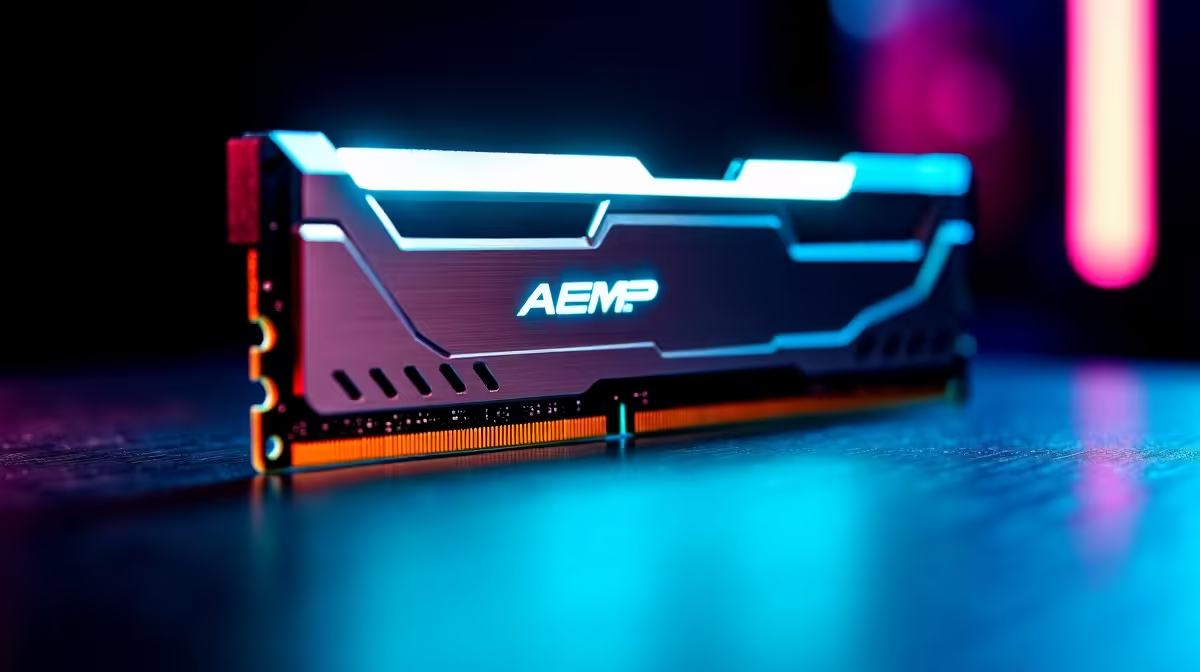
Building a new PC in South Africa is stressful enough. Add load shedding anxiety and volatile ZAR exchange rates... and the last thing you want is a dreaded black screen when you finally boot up. Memory compatibility is usually the main culprit. So, can DDR5 AEMP make RAM setup easier on an AM5 gaming motherboard? Let us dive into how this clever tech removes the headache of manual tuning.
Unpacking ASUS Enhanced Memory Profile (AEMP) 🔧
Historically, getting your memory to run at advertised speeds required fiddling with XMP or EXPO profiles. Sometimes, those profiles just refused to cooperate with your specific processor. This is where AEMP steps in. ASUS Enhanced Memory Profile is a proprietary feature designed to automatically optimise memory modules that do not feature native EXPO profiles. It reads the power management chip on your RAM sticks and sets the ideal voltage and timings.
When you buy motherboards for a modern build, you want hardware that does the heavy lifting for you. AEMP does exactly that... letting you bypass hours of frustrating BIOS tweaking and endless reboot cycles.
Pushing AM5 Gaming Motherboard Performance
The AM5 platform is incredibly powerful but famously sensitive to memory speeds. If you are eyeing ASUS AMD motherboards, you will be glad to know that AEMP II now supports an even wider range of modules. It actively trains your memory during the boot process to find the absolute sweet spot for your specific CPU.
This means you get maximum frames in competitive titles like Apex Legends or Warzone without risking random crashes. It is brilliant for local gamers who want plug-and-play performance without spending thousands of extra ZAR on pre-tuned premium RAM. You can buy standard modules and let the motherboard intelligently handle the configuration.
Pairing the Right DDR5 Components ⚡
Of course, AEMP is not just an AMD exclusive. If you prefer Team Blue, modern ASUS Intel motherboards also utilise this smart technology to push memory frequencies well beyond stock limits. But the real magic happens when you pair this auto-tuning tech with the right hardware.
Grabbing reliable memory kits is your first step to system stability. Even if you buy budget-friendly DDR5 sticks, AEMP can often squeeze premium performance out of them. This saves you hundreds of Rands... money better spent on a faster graphics card or a larger NVMe drive for your Steam library.
If building from scratch and messing with memory profiles sounds like too much work, you can always skip the BIOS tuning entirely. Just grab one of the best gaming PC deals available and let the Evetech experts handle the configuration for you.
BIOS Update Pro Tip 🚀
Always update your motherboard to the latest BIOS version before enabling AEMP. Manufacturers constantly release stability patches that improve DDR5 training times and overall system reliability... ensuring your PC boots up flawlessly every single time.
Ready to Build Your Dream AM5 Rig? Memory tuning does not have to be a nightmare. With the right ASUS board and AEMP technology, you can unlock incredible DDR5 speeds in seconds. Explore our massive range of motherboards and start your next high-performance build with Evetech today.











