

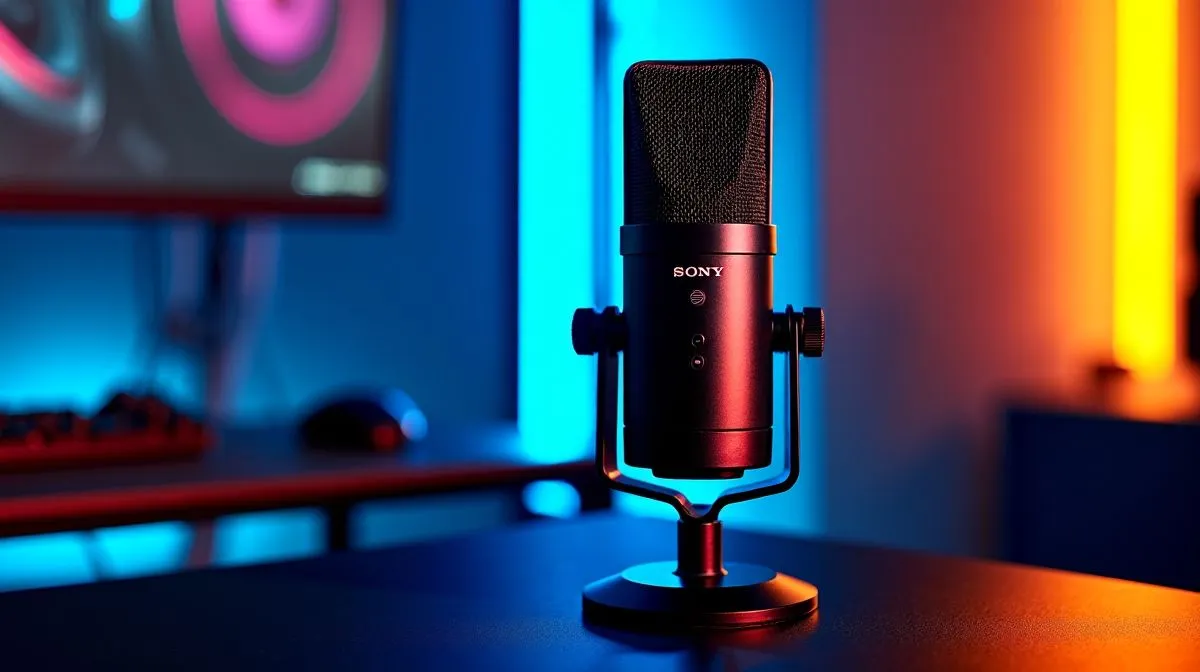
Cardioid Gaming Mic Setup Guide for Clear Team Communication: Get Heard on Discord (Even in a Busy Room) 🎧
If your callouts keep getting lost in background noise, you’re not alone. In South Africa’s late-night ranked sessions, one muffled “mid” can turn into a wiped squad… fast. Whether you’re on console, PC, or streaming from your bedroom, the right mic position is the difference between “I can’t hear you” and “nice, clear comms!”. Let’s dial in a cardioid gaming mic setup that makes your team trust your comms.
Cardioid patterns explained: why direction matters for clear comms 🔧
A cardioid microphone is built to pick up sound from the front and reject noise from the sides and back. That’s ideal for living-room setups where fans, TV audio, or neighbours exist. In practice, cardioid performance depends on placement more than most people think.
Cardioid setup checklist (what to change first)
- Face the mic, not your desk. Your mic should aim toward your mouth.
- Get the distance right. Start around 10–15 cm from your lips. Too far equals weak voice; too close can boost plosives and cause distortion.
- Keep the mic slightly above mouth level. This helps reduce air-blast plosives from “P” and “B” sounds.
- Angle it 20–30° off-axis. Many gamers over-aim directly at their mouth. Small angles often smooth the tone.
If your mic has a mute button or gain dial, don’t treat it like a volume knob only. Cardioid mics still benefit from consistent distance.
Productivity Pro Tip ⚡
Windows, open Settings → System → Sound and set your mic as the default input device. Then head to Device properties and adjust Levels carefully: aim for voice clarity first, then use in-game or Discord input sensitivity. This avoids the common issue where “loud” voice actually means clipping and harsh sound.
Cardioid Gaming Mic Setup Guide for Clear Team Communication: Dial in in Discord + Windows ⚙️
Now for the “why can they hear my keyboard but not me?” fixes. Clear comms come from balancing mic gain, noise suppression, and sidetone habits.
Discord settings that usually help
- Input Device: select your mic explicitly (not “default”).
- Input Sensitivity: lower it if your mic picks up typing and fan noise.
- Noise suppression: enable it lightly if you have consistent room noise.
- Echo cancellation: only enable if you hear your own voice echoing back.
A quick test you can do in 2 minutes
- Stand in your normal gaming position.
- Read normally for 10 seconds.
- Speak louder once, then whisper once.
- Stop talking and listen for background noise.
If you hear constant hiss or keyboard clicks, move the mic closer and reduce gain before you crank noise suppression.
Cardioid Gaming Mic Setup Guide for Clear Team Communication: Pair it with the right headset 🎮
Even the best cardioid mic loses impact if your headset monitoring is off. When your headphones are uncomfortable, you stop adjusting… and your posture drifts away from the “sweet spot”.
For a solid comms feel, explore Evetech’s headset options and choose one that fits your head shape and your mic distance habits. Start with a gaming headset built for voice clarity like the Razer Barracuda X Chroma (Phantom White) here: Razer Barracuda X Chroma Wireless Headset (Phantom White).
If you want options across brands and styles, browse their curated headset range: Razer headphones and headsets on Evetech. Prefer to compare by category and audio design? Start here: Headphone & headset options at Evetech.
And if you’re chasing a more immersive mix for team comms and in-game cues, check the audio mode filters like this 7.1 option: Headsets (7.1). If you’d rather keep it simple for natural voice reproduction, consider stereo setups too: Headsets (Stereo).
Cardioid Gaming Mic Setup Guide for Clear Team Communication: Final checks before you queue 🚀
Before you jump into ranked, do a quick “room reality” pass:
- Turn off or reposition the biggest noise source (PC fans, room fan) if possible.
- Close the distance between mouth and mic, then fine-tune the gain.
- Do one comms test with a friend. Hearing how you sound to others is the truth.
Remember… cardioid mics reward consistency. The same distance and angle every match means your team learns your voice, not your random volume.
Ready to Find Your Perfect Match? The Mac vs Windows debate is complex, but for maximum power, choice, and value in South Africa, Windows is hard to beat. Explore our massive range of laptop specials and find the perfect machine to conquer your world.











