

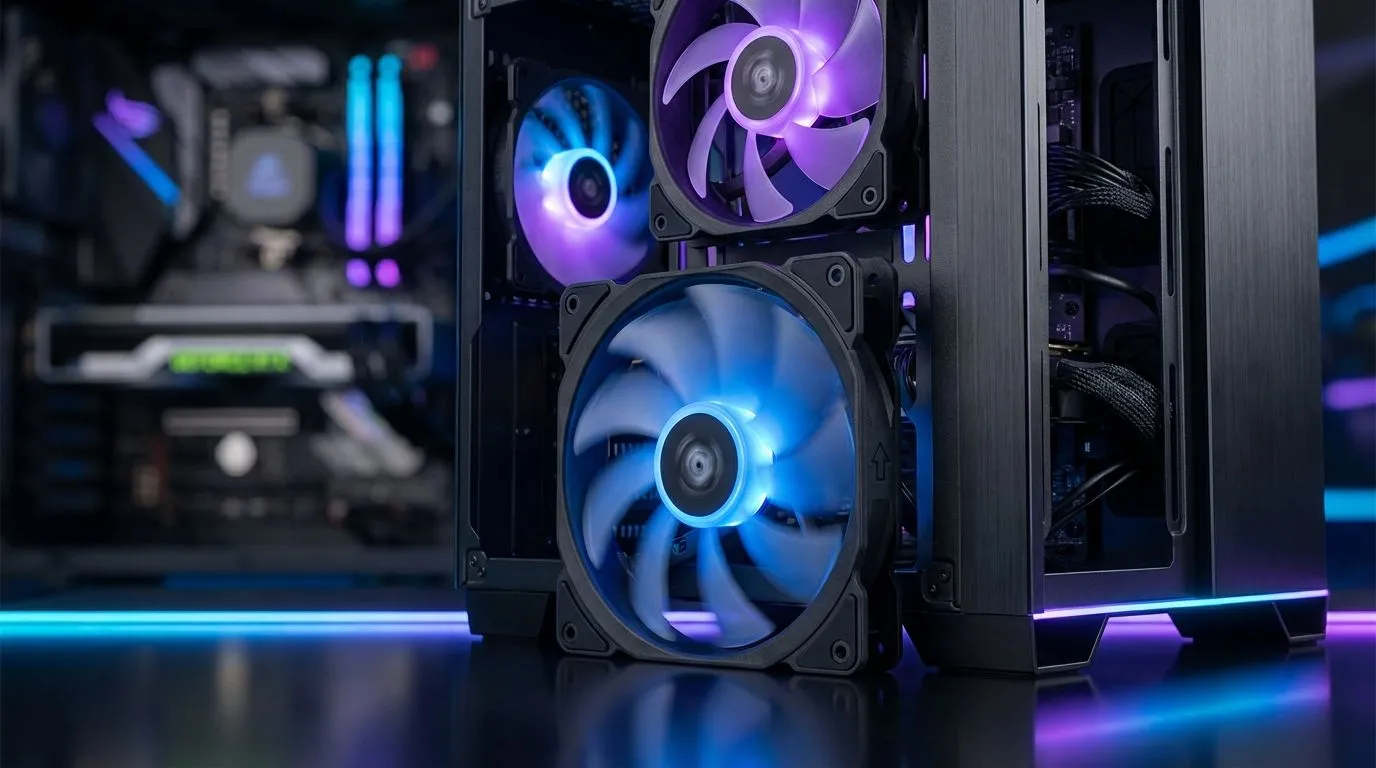
Is your PC sounding like a jet engine during a blistering summer heatwave in Gauteng? Proper airflow isn't just about noise... it’s about protecting your expensive hardware from the South African heat. Mastering Case Fan Placement: Front Intake, Top Exhaust & Rear Exhaust is the most effective way to boost your FPS and component longevity. Let’s dive into how to set up your rig for peak thermal performance. 🔧
The Foundation of Airflow: Front Intake
Fresh air is the lifeblood of your system. Most Gamdias gaming cases are designed with mesh front panels to facilitate massive air movement. By installing fans at the front, you create a "cold air" zone that feeds your GPU and CPU.
If you are building on a budget but still want high airflow, Evetech gaming cases offer excellent mounting points for multiple 120mm fans. This front intake setup creates positive pressure... which helps keep dust from creeping into every small crevice of your chassis.
Exhaust Strategies: Rear and Top Placement
Heat naturally rises, but in a high-performance PC, it needs a helping hand to leave the building. Your Rear Exhaust fan is arguably the most important fan in the case. It sits directly behind the CPU, pulling hot air away from the motherboard VRMs and exhausting it out the back.
When browsing for new computer cases, look for those with ventilated top panels. Adding a Top Exhaust fan further assists the natural convection process. This is especially vital if you are using high-end cpu coolers that dump significant heat into the internal air volume.
The Tissue Test ⚡
Not sure which way your fan is blowing? Most fans have small arrows on the plastic frame indicating rotation and airflow direction. If you cannot see them, hold a single ply of tissue paper near the fan. If the paper is blown away, it is an exhaust... if it sticks to the mesh, it is an intake.
Liquid Cooling and Fan Synergy
If you have upgraded to a Liquid Cooler (AIO), your fan placement strategy might shift. Mounting a radiator at the top as an exhaust is a popular choice for South African gamers... as it ensures the heat from the CPU is immediately dumped outside the case. However, front-mounting the radiator as an intake can provide the lowest CPU temperatures, though it does slightly warm up the air reaching your graphics card. 🚀
Aesthetic vs. Performance: Choosing Your Fans
Performance does not have to be boring. Many local builders choose RGB case fans to light up their setup during late-night gaming sessions. The glow of a well-lit rig is a staple of South African gaming culture. ⚡
However, if you prefer a stealthy, professional look, there are high-performance case fans with no lighting that focus purely on static pressure. For those wanting the best of both worlds, CORSAIR case fans offer incredible software control through iCUE, allowing you to balance decibel levels with cooling power. Regardless of your style, having a diverse range of case fans ensures your hardware stays well below the thermal throttling limit. ✨
Ready to Chill Your Rig? Don't let thermal throttling ruin your clutch moments. Whether you need high-static pressure fans or a new airflow-focused chassis, we have the gear to keep you cool under pressure. Explore our massive range of case fans and cooling solutions and keep your South African gaming rig running at peak performance.











