

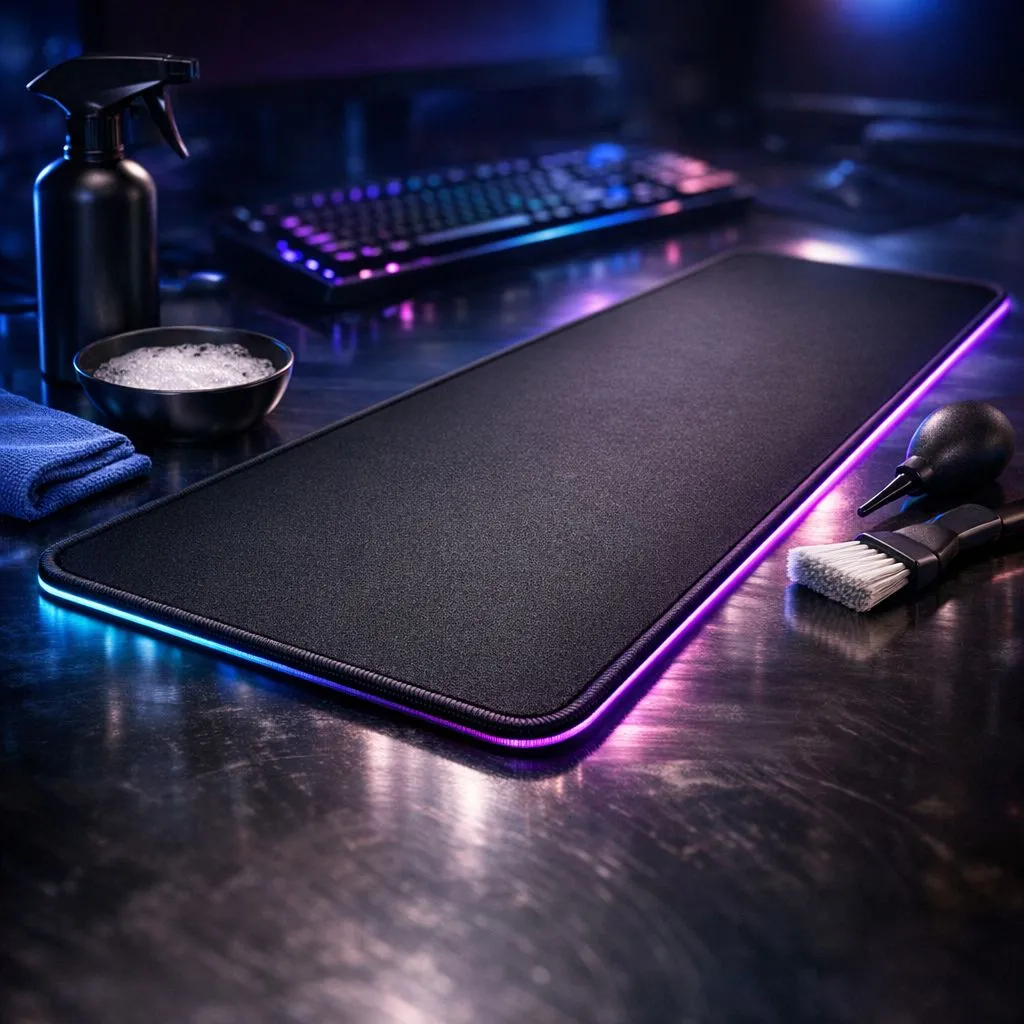
That massive extended gaming mousepad was a thing of beauty, wasn't it? A pristine black canvas for your keyboard and mouse. But after countless hours of clutching, late-night snacking, and maybe one or two cooldrink spills... it's looking a bit tired. Don't worry, we've all been there. A dirty mousepad doesn't just look bad; it can mess with your mouse's tracking and ruin your glide. Here’s how to safely clean your extended gaming mousepad and restore it to its former glory.
Why a Clean Gaming Mousepad is Non-Negotiable
Think of your mousepad as the road and your mouse sensor as the tyres. If the road is covered in grime, crumbs, and oils, you're not going to get a smooth ride. This build-up can interfere with your mouse sensor, leading to inconsistent tracking, skipped movements, and missed shots. Keeping your surface clean ensures pixel-perfect accuracy and a consistent glide, which is crucial for competitive play. A fresh start begins with a clean surface, and there are plenty of gaming mouse pads to choose from when the time is right.
How to Clean Your Extended Gaming Mousepad: The Safe Method 🔧
Washing your desk-sized mousepad is easier than you think. You just need a bit of patience and the right technique. Forget the washing machine; this is a hands-on job.
What You'll Need:
- A bathtub, large basin, or shower
- Lukewarm water
- Mild dish soap or hand soap
- A soft cloth or sponge (non-abrasive)
Step 1: Prep Your Area
First things first: unplug it! This is absolutely essential for fancy RGB mousepads to avoid damaging the electronics. Even for simpler non-lit surfaces, it's good practice to clear your desk and move the pad to your cleaning station.
Step 2: Gentle Lather & Scrub
Fill your tub or basin with enough lukewarm water to submerge the mousepad. Add a small amount of mild soap and swish it around to create a gentle, soapy solution. Lay the mousepad in the water and let it soak for a few minutes. Then, using your soft cloth or just your hands, gently scrub the surface in circular motions, paying extra attention to any stained areas. This method is safe for most cloth surfaces, from our own popular Evetech Mousepad range to other major brands.
Step 3: Rinse, Don't Wring
Once you're satisfied it's clean, drain the soapy water and rinse the mousepad thoroughly with cool, clean water. Keep rinsing until no more suds appear. It's vital to get all the soap out to prevent a sticky residue. Gently press the water out, but never wring or twist it! This can permanently damage the fibres and rubber base, a risk for both Extended and even larger XXL pads.
Drying Pro Tip 🌬️
Never, ever use a hairdryer or tumble dryer! The intense heat can melt the rubber base, causing it to separate from the cloth surface or lose its grip on your desk. A slow, natural air dry is the only safe way to preserve your mousepad's integrity and performance. Let it dry for at least 24-48 hours before using it again.
Step 4: The Patient Art of Drying
The final, most important step is drying. Lay the mousepad flat on a clean towel or hang it over a shower rail, away from direct sunlight or heat. Patience is your friend here. 🧘 It needs to be 100% dry before it goes back on your desk to prevent any moisture damage to your desk or the pad itself.
When It's Time for a Fresh Surface
Sometimes, a mousepad is just at the end of its life. If the edges are fraying, the rubber base is peeling, or stains just won't budge, it might be time for an upgrade. A brand-new surface from a top-tier brand like Steelseries or a reliable and affordable option from the Marvo lineup can make your entire setup feel new again.
Ready for a Fresh Start? A clean mousepad feels amazing, but sometimes a fresh surface is the ultimate upgrade. Explore our massive range of gaming mouse pads and find the perfect foundation for your next victory.











