

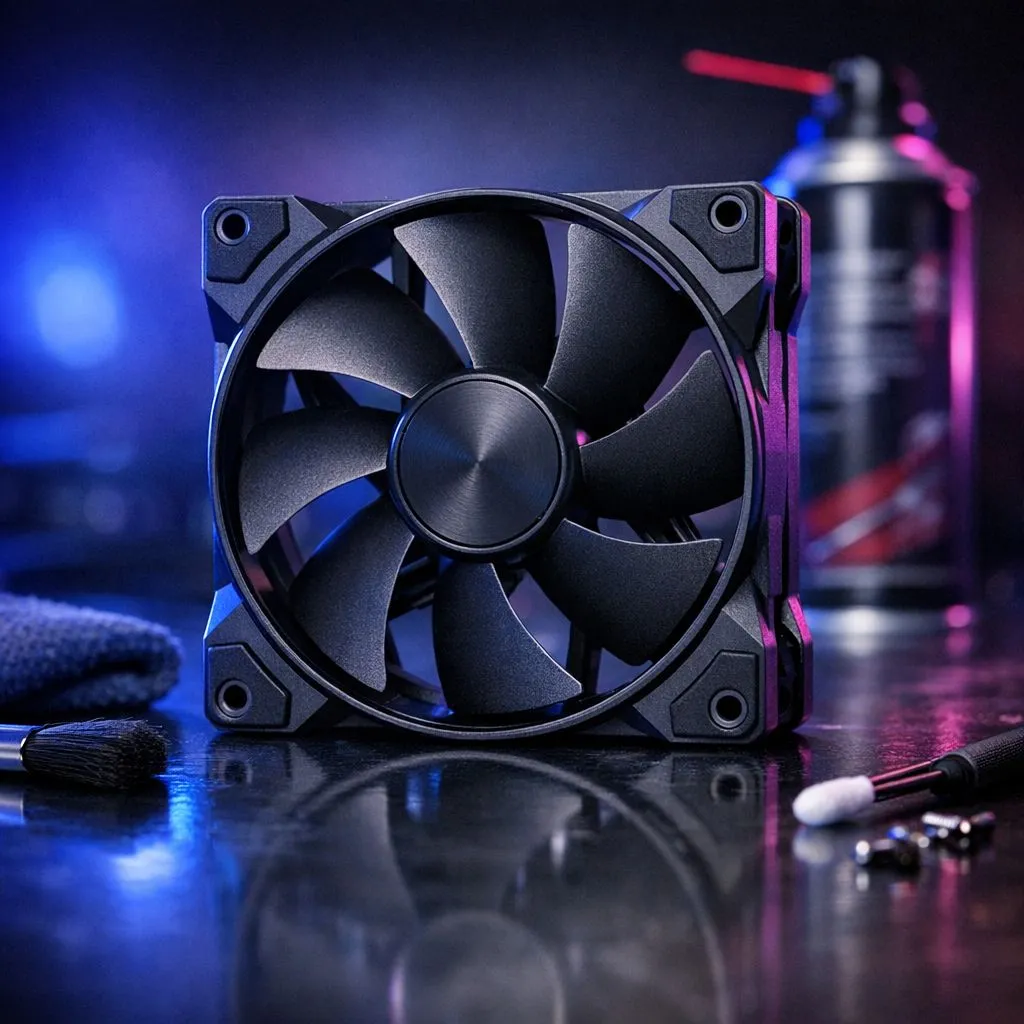
Clean PC Case Fans: Maintenance Guide for Longer Lifespan
Living in South Africa means battling constant dust... especially during the dry Highveld winters. If your gaming rig sounds like a jet engine, your fans are likely struggling. Learning how to clean PC case fans is the most effective maintenance guide for longer lifespan you can follow. It prevents thermal throttling and saves you money on expensive hardware repairs down the line. 🔧
Why Dust is the Silent Killer of Performance
Dust acts like an insulating blanket over your components. It clogs the bearings and slows down the RPM of your cooling system. When airflow drops, temperatures spike. This leads to lower frame rates in your favourite games. Investing in quality PC case fans is the first step... but keeping them clean is what maintains that "out of the box" performance.
A Simple Maintenance Guide for Longer Lifespan
Start by powering down your system and unplugging the PSU. Use a can of compressed air to blow out the loose particles. Always hold the fan blades steady with your finger. If they spin freely while being blasted, it can generate back-current or damage the motor. For premium builds, CORSAIR fans are known for their durability... yet even they need a wipe-down every few months to stay silent.
Pro Maintenance Tip ⚡
Use a small makeup brush or a dedicated anti-static brush to reach the edges of the fan blades. This removes the "sticky" dust that compressed air leaves behind. It is a cheap way to ensure your fans stay balanced and quiet for years.
Choosing the Right Fan for Your Environment
If you live in a particularly dusty area, consider the build quality of your hardware. Deepcool fans provide an excellent balance between cost and performance for South African gamers. They are easy to disassemble and clean without breaking the bank.
When it comes to aesthetics, RGB case fans look stunning when they are spotless. However, dust shows up clearly against the light, making your build look neglected. If you prefer a low-maintenance look, fans with no lighting are often more discreet and easier to inspect for grime. 🚀
Sizing and Proper Replacement
Sometimes, a fan is beyond saving. If you hear a grinding noise even after a deep clean, the bearings are likely shot. Don't let a R200 part put your R15,000 components at risk. Most modern cases use 120mm fans as a standard for exhaust. If your chassis allows it, upgrading to 140mm fans can provide better airflow at lower noise levels. This means they don't have to spin as fast to keep things cool... which actually helps reduce dust buildup over time. ✨
Ready to Refresh Your Airflow? A clean PC is a fast PC. If your current fans are past their prime or just too loud for your late-night gaming sessions, it is time for an upgrade. Explore our massive range of case fans and keep your gaming rig running cool and quiet all year round.











